How to Set Up Google Ads and Sklik for Local and Global Markets
A local service business needs customers it can actually reach. A company entering another country needs the right market, language and fulfilment. Copying the same campaign cannot address both situations. This guide translates commercial coverage into Google Ads and Sklik settings and checks those settings against real enquiries.
This guide focuses on campaign configuration and verification. For platform selection, see our Sklik and Google Ads comparison; for broader operational preparation, see campaign localisation for new markets. Platform guidance was checked on 20 November 2026. For staged changes, verify the settings available in the actual account as well.
01Define who the business can actually serve
The brief should name the product or service, serviceable area, language, availability and commercial objective. “All of Czechia” can mean parcel delivery, remote advice or a technician’s visit; each has different constraints. For international activity, specify actual countries and segments. “Global” is not a usable targeting brief.
| Business brief | Campaign distinction | Commercial confirmation |
|---|---|---|
| Service in selected districts | Service area and searched-for need | Job location and available capacity |
| Shop serving Czech customers | Products, target market and network | Delivery coverage, stock and margin |
| Czech firm entering Germany | German offer, URL and budget | German support and fulfilment terms |
| Hotel attracting international guests | Guest’s market and destination | Bookable capacity and service language |
Distinguish the person’s location, the place they are interested in and where the work must happen. A property owner can book a tradesperson from another city; a tourist can search for a hotel abroad. The commercially important location may therefore come from the enquiry rather than the platform’s estimate of where the visitor is.
02Give each platform an appropriate role
Sklik is not a second worldwide search engine. Its Search network operates within the Seznam environment and related services. For international expansion, assess the audience actually available there. Removing a geographic restriction does not itself create German or American demand.
Google Ads supports countries and smaller geographic areas where available. At launch, separate search intent from display activity and brand searches from new-demand acquisition. Do not enable another network simply because it is available. Each budget needs an understandable purpose and a route to a verified commercial outcome.
03Check presence and interest in Google Ads
Google’s advanced location options distinguish people in or regularly in an area from a broader option that also includes interest in it. For a service strictly limited to local customers, consider the narrower Presence option. For ordinary Search ads promoting accommodation, interest from someone outside the destination may be relevant.
Record included and excluded areas and the selected option. A city name in a keyword does not replace geographic controls. Google also states that location uses multiple signals and is not guaranteed to be completely accurate. Verification therefore continues with actual enquiries rather than ending at the account’s map.
04Choose Sklik regions deliberately
Sklik’s region settings describe Czech regions and districts. The documentation says that without a selected region, an ad may reach users anywhere in the world within the available network. That is not an explicit Czech-only restriction. A region limits delivery; it does not replace the other targeting criteria.
Sklik also explains geolocation differences: systems use different sources, and network conditions can distort location. A discrepancy with analytics does not automatically indicate a broken campaign. For a local service, record the requested job location and why an enquiry could not be served.
05Handle language for the current campaign type
An important change, checked on 20 November 2026: Google’s language targeting guidance describes changes starting in September 2026 for Search and the Search portion of Performance Max. Campaign-level language settings are being removed for these placements, with matching based on ad language. Older instructions to select a campaign language are therefore not universally applicable.
The same documentation retains language settings for other Performance Max channels such as YouTube, Display, Discover and Gmail; Shopping ads are not affected by those settings. Check the campaign type and rollout state in the account. In every case, align the language of the advertisement, landing page and follow-up. Language alone does not determine the country you serve.
06Separate budgets where decisions need to differ
Separate campaigns are useful when budgets, geography, offers or business objectives need independent control. Each city does not require a new account. Excessively granular structure fragments data and adds work; overly broad structure hides which market consumes the budget. Organise campaigns around decisions the team genuinely needs to make.
Use naming and documentation to identify market, offer, network and purpose. After copying, recheck regions, destination URLs, measurement, exclusions, budgets and any schedule. Treat an import from another platform as a draft for review. Similar feature names do not guarantee identical behaviour.
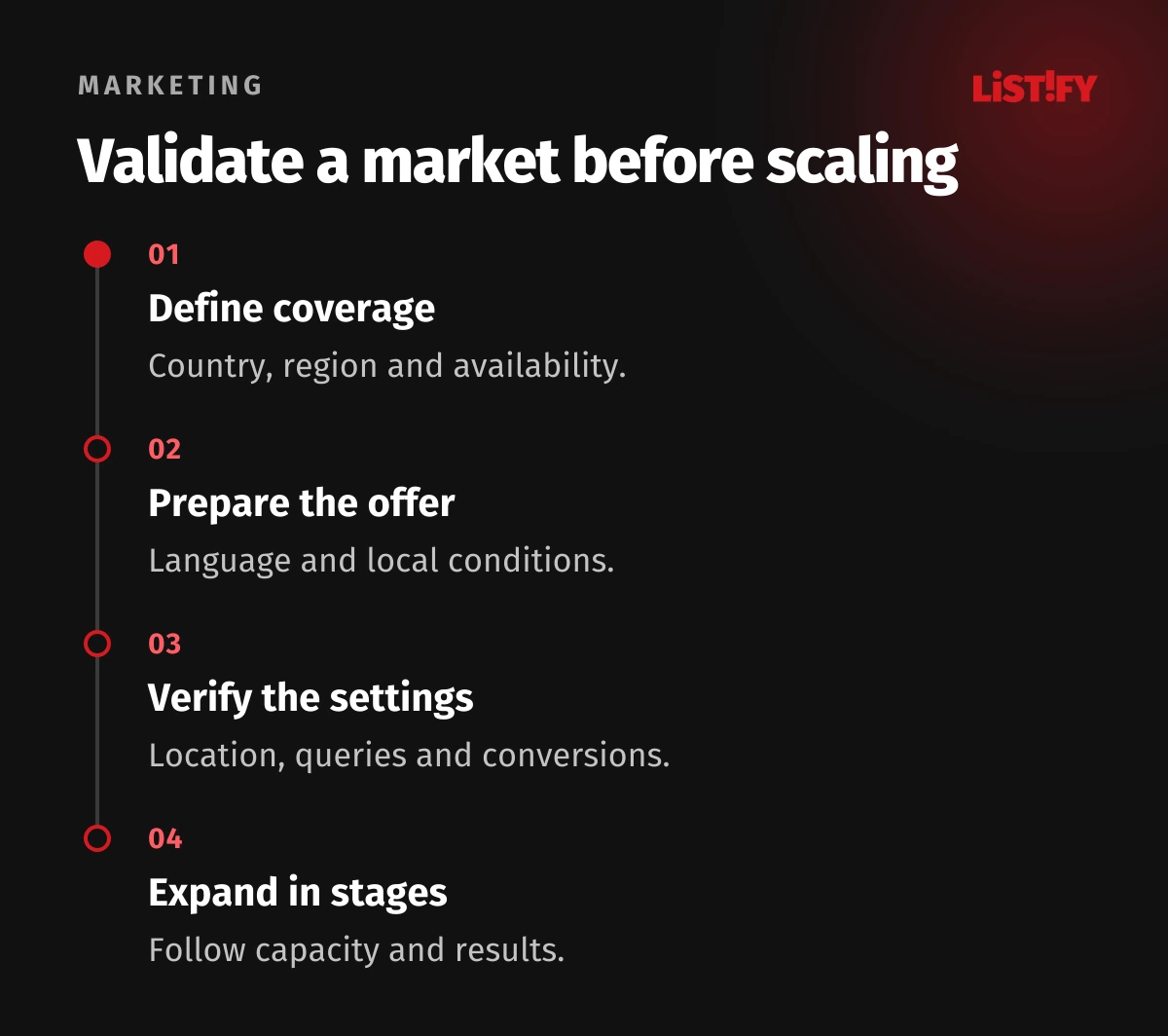
07Connect the query, ad and available offer
Use the market’s real search intent. A literal translation of a Czech phrase can point to a different need. Review available search terms and relevant exclusions separately in each platform. Send the ad to a landing page that confirms the same service, coverage, language and next step.
For a shop, verify product data and feeds, delivery and the final price for the target country. For local services, align ads with accurate business information and local search visibility. Do not imply a branch in every city when none exists. A precise offer can filter out some unserviceable enquiries before they arrive.
08Verify measurement and the actual outcome location
Test an order or enquiry on every target version of the site before launch. Verify the completion event, duplicates, currency, value and consent handling. Our Google Ads measurement guide provides further checks. Compare platforms using the same business definition, and do not add their attributed conversions as if they were unique customers.
For services, record job location, qualification and loss reasons. For shops, record actual delivery country, cancellations and returns. Compare markets in the same currency and at comparable stages of the sales cycle. A fresh B2B enquiry is not a completed contract. Cheap clicks are of little help when they mainly come from outside the serviceable market.
09After launch, diagnose the specific mismatch
| Observed issue | First checks | How to verify the change |
|---|---|---|
| Enquiries outside the service area | Location options, queries and offer wording | Actual locations of subsequent jobs |
| Visitors using an unexpected language | Ad, query and landing-page language | Relevant queries and enquiry quality |
| Visits without orders | Delivery, availability and checkout | A test order for that country |
| Markets cannot be compared | Conversion definitions, currencies and sales lag | The same business criterion and observation period |
| One market consumes the budget | Structure and shared budgets | An independently controllable investment plan |
Fix technical failures promptly; assess commercial performance with sufficient data and allowance for the buying cycle. Record changes to settings, offers and availability. Changing language, audience, page and budget simultaneously makes improvement difficult to explain. Add another market once the team can distinguish a targeting mismatch from a service-capacity problem.
Send Listify your service or product, serviceable countries or districts and the languages your team supports. We can propose campaign structure, location settings, matching pages and outcome checks. For an existing account, we start with where actual demand diverges from the brief.
10Frequently asked questions
Is a city name in the keyword enough?
No. The query expresses a need, which is not the same as the person’s location or the job location. Check geographic settings, offer wording and where work actually takes place.
Is Sklik Czech-only without a selected region?
The documentation allows delivery to users anywhere in the world within the available network. That is neither worldwide market coverage equivalent to Google nor an explicit Czech-only restriction. Set regions deliberately.
Does each market need its own account?
Not automatically. Management, billing, accountability and budget control matter. Clear campaign structure may suffice, but choose the setup around business operations and platform constraints.
Why is the old Search language setting missing?
Google describes a change starting in September 2026 towards automatic matching by ad language for Search and the Search part of PMax. Other channels differ. Check the current documentation and account.
When should another country be added?
When the new market has a verified offer, service capability, page and measurement, and current results can be interpreted. Reuse the workflow, but reassess local demand and operating conditions.