Website structure and information architecture: helping people find their way
A useful website structure helps visitors understand where they are, what they can find and where to go next. It starts with customer tasks rather than your organisational chart. Here is how to audit content, name sections, evaluate navigation and change an existing website without losing the paths that customers rely on.
Imagine a customer approaching an equipment maintenance company. They want to find out whether you repair another manufacturer’s equipment, then request a quote. The menu offers Solutions, Technology and Centre. None tells them where to check their situation. A fast, attractive website can still leave this customer guessing. We will use this hypothetical business to explain the decisions involved.
The workflow below is an editorial framework for a business website. It does not report results from a client project or prescribe a universal number of menu items. Each step produces something you can hand to a colleague or supplier, together with a way to assess whether it works.
01Information architecture is more than the menu
Information architecture determines how you group, name and connect content. The menu is one visible expression of those decisions. A page tree is useful for planning, but it does not explain what belongs on a category page, how customers distinguish related services or where they find a follow-up answer. Those decisions need to fit together.
Distinguish four layers in the brief. Content defines which information exists. Structure organizes it into groups and relationships. Navigation offers specific paths. The interface presents those paths and information as controls and layouts on a screen. If customers do not understand what a category means, a larger button may not solve the problem.
| Layer | Example deliverable | Question to check |
|---|---|---|
| Content | Services, conditions and answers | Is information needed for a decision missing? |
| Structure | Groups, parent pages and relationships | Does the grouping make sense to customers? |
| Navigation | Menus, breadcrumbs and related links | Can people identify the next step? |
| Interface | Controls and device layouts | Can people actually use the route? |
02Start with a task someone needs to finish
Write down specific situations: choose a service, check your coverage area, understand maintenance conditions, compare alternatives or get help with an existing order. “The user wants information” is too broad to guide design. For each situation, identify the question that needs answering and a result you can recognise.
GOV.UK recommends starting by understanding people and their needs. For a business website, useful inputs include customer interviews, recurring support questions and observing people using the site. Sales colleagues provide valuable evidence, but their assumptions still need checking with people outside the company.
For our hypothetical maintenance company, distinguish a new prospect from an existing customer reporting a breakdown under a service agreement. Both need maintenance, but the second person needs the reporting procedure and the right contact quickly. A customer journey map helps establish the broader context; the website structure must support the particular steps within it.
03Audit the content, not only its URLs
For each existing page, record its topic, customer task, owner, freshness and important incoming links. Distinguish information that supports a decision from material created for a single campaign. Low traffic alone is not a reason to remove something: a complaints procedure may be essential even when relatively few people need it.
Look for contradictions as well as duplicates. The same service may have different names in the menu, pricing page and case study. Two pages may promise different support hours. Before moving links, decide which information is authoritative and who will correct the other occurrences. Moving an outdated page into a better category will not make its answer accurate.
The inventory should end with a decision to retain, revise, combine or retire each relevant item, supported by a reason and an owner. Turn missing answers into content tasks. A blank page with a sensible label is still a blank page, not a finished information architecture. Include downloadable documents and help content in the inventory where customers rely on them.
04Group information around customer expectations
Categories can reflect a service type, a problem or a customer situation. Avoid mixing these approaches randomly at the same level. If Maintenance, Manufacturing Businesses and Our Departments sit side by side, visitors first need to work out how the list is organised. An overview can offer several routes, provided each is clearly explained.
In card sorting, participants organise topics into groups. The method can reveal expected relationships. Its output is neither a finished menu nor a vote on the final website. The design also needs to account for priority tasks, the volume of content and how the business can maintain it.
For the maintenance company, sample cards might include Other Manufacturers’ Equipment, Routine Maintenance, Report a Breakdown and Spare Parts. Avoid wording cards so that they reveal the grouping you already want. Differences between participants can point to distinct situations that a single route will not serve equally well.
05Use labels that make a concrete promise
A label should help someone predict what will open. Internal department names, abstract verbs and marketing slogans can be weak clues for a first-time visitor. This does not mean the whole brand must use bland language. Navigation, however, has a practical job: helping someone decide where to go next.
For each important link, complete this sentence: “After following this link, the customer expects…” If the team cannot agree, return to the destination content. Services is not inherently a bad label, but it should lead to an understandable overview. Solutions may require additional context before a visitor can distinguish it from the rest of the offer.
| Vague in our example | More specific alternative | Use only when |
|---|---|---|
| Centre | Support and maintenance | The page actually provides support and maintenance guidance |
| Learn more | Compare service plans | The destination compares those plans |
| For businesses | Maintenance for manufacturers | The offer specifically addresses manufacturing businesses |
| Our capabilities | Equipment we repair | The page clearly defines supported equipment |
06Do not optimise for a universal click limit
Three uncertain choices can be harder than four clear steps. NNGroup explains that the three-click rule is not a supported universal limit. Look at whether people recognise the correct route, backtrack and ultimately reach an answer that satisfies their task.
A flatter tree is not automatically better. A very broad first level can replace the effort of clicking with the effort of scanning many similar options. A deeper tree needs meaningful categories and clear orientation. Evaluate the trade-off using important tasks rather than the visual symmetry of the planning diagram.
You can still define access priorities in the brief. For example, the breakdown-reporting contact should be easy to find from relevant maintenance pages. That does not require every legal document and archived article to appear in the main menu. Different content deserves different prominence according to the situations it serves.
07Support people who arrive in the middle
Visitors do not necessarily start on the home page. A search result, email or colleague’s link can take them straight to a service detail. That page needs its own context: who the offer is for, where it belongs, what comes next and how to reach the broader overview. Basic orientation should not depend on someone having read your introduction.
Breadcrumbs describe a place in the hierarchy rather than replacing browser history. Contextual links help people continue to a related answer. For a repair request involving another manufacturer, that might mean the information required for diagnosis or the conditions of an inspection. The newest unrelated article is unlikely to be the most useful next step.
W3C’s Multiple Ways criterion addresses more than one way to locate a page within a set of pages, with exceptions for steps or results of a process. Depending on the website, suitable routes can include overviews, internal links, search or a site map. This does not mean placing every navigation mechanism on every page.
08Search and filters complement the structure
A person who knows the exact name may benefit from search. Someone exploring their options may need an overview and a comparison. Search therefore does not excuse unclear navigation. Where a catalogue contains many similar products, people also need to understand the results and how to narrow them down.
Filters depend on content attributes. An equipment catalogue might use manufacturer and type; a service catalogue could use operating conditions. Each attribute needs consistent values. Different spellings of the same manufacturer can look like different choices to customers. Our guide to ecommerce search explores those dependencies further.
A query with no results is a prompt to investigate, not an automatic instruction to create a page. It could indicate a missing offer, an unfamiliar synonym, a spelling mistake or something the business intentionally does not provide. The response depends on the cause. Avoid collecting personal information from query logs unnecessarily.
09Test the tree without giving away the answer
Tree testing evaluates findability in a simplified hierarchy without the usual visual interface. It helps distinguish grouping and labelling issues from presentation issues. It does not replace testing the working menu on a phone or with a keyboard.
A task such as “Find Other Manufacturers’ Equipment” repeats the destination label and gives away the answer. In our example, a more useful situation is: “Your equipment came from another supplier. Find out whether this company can repair it.” Decide in advance which destinations count as successful answers. There can be more than one if they genuinely resolve the same question.
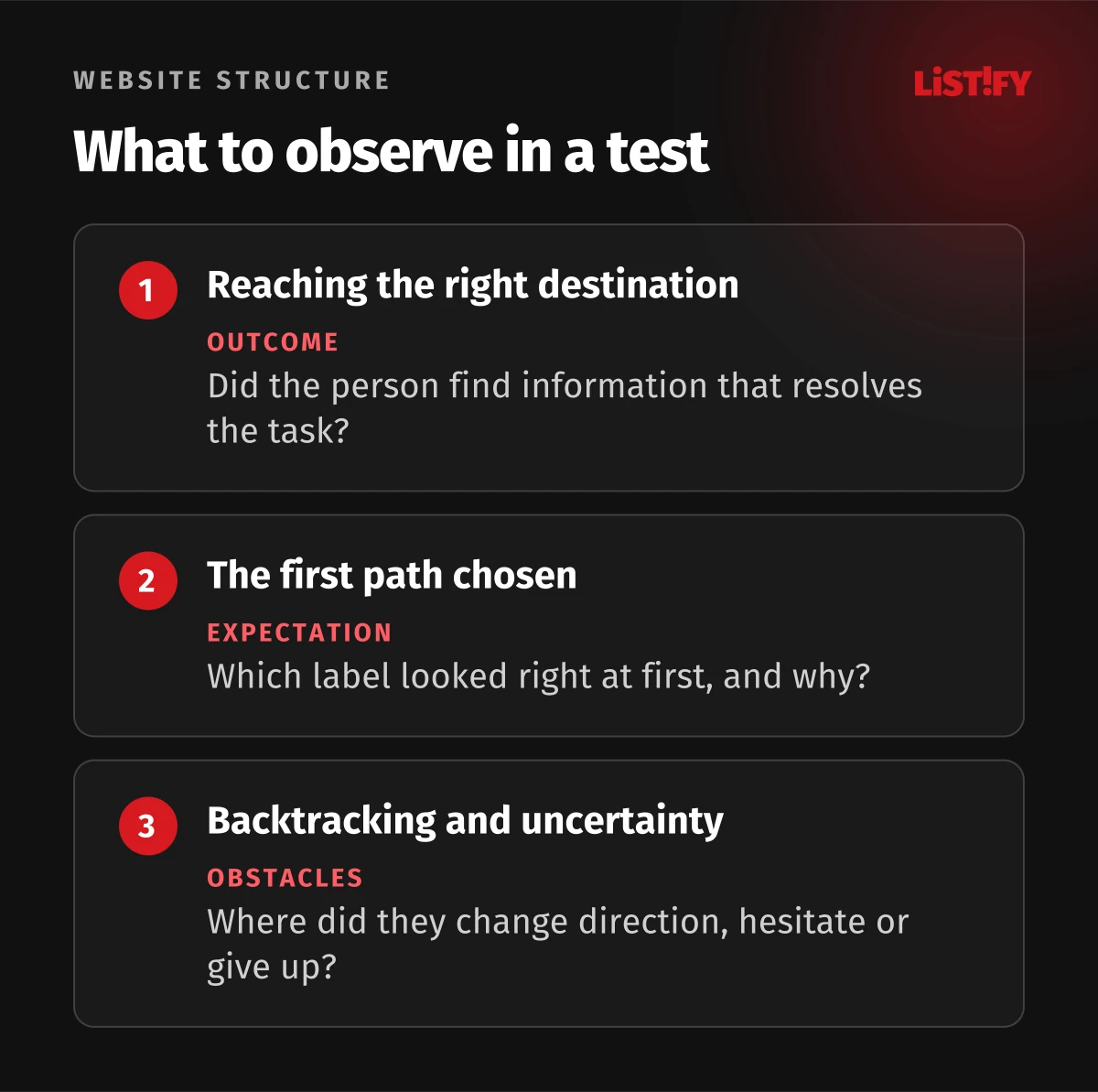
Record the outcome, the first branch selected and any backtracking. If people start correctly but become lost later, inspect the lower-level options. If initial choices scatter across the tree, investigate top-level labels and the expectations of different customer groups. Treat these interpretations as hypotheses to verify, not automatic diagnoses.
10Check the real menu on mobile and with a keyboard
After evaluating the tree, transfer the priority tasks to a prototype or working site. People must be able to find and open the menu, navigate submenus and return safely. Make the distinction between expanding a group and opening a destination clear. Important options should not depend entirely on mouse hover.
W3C WAI explains the importance of semantic menu structure for assistive technologies. Follow implementation with keyboard, screen reader and magnification checks. Establish whether the current location and expansion state are understandable and whether someone can leave the control.
Use real content and longer translations in those checks. Navigation that fits short labels in one language may become harder to operate in another. Evaluate the same customer tasks in each supported language. A literal translation of an internal term may not be the term used by customers in that market.
11Map redirects before changing addresses
Changing a menu does not necessarily mean changing URLs. First decide whether an address change has a useful purpose. When addresses change or pages merge, map the old page to an appropriate new destination. An old link to maintenance conditions should not land on a home page that does not contain the answer.
Google describes a site move with URL changes through preparation, address mapping, redirects and subsequent monitoring. For your project, also check important bookmarks, campaign links and routes into the enquiry form. A move can affect traffic and requires follow-up evaluation.
Connect pages using actual links with destination addresses. Google recommends crawlable links and meaningful anchor text. An XML sitemap supports search engines; it does not replace customer navigation. Content people frequently reach from elsewhere should also have sensible routes within the new site.
12Assign ownership after launch
Choose someone to govern new categories, labels and the consolidation of similar content. Otherwise, teams can gradually add their own menu items until the original agreement disappears. Require a customer purpose, a location in the structure and an upkeep plan for each new page.
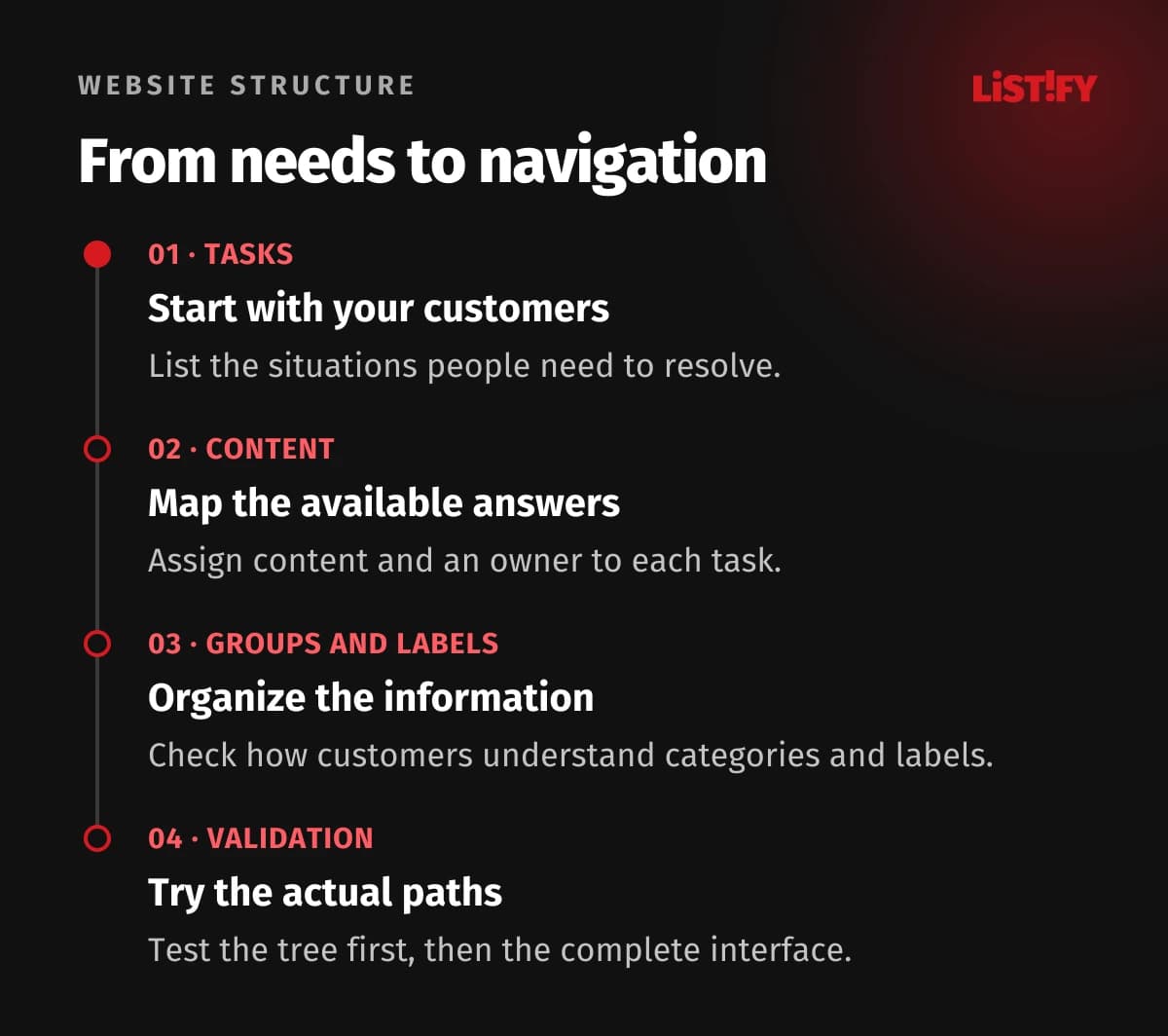
- Choose priority customer tasks and define a successful result.
- Complete the inventory and resolve conflicting information.
- Draft groups, labels and related routes.
- Test findability in a tree and then in the real interface.
- Where URLs change, verify redirects and important internal links.
- After launch, revisit the same tasks and assign each finding an owner.
Monitor task completion as well as menu clicks. More visits to support could indicate improved findability or a problem with the service. Do not infer the cause without context. Our guide to monthly website care also covers how to keep responsibilities and critical functions under review.
13Frequently asked questions
How many items should the main menu contain?
There is no single number for every website. Start with important tasks, meaningful labels and the breadth of the offer. Evaluate real tasks, including on phones. The key question is whether people recognise the right choice.
Is information architecture the same as a sitemap?
A sitemap records planned pages and relationships. Information architecture also covers naming, categorisation, content attributes and different routes to answers. A diagram is useful, but it is not the complete brief.
Should the structure follow the business or its customers?
The public website needs to make sense to people outside the company. Internal departments can own content without becoming navigation categories. Investigate how customers look for answers and make decisions first.
Can search replace navigation?
They usually support different situations. A precise query helps someone who knows what they need. Category overviews help someone exploring the offer. Both routes should lead to consistent information.
Is a tree test without visual design sufficient?
It helps evaluate labels and grouping. It does not check menu visibility, controls, accessibility or the content at the destination. Follow it with tests of important tasks in the actual interface.
Does a new structure require new URLs?
No. Navigation and internal links can change while addresses remain stable. If URLs change, prepare relevant redirects, update links and monitor the impact. Do not change addresses solely to make a planning diagram look cleaner.
How can we tell whether the change helped?
Define specific tasks beforehand and compare completion and points of confusion. Account for differences between groups and devices. Traffic, click counts and quick exits alone do not identify the cause.
14Sources and scope of the examples
Sources were checked on 28 October 2026. The maintenance company, tables and acceptance checklist are editorial examples, not a disclosed client project or measured results. Linked methodologies support selected principles; your own structure still requires knowledge of the content and its customers.