Custom software for accounting firms: client portals, documents and team workflow
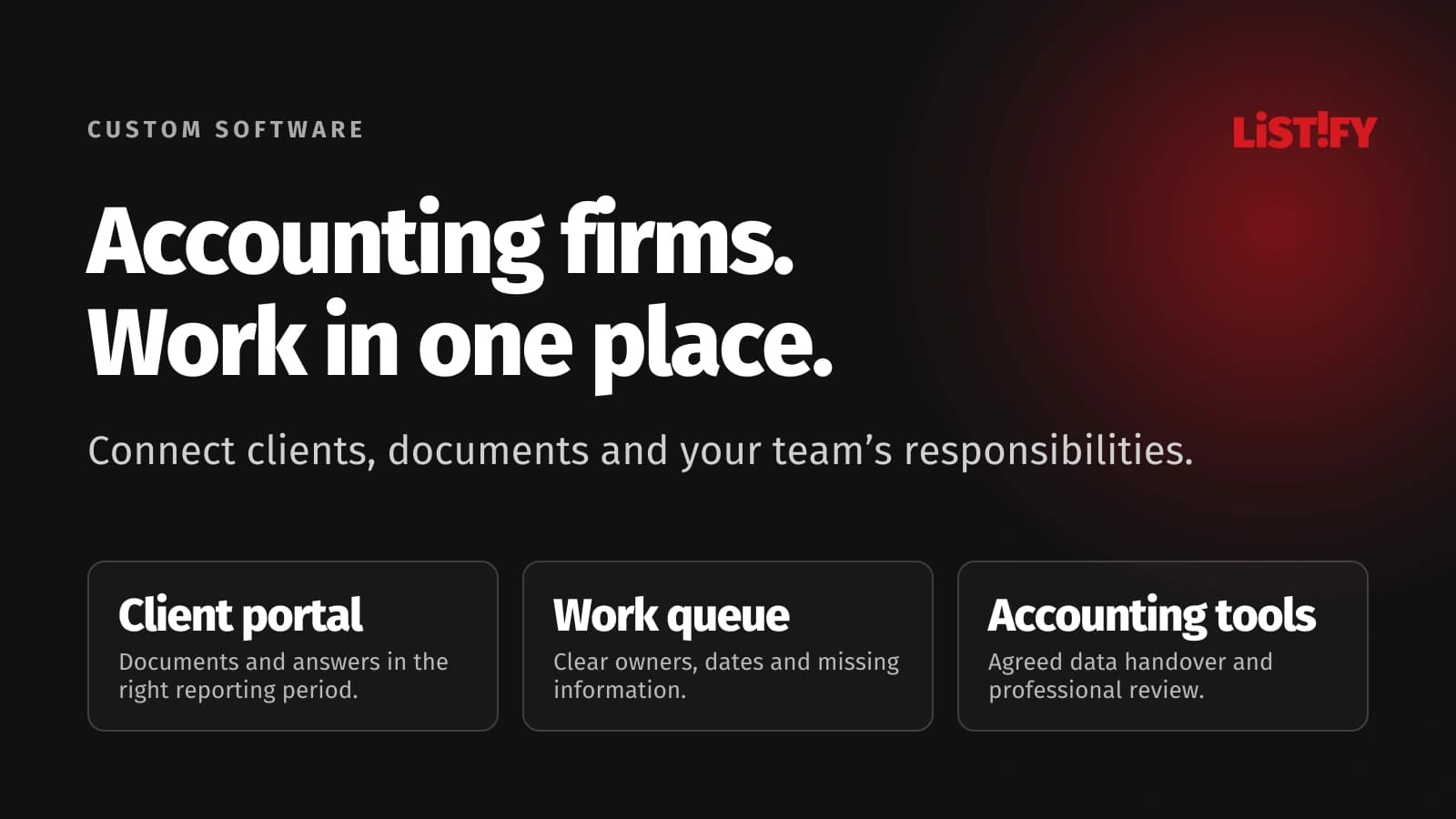
Keep your accounting software and connect the work around it: client documents, questions, recurring assignments and team responsibilities.
Illustrative situation: A client uploads invoices, emails a bank statement and answers a question about a cash payment to a colleague who is on leave. You already have accounting software. Yet the team still searches for documents, checks completeness and asks who last contacted the client before processing the month.
Custom software for accounting firms can connect clients, documents and team responsibilities around your own process. It may combine a CRM, client portal, workflow, website and connections to existing tools. Your established accounting application can continue handling ledger entries and accounting calculations.
Show Listify how your firm receives client information. An anonymised example of one client and one reporting period is enough to start a useful discussion.
01Accounting software and running a practice are different jobs
Your ledger records transactions. As a practice owner, you also need to know which jobs await client information, which require review and where unquoted work keeps accumulating. A contact list alone does not answer those questions.
A practice system should connect each client entity, agreed service, reporting period and responsible person. One contact may represent several businesses without those businesses sharing documents or permissions. Our guide to custom CRM use cases explains the wider principle. For accountants, the critical connection is between client records and recurring work.
02Twenty-one modules with a clear operational purpose
Clients and information collection
- 1. Client entity records: Keep contacts, assigned accountants, existing software and document handover arrangements against the correct business.
- 2. Contact relationships: Give representatives access to authorised entities only. Changing a contact must not expose another client's records.
- 3. Agreed service scope: Distinguish recurring fees, one-off assignments and requests that need a separate quotation before work begins.
- 4. Client portal: Let clients upload information to a specific period and see precisely what the firm still needs.
- 5. Expected-document checklist: Track statements, cash records and asset information separately. An uploaded file does not mean the month is complete.
- 6. Questions beside documents: Preserve each answer, author and date with the relevant invoice so a covering colleague can understand it.
- 7. Versions and possible duplicates: Flag repeated uploads and distinguish corrected documents from earlier versions without silently overwriting the evidence.
Processing and review
- 8. Recurring job templates: Create tasks that match each agreed service rather than imposing the same checklist on every client.
- 9. Blocked-work queue: Show missing information and reasons for delay. Managers can distinguish client dependencies from internal bottlenecks.
- 10. Assignment and cover: Give each task an owner and a designated substitute with the context needed during absence.
- 11. Internal target dates: Separate collection, preparation and review targets. Record who changed a date and why.
- 12. Review approval: Approve a particular output or return it with comments. A revised version requires renewed consideration.
- 13. Accounting-system handover: Transfer agreed data through a verified interface or import, recording rejected items as well as successful transfers.
- 14. Period closure: Distinguish completed work from received documents. Late information follows an explicit correction process.
Managing and growing the firm
- 15. Additional work records: Attach exceptional work and consultations to the client so billing preparation does not depend on memory.
- 16. Capacity view: Compare active assignments, their complexity and staff availability before accepting another recurring client.
- 17. Client deliverables: Publish approved reports in the correct client area and make them retrievable by reporting period.
- 18. Website enquiries: Collect requested services and basic workload information. Route confidential documents through a suitable channel after initial contact.
- 19. Proposals and onboarding: Connect an accepted proposal to an onboarding checklist, accountable owner and client portal invitation.
- 20. Activity history: Record important changes to access, statuses and delivered outputs, with agreed logging scope and retention rules.
- 21. Missing-document reminders: Remind clients only about outstanding items at agreed intervals. Stop on receipt, flag delivery failures and escalate unresolved requests.
03An illustrative month from collection to delivery
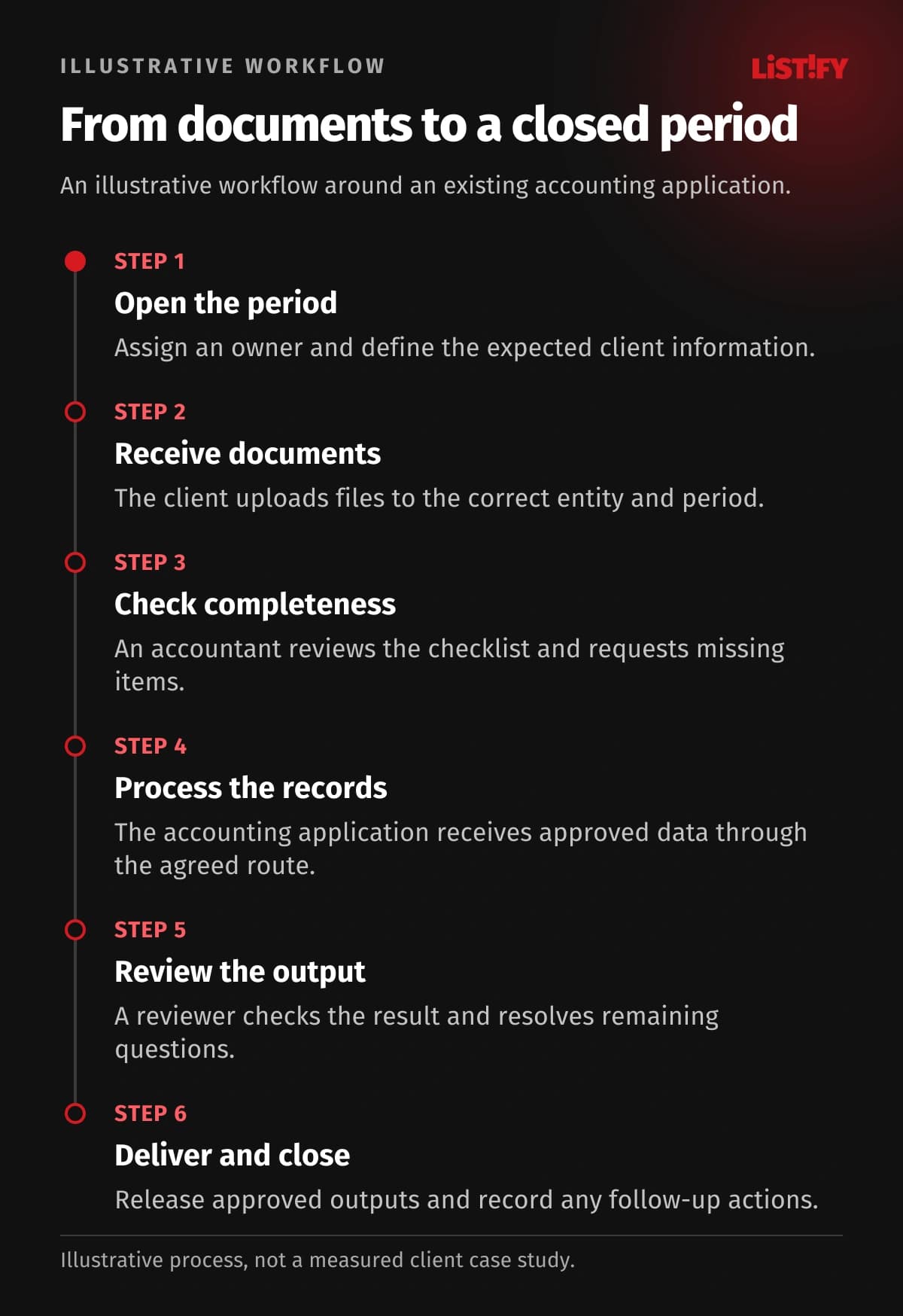
This is a proposed workflow, not a measured client case study. The firm retains its accounting application; the portal coordinates the surrounding work.
- Open the period: Create a job, assign its owner and select the expected information for the service.
- Receive documents: The client uploads files, supplies requested details and confirms completion of their handover.
- Check completeness: The accountant reviews the checklist and returns specific requests for missing information.
- Process the records: Approved inputs enter the accounting application through the agreed route. Transfer errors remain open.
- Review the output: A designated reviewer checks the result and unresolved questions before approval.
- Deliver and close: Publish approved outputs and record additional work, outstanding actions and any later corrections.
04Make every status mean something specific
“Done” can conceal several different events. Agree what each status confirms and who may change it before automating the process.
| Status | What it confirms | Decision owner |
|---|---|---|
| Information submitted | The client has finished their handover | Client |
| Information complete | Expected items have been checked | Assigned accountant |
| Processed | The accounting work has been performed | Preparer |
| Reviewed | The specified output has been approved | Reviewer |
The illustrative chart counts manual entries in explicitly listed records. It does not measure accounting speed or promise savings. Reviewing the accounting output remains a separate human action.
- Client email addressModel: separate records: 3Model: connected design: 1
- Internal period deadlineModel: separate records: 2Model: connected design: 1
- Review confirmationModel: separate records: 1Model: connected design: 1
Illustrative model, not a measurement. Email is entered in CRM, a client spreadsheet and the portal (3); an internal deadline in the job list and calendar (2). The proposed design enters each once and shares it (1). Professional review confirmation remains manual (1). Counts represent entries, not time saved. Sharing depends on verified integration capabilities.
05Design access and connections around real responsibilities
Clients see their authorised entities and released documents. Accountants work on assigned jobs, reviewers receive review materials and managers see capacity. Infrastructure administration should not automatically entail routine access to every client's documents. Define multi-factor authentication, departure access removal, logging and tested backup recovery.
Check each connection against the actual product, version, permissions and supported records. A vendor offering an API does not mean every product or operation is available through it. Our guide to API integration explains the practical questions. A controlled file transfer may be appropriate where direct integration is unavailable.
06Choose the first release before pricing the whole vision
An existing portal may be sufficient if it fits your workflows, access rules and data handover. Custom development becomes relevant when workarounds, complex cover arrangements or several disconnected tools repeatedly obstruct work.
A first release could cover clients, periods, document requests, questions and the work queue. Test it with selected clients before adding integrations and management reporting. Cost depends on scope, migration, permissions and dependencies. Separate development, external services and agreed support in the proposal.
Your website should explain services, specialisms and how cooperation starts. Connect enquiries to CRM with a clear owner and response task. Keep the initial form short; the portal can collect detailed documents later. Clear website content helps prospects assess suitability without promising search rankings.
Send us the steps where your team currently searches or re-enters information. We can define a useful first release.
07Migration and operation without an internal IT team
Standardise entity identifiers, contacts, active jobs and access rules before migration. A trial import should check attachments and period relationships, not just row counts. Older material may remain in a controlled archive where a full migration offers little benefit.
Our data migration guide covers the preparation. Agree fallback working arrangements, recovery responsibilities and documentation before launch. Listify can provide analysis, design, development, handover and contracted support. Hosting is arranged with a selected provider; Listify does not operate the hosting itself. You do not need your own IT department.
08Questions accounting firm owners ask
Does this replace our accounting application?
It does not have to. The usual scope is collaboration and practice workflow. Developing a ledger engine would require a separately defined project.
Can clients use their phones?
Yes. Uploading documents and answering questions can work through a mobile-friendly portal. A separate app should follow a demonstrated need.
Must every client move at once?
No. A pilot group helps refine the process and guidance. Each client should know which handover channel currently applies.
Can invoices be extracted automatically?
An available extraction service can be assessed. Uncertain values need review, and performance should be checked against your actual document types.
Does the system guarantee compliance?
No. Software supports agreed controls. Professional rules, document retention and responsibilities need to be established for your operating context.
What happens if we change supplier?
Agree export options, documentation, access and rights contractually. A usable handover includes attachments and their relationships, not just contact lists.
09Start with one real reporting period
Prepare anonymised inputs, a list of roles and a definition of completed work. Our guide to choosing a software development company can support the discussion. Talk to Listify about your accounting firm's system, from a client website to the portal and internal workflow.