Adding a Mobile App to an Existing Web Product: What to Reuse and Redesign
You already run a web application or client portal, and customers want a convenient way to work from their phones. A mobile app can share accounts, data and some business rules with your existing product. First, decide which tasks belong on mobile, whether your current system can support them and how the two clients will work together.
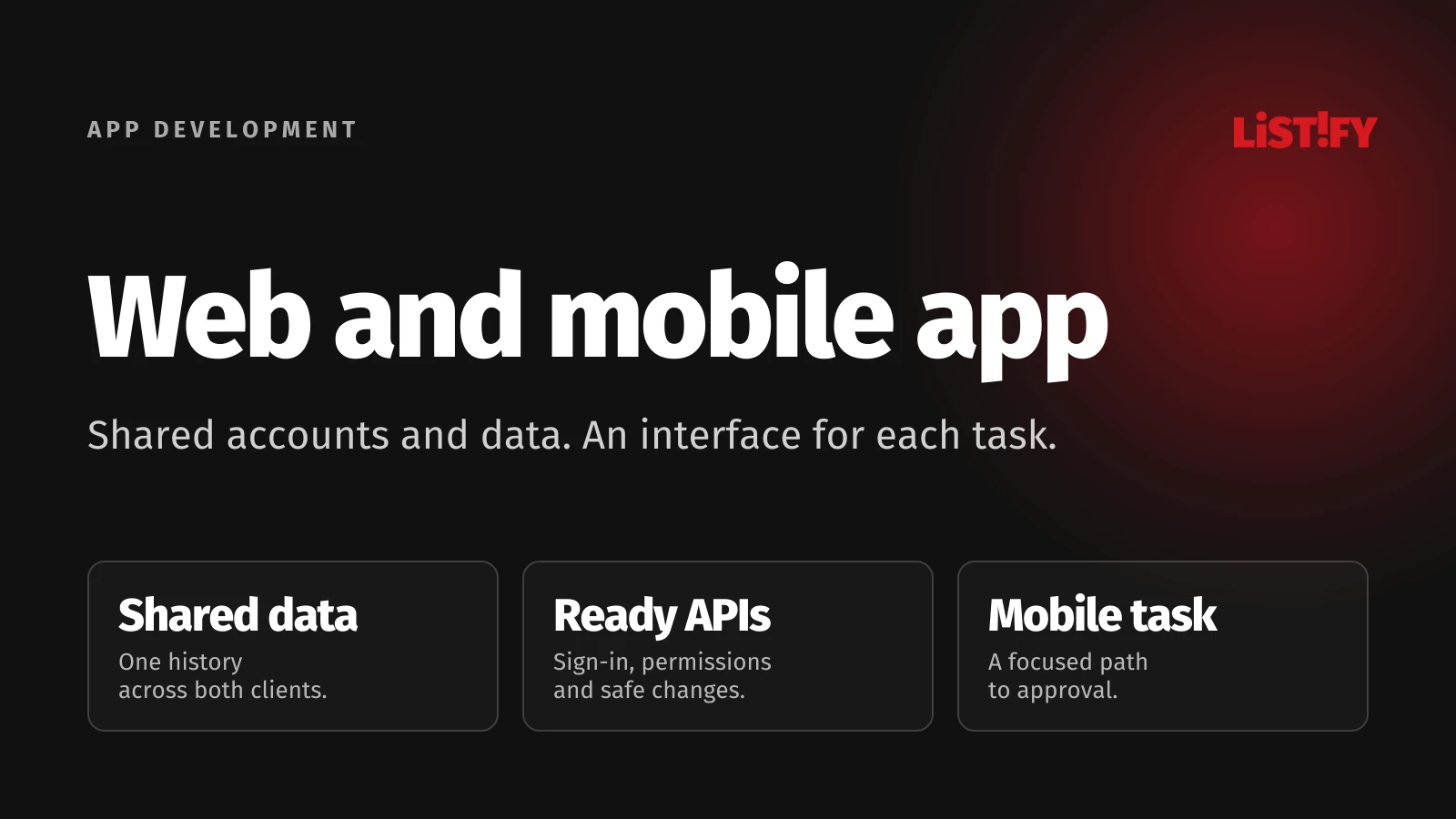
Consider a portal where clients review designs, approve work and leave feedback. On desktop, they manage projects, budgets and users. On a phone, they need to open the latest file and make a decision. We will use this illustrative example throughout; it is not a report of a measured customer project.
01What should a mobile app add to your web product?
Start with one completed task: the client finds the latest design, reviews it and approves it or leaves feedback. Identify what makes that journey difficult today. Perhaps finding the project takes too long, reviewing files is awkward or an unfinished comment gets lost. A request to “build an app” does not provide that brief.
For the first release, keep bulk uploads, budget management and role administration on the web. A mobile app can be useful without reproducing the entire administration interface. It must, however, make the current organisation, project and file version clear.
If your immediate need is a website that works better on phones, first consider whether a PWA would be sufficient. Here, we are planning an additional client for an existing service. Describe its value as a customer task completed, then test that journey in a prototype before commissioning the full interface.
02What to reuse: data, accounts and business rules
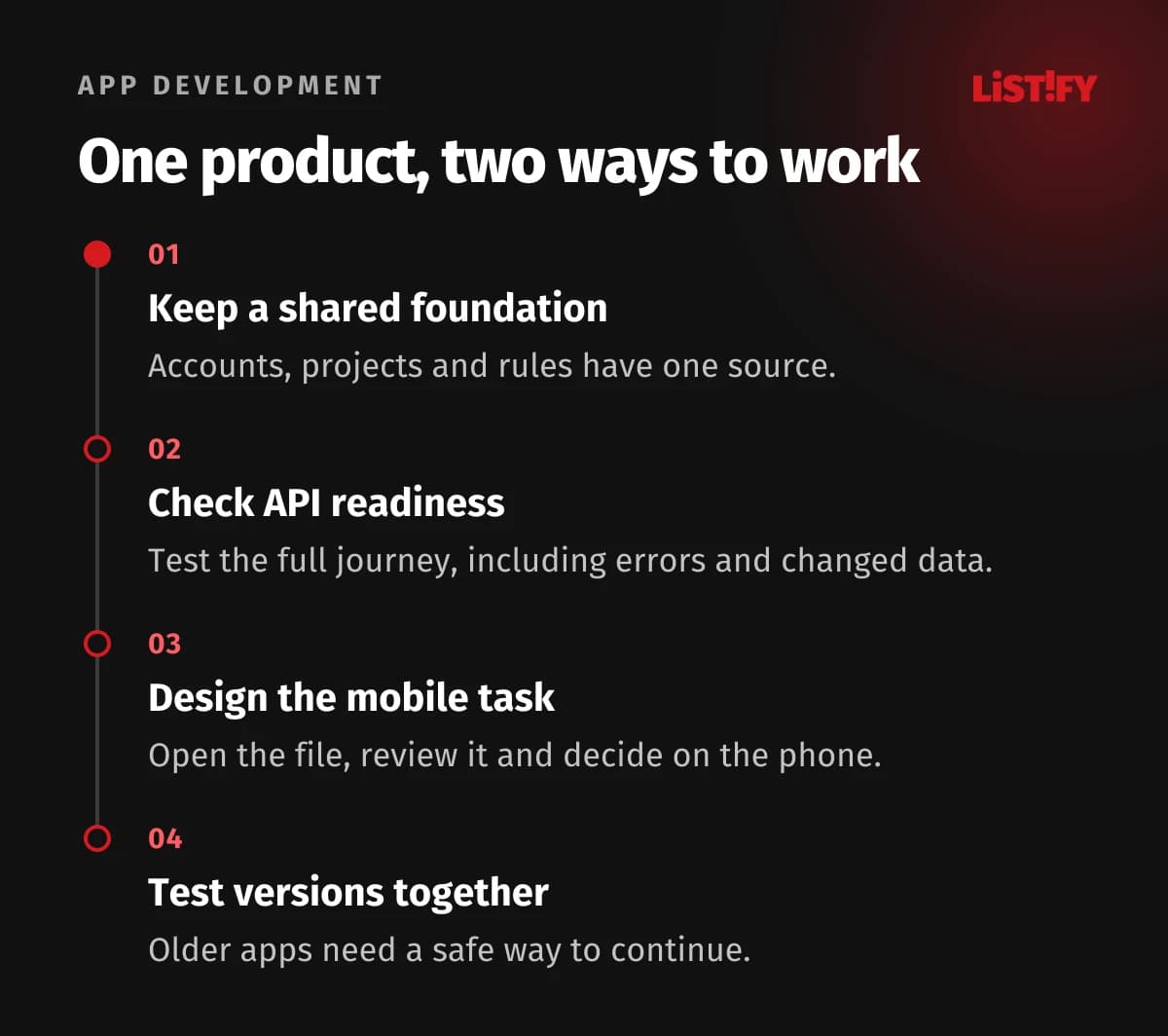
Sharing a product does not mean copying every screen. In our portal, the website and phone should refer to the same project and approval. Avoid creating separate records that must later be reconciled. An API gives the mobile app access to the backend, where permissions and changes are validated.
| Product component | Proposed approach | What to check |
|---|---|---|
| Projects, documents and history | Keep a shared source of data. | Both clients use the same identifiers and current versions. |
| Accounts and organisation memberships | Build on the existing identity. | Sign-in, switching organisations and access removal. |
| Approval rules | Maintain them centrally on the server. | Who may approve each version and when that decision is valid. |
| API and authentication | Review, then adapt as needed. | Required operations, error handling and mobile sign-in. |
| Navigation and document review | Design for the phone. | Readability, orientation, comments and returning to a task. |
Matching email addresses in two databases do not create a shared account. A user should have one identity with the appropriate memberships and permissions. If they belong to two organisations, the app must keep their projects separate. Hiding a button on the phone does not replace server-side access checks.
Some web code may also be reusable. Capacitor documentation describes adding its runtime to an existing web project that meets its technical requirements. That possibility alone does not establish whether the current interface works well on a phone.
03Check API readiness before development begins
“We already have an API” is not enough. Ask the supplier to demonstrate the complete mobile journey through the interface the app will actually use: sign in, retrieve the client’s organisations, find a project, open a file and save a decision. A missing step may require changes to your existing system.
- Coverage: can the API support every step in the first release, including checking the result and relevant history?
- Permissions: does the server check access to the organisation, project and document for each operation?
- Data volume: does the phone fetch the necessary overview and preview, or download an archive to display one item?
- Uncertain results: what happens when an approval is submitted but a connection failure prevents the response from arriving?
- Changes during review: what happens if someone uploads a new version or removes the reviewer’s access?
For an uncertain result, provide a way to check the operation’s status and retry safely without recording another approval or sending duplicate notifications. When a document changes, the server must identify the version the decision concerned. The client should be asked to load the latest design, rather than silently approving something else.
Review authentication separately. If you use OAuth, RFC 8252 for native apps requires an external user-agent, typically a browser, and PKCE protection for authorisation codes in public native clients. Also test the return to the app, session expiry and access removal.
The review should produce a list of usable operations, required changes, responsible owners and unanswered questions. That is a basis for estimating work. A link to API documentation does not demonstrate that the required journeys function.
04What to redesign for the phone
The portal’s mobile home screen should show decisions waiting for the client. Opening an item should reveal its project, design version and latest change. Instead of squeezing a long desktop table onto a narrow screen, offer a task list that leads directly to the relevant file.
Approval should follow a review of the necessary information. If a document cannot reasonably be assessed on the phone, offer a way to continue with the same item on the web. A task is suitable for mobile when users can make an informed decision, not simply when the approval button fits.
Design for interruptions too: a call arrives, the app moves into the background, connectivity drops or the user leaves by mistake. Decide where unfinished comments are saved and when they are removed. Opening a notification should lead to the correct project, recheck access after any sign-in and retrieve the current state.
The first release could require connectivity for approvals while retaining a local comment draft. Associate each draft with the specific account, organisation, project and document version. Explain that limitation clearly. If users must complete tasks without a connection, extend the brief using our guide to offline work and synchronisation. Saving a draft alone does not provide a complete offline workflow.
05Keep the website and older mobile versions working together
A server deployment does not update every phone. Some customers will use an older app while the website already supports a new feature. Agree which versions you support, how unsupported requests will be recognised and how users can safely finish work in progress.
Suppose the portal adds a web action that returns a design for revision and requires a reason. The old app supports only approval and comments. Requiring a new field for existing operations could break a working journey. The phone must also avoid displaying an unfamiliar status as an approval.
Google AIP-180 explains the general compatibility principle: changes must account for existing clients’ expectations. It is API design guidance, rather than an automatic guarantee that your product remains compatible.
- Separate the new action from existing approval operations where the old behaviour can safely remain available.
- Decide how an older client will display an item it cannot handle. Offer a clear route to the website if that route is supported by the installed version.
- Test an actual supported older app against the new server. Testing only the latest build does not cover this combination.
- If compatibility cannot be maintained, plan a communicated end of support, an update and a way to handle unfinished data.
Make this agreement part of product operations. Assign responsibility for assessing mobile impacts, approving releases and investigating reported failures. Website and app releases need not happen simultaneously, but both must respect the shared rules.
06What determines cost and delivery time?
When comparing proposals, look beyond the number of screens to the work required in the existing system. One proposal may assume complete APIs and working authentication, while another includes fixing them. Prices are difficult to compare without those assumptions.
Request separate estimates for the product review, backend changes, mobile interface, compatibility testing and distribution preparation. Include ongoing operations: error reporting, supported versions, updates and ownership of the shared API. Mark unverified assumptions and identify the work needed to resolve them.
Once the mobile tasks and technical constraints are clear, consider native or cross-platform development. A universal percentage saving for “reusing the website” is not useful. A shared backend can reduce work, but incomplete APIs or complicated permissions can require substantial changes.
07Launch a first release with clear acceptance criteria
Recruit existing portal users who actually review and approve work. Include someone with memberships in multiple organisations and someone with limited permissions. If you are still choosing devices for that group, see our guide to selecting the first mobile platform.
| Acceptance scenario | Expected result |
|---|---|
| A client signs in with an existing account. | The correct organisations and projects appear, without creating a duplicate profile. |
| They approve the current design on mobile. | After reloading, the website shows the same version, decision-maker and time. |
| A new version arrives during review. | The old file cannot accidentally approve the new version; the client receives an explanation. |
| The server response is lost after approval. | The actual status can be checked and a retry does not create a duplicate decision. |
| An administrator removes an organisation membership. | The next request for its data is denied, even if the old screen is still visible. |
| A new server serves an older app. | Agreed operations work, with a clear resolution for unsupported actions. |
Before the pilot, decide what to observe: completed approvals, lost drafts, uncertain submission results and requests for help. Installation counts alone do not show whether customers can work more effectively. Assign an owner to every failed scenario and decide whether it prevents a wider rollout.
Distribution is a separate workstream. Apple’s guideline 4.2 requires utility beyond a repackaged website. This is neither a blanket ban on web technologies nor a promise of approval. Build a useful mobile journey and allow for checking store requirements.
08Questions about adding a mobile app to an existing web product
Can we convert a web app to a mobile app without rewriting the whole system?
You may be able to reuse the backend, data and some code. Their condition and the intended mobile tasks determine what is practical. Check one complete user journey, then decide what to retain, adapt and redesign. A one-click conversion does not replace that work.
Can people use the same account on the website and in the app?
Yes, when both clients use a shared identity and permissions. Test multiple organisation memberships, sign-in after session expiry and access removal. A matching email address alone does not establish that connection.
Will every website change automatically appear in the mobile app?
No. Shared data may appear when refreshed, while interface changes usually require an app update. The details depend on the architecture. The server must also account for supported older clients and an agreed process for incompatible changes.
09Sources
Technical sources checked on 6 November 2026: Capacitor, IETF RFC 8252, Google AIP-180 and Apple App Review Guidelines, 4.2. The feature split and acceptance scenarios are proposals for the illustrative portal described here.