Offline apps: When you need them and how synchronisation works
A salesperson drafts an order without internet access. Meanwhile, a colleague changes the price and reserves the last item. Reconnecting is not simply a matter of transferring both records. The app must decide what is valid, what needs confirmation and what requires a person’s judgement.
01Start with the consequence of losing the connection
An app needs offline capability when losing the connection stops important work or puts unfinished data at risk. For each task, write down how long it can wait and what happens if someone continues with outdated information. Different parts of the same application will often need different rules.
A catalogue can show yesterday’s product photograph. A salesperson can draft an order without a connection. Reserving the last available item, however, needs a shared decision about availability. If two disconnected salespeople both see that last item, synchronising later cannot fulfil both promises to customers.
Record the actual working conditions: brief office outages, a full day without internet access, shared tablets or concurrent changes from several devices. The length of disconnection and the number of people changing the same records matter more than a general instruction to “make it work offline”. A simple internal dashboard may only need a clear error message and preservation of an unfinished form.
For a practical field-service example, see what mobile apps for technicians need to handle offline.
02Choose the scope: Reading, writing or confirmation
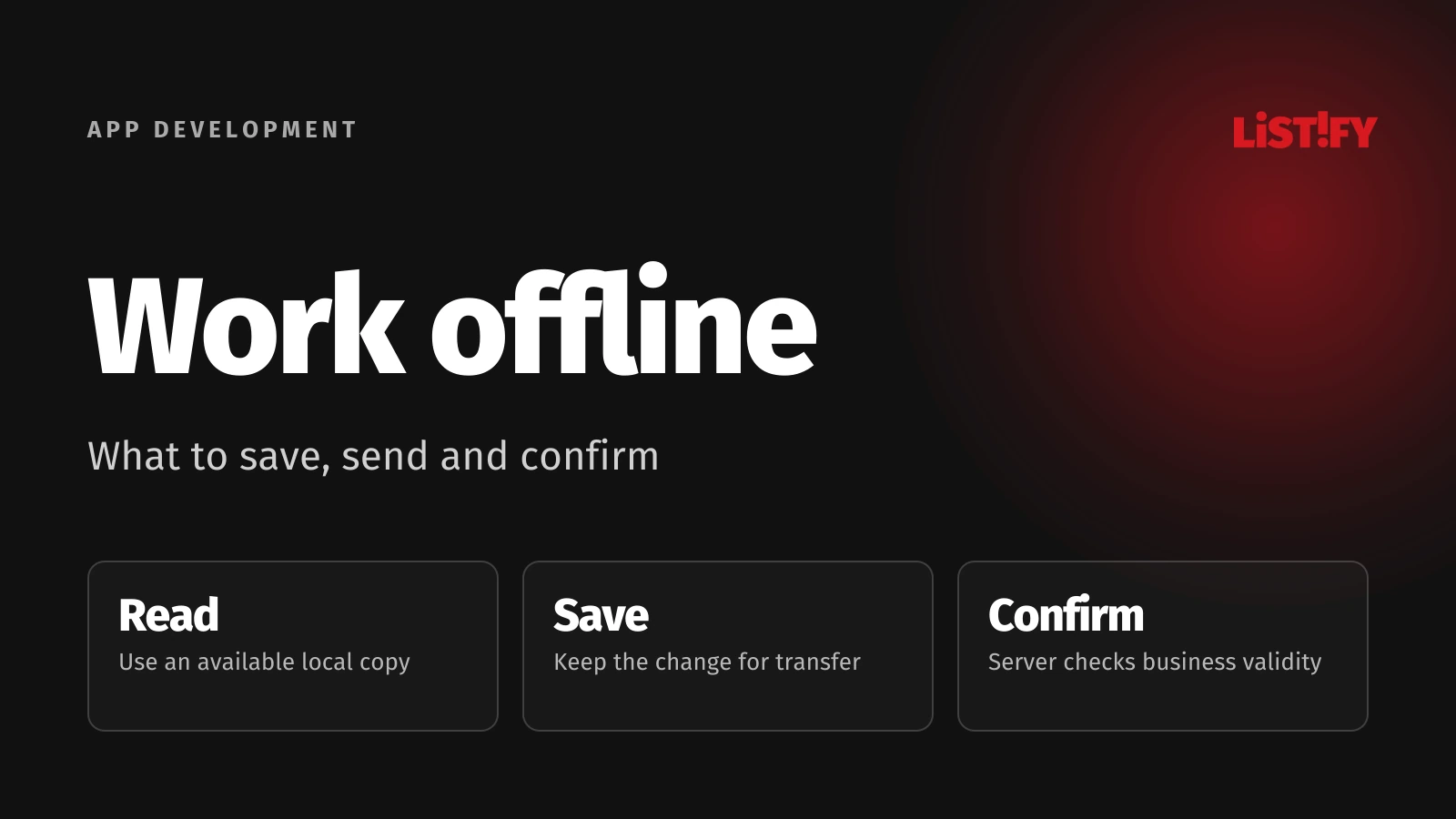
Android’s documentation distinguishes local reads from write strategies. The offline-first label does not mean an app can complete every change without a network. Replace the label with specific activities your users can perform.
| Mode | What the user can do | What they need to know |
|---|---|---|
| Read a local copy | Open previously downloaded content | Its age and what has not been downloaded |
| Work on a local draft | Save a draft or note | Where it is saved and whether it reached the server |
| Defer processing | Prepare a request for submission | The server may reject it after reconnection |
| Confirm online | Obtain a binding shared outcome | This step needs a connection |
Assign an owner to each type of data. Prices might come from a central price list, notes originate on a device and approvals remain with the server. “The last saved version” is not a sufficient business rule. Someone may draft a discount offline, but should not show the customer an unverified manager’s approval.
03Design the journey of a single change
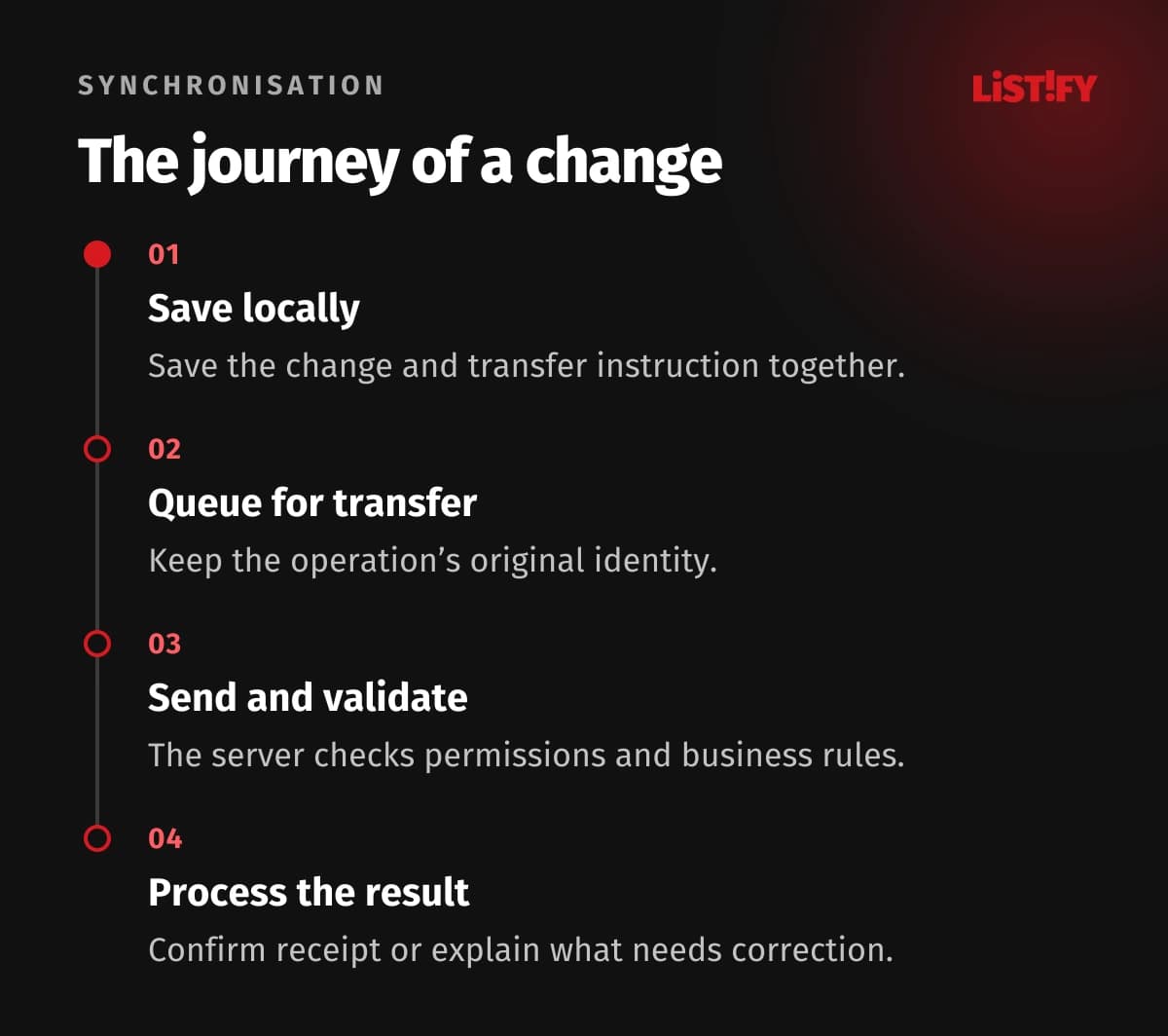
Describe the entire write journey: a person changes a value, the app saves it durably on the device, records a pending operation, submits it after reconnection and processes the server’s response. If local saving fails, the user needs to know before leaving the screen.
The list of pending operations is often called an outbox. Make the record and the instruction to transfer it later part of the same local save. Otherwise, a draft might appear on the phone without anything being responsible for sending it. A local copy used to display a screen is also different from the authority that grants a business approval.
Attachments follow their own journey. In an illustrative order, the text arrives before a sample photograph. Decide whether the office can open an incomplete draft and which attachment is required for the next step. Track incoming server updates separately: sending your own change does not mean the device has received everyone else’s changes.
04A retry must not become a second operation
The awkward case is a server that accepts a change but loses its response on the way back. The app cannot tell whether to retry. AWS describes assigning an operation a unique identifier: another attempt with the same ID must not repeat the effect. This property is called idempotency.
Distinguish a new request from redelivery of the original one. A new order gets a new identity; another attempt to send an existing order keeps its original identity. Agree how long the server retains this history in relation to the longest supported period of disconnection.
Increase the delay between attempts after temporary failures. Do not keep resending an invalid value or an operation lacking permission indefinitely. Move it to a state that requires correction and explain why. Dependent operations also need the correct order: adding a line cannot run ahead of creating its parent order. Include these requirements in the integration API design.
05Resolve conflicts according to what the data means
Two salespeople open the same draft. One changes the delivery address; the other changes the quantity. When they reconnect, you first need to know which version each started from. Without this information, it is easy to overwrite a change the other device has never seen.
- Independent notes: Add separate records with their authors.
- Different fields: Merge only if the combination remains valid for the business.
- The same field: For important values, show both alternatives to an assigned reviewer.
- Deletion followed by an edit: Decide whether to reject the change, restore a draft or request review.
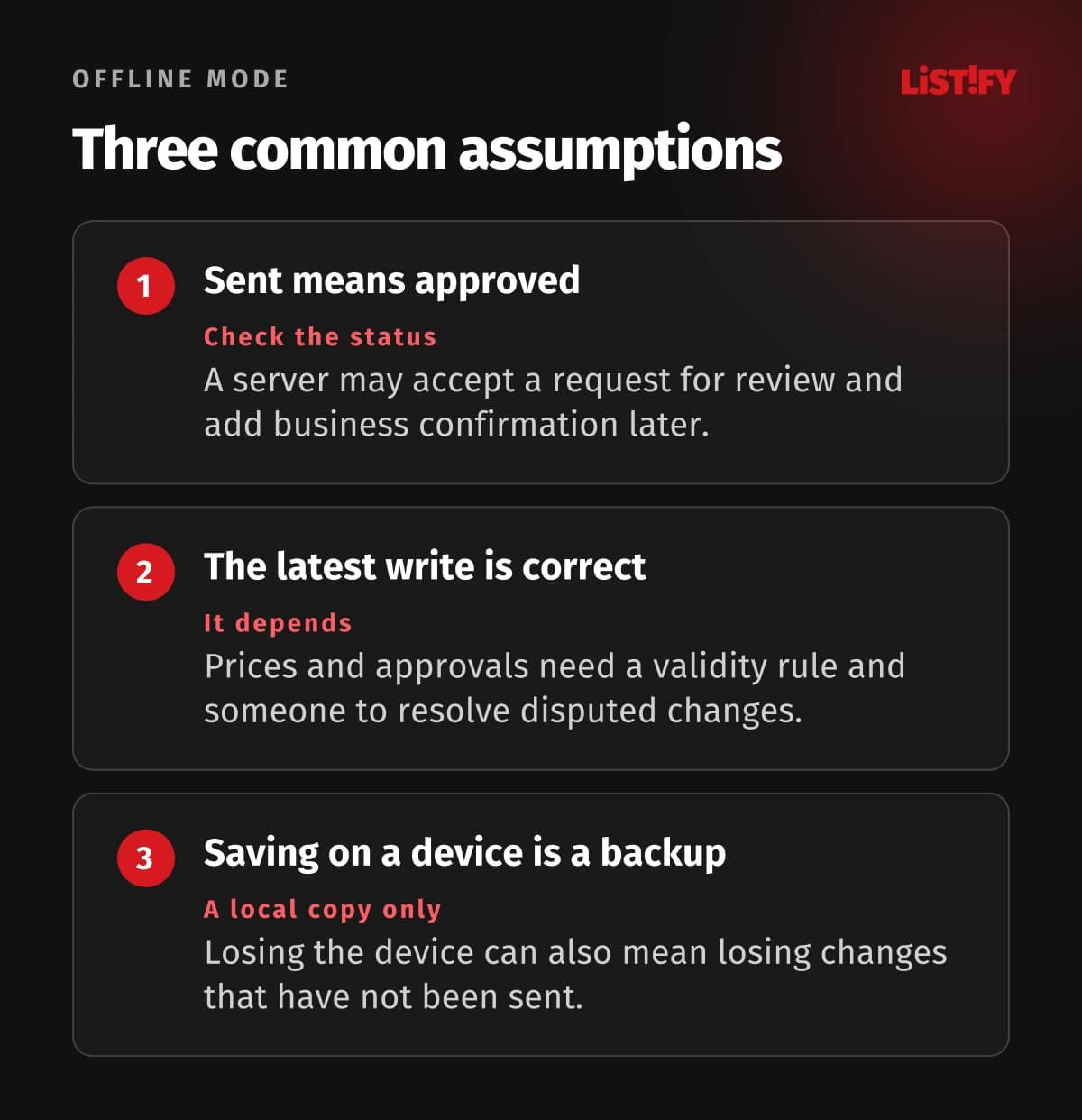
A “last write wins” rule may be acceptable for a low-impact personal preference. Prices, stock and approvals usually need a reason why a particular change is valid. A phone’s clock alone is not a dependable ordering of business events. Record the resolution so the next synchronisation does not reopen the same dispute.
06Allow for device and browser limits
For web apps, do not treat a closed browser as a dependable transfer service. The Background Synchronization API is not supported universally. Provide a path that sends changes when the app is next opened, alongside a visible list of pending work.
Local storage has limits too. MDN documents storage quotas and eviction of web data. When choosing a web application, check the actual devices, browser modes and attachment volumes. An installed app icon is not evidence that the required behaviour will work.
Store the necessary subset of data rather than automatically copying the entire customer archive. OWASP requires protection of sensitive data stored by a mobile app. Add rules for the permitted offline period, separation between users and removal of access. A disconnected device cannot immediately receive a remote deletion instruction. The process owner must understand that boundary.
Our guide to mobile app security covers data stored on the device and protection of API access.
07Base the budget and acceptance on scenarios
A local database is only part of the cost. Version management, migration of saved data after an app update, rejected requests and device-specific diagnosis all add work. Ask who can discover why a change is waiting without requiring the user to email an entire customer record to support.
Choose one valuable activity and a clear boundary for the first release, such as drafting an order with online confirmation. Test lost responses, repeated submission, concurrent editing, full storage and an app update with pending changes. After reconnection, compare the business outcome, not just the green connection indicator.
In production, monitor the age of the oldest pending operation, unresolved conflicts and reasons for rejection. Assign someone to act on them. Offline capability is useful when people can continue working and the business subsequently receives an outcome it can understand and check.
08Frequently asked questions
Is offline mode the same as a cache?
No. A cache keeps copies for faster or later reading. Writing offline also needs change retention, transfer, server responses and rules for conflicting edits.
Can we confirm the last available place offline?
Not safely across independent devices without an additional mechanism. You can save a request or allocate limited capacity beforehand, but the reservation rule must fit the complete process.
Do we need a custom synchronisation engine?
Not necessarily. Test an existing product or database service against your conflicts, permissions and deletion rules. Automatic transfer alone does not guarantee a valid business result.
What happens if the device is lost before synchronisation?
Unsent information may be inaccessible or lost. Local storage is not a remote backup. Define checks for pending changes and a way to reconstruct unfinished work.
09Define offline behaviour before development
Send us the app’s main activity, the longest expected disconnection and an example of data edited by several people. Discuss your offline requirements with us so we can assess confirmation rules and the scenarios needed for acceptance.