Wireframes and interactive prototypes: Validate an idea before development
Before committing to development, test the weakest assumption in your design. A wireframe shows structure; an interactive prototype lets you observe a specific task. Neither proves demand or technical feasibility by itself. This guide walks through a brief, a test and a decision using a business purchase approval example.
01Start with a decision you cannot make yet
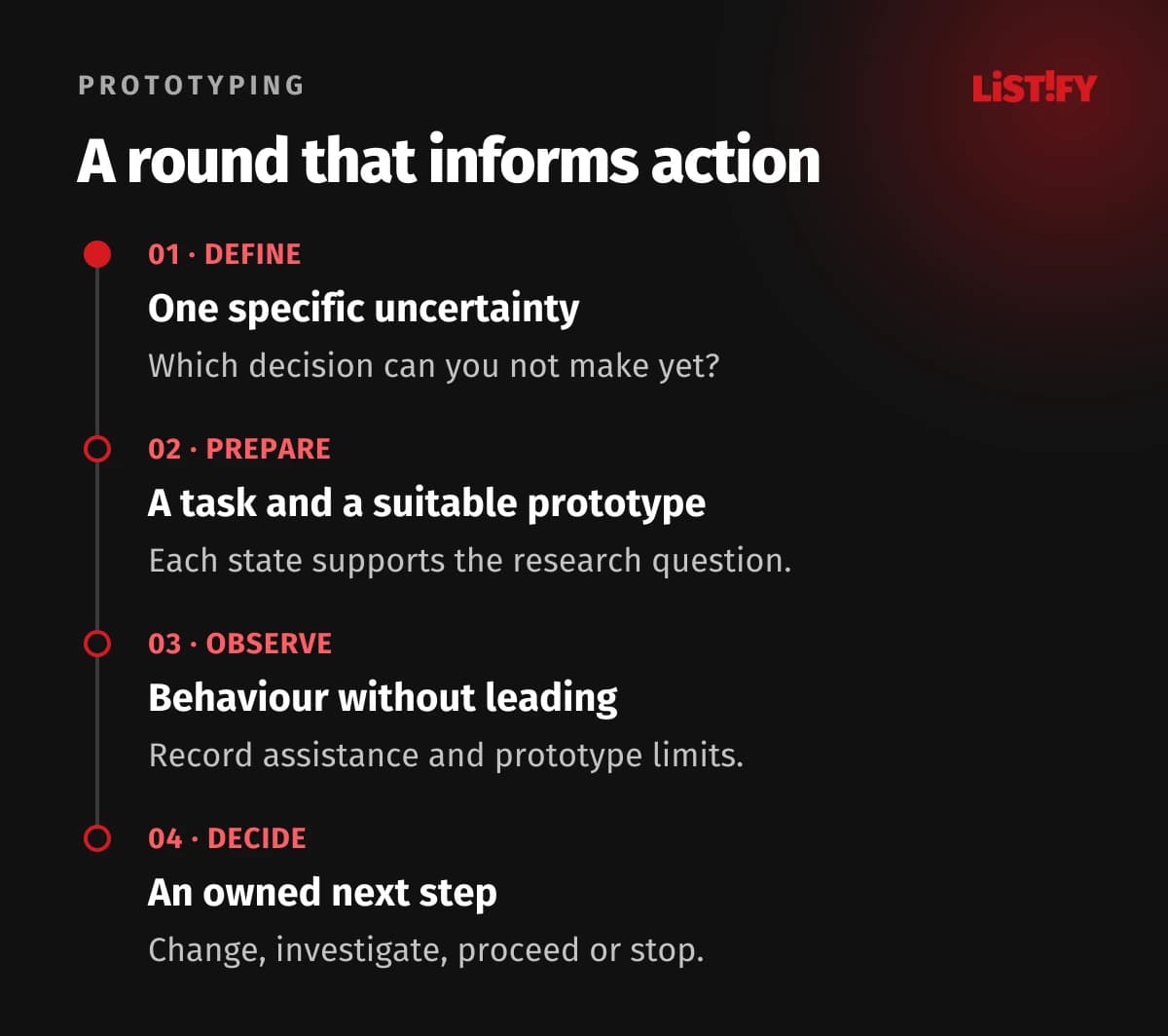
“We need an app prototype” is an incomplete brief. It does not identify the uncertainty to resolve or explain what will change after testing. A more useful statement is: “We need to know whether a manager can return an incomplete purchase request to an employee and understand who needs to act next.” Depending on the findings, you will revise the workflow or prepare it for implementation.
Write a one-page brief: who the solution serves, what the person is trying to do, how they do it today and where the problem occurs. Add evidence, such as an anonymised account of a real support incident. Separate it from team assumptions. Name the decision owner, allow time for investigation and describe a finding that would make you change the proposal. If the only acceptable conclusion is “start development”, you are preparing a presentation.
GOV.UK recommends planning research around specific questions and decisions. Our example therefore covers one part of a purchasing workflow: returning an incomplete request, correcting it and submitting it again. Accounting and supplier selection remain outside this experiment.
02Separate usability, demand and technical feasibility
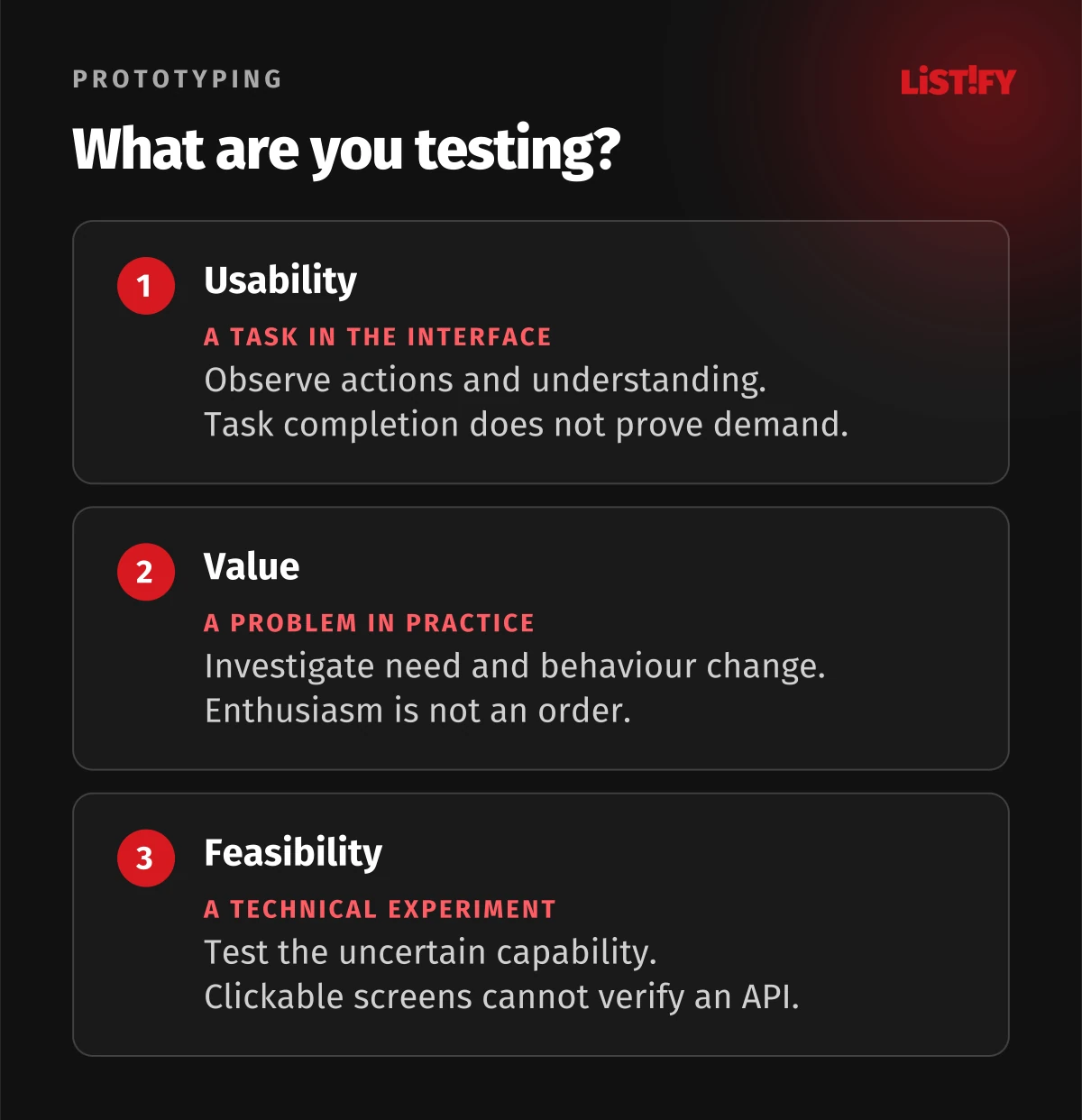
Someone can easily navigate a product they do not need. They may want a product that the business cannot deliver on acceptable terms. A technically sound solution may still confuse its users. These uncertainties need different evidence. At the end of a study, the label “validated” is only useful when you explain exactly what was tested and under which conditions.
| Uncertainty | Useful question | What a clickable prototype cannot establish |
|---|---|---|
| Usability | Can a manager correctly return a request? | That every user will do so in production. |
| Demand and value | Is the problem important enough to change current behaviour? | Willingness to pay or continued product use. |
| Technical feasibility | Can we safely write the change to a connected system? | Working integration, authorisation or performance. |
A discussion after a demonstration may raise useful questions about product value. Enthusiasm is not an order, however. For commercial validation, see our guide to moving from an idea to an MVP and testing demand. Give technical doubts to a developer as a separate experiment, such as checking a status update in a supplier’s test environment.
03Specify the deliverable: wireframe, prototype, technical experiment or MVP
Agree on terminology before commissioning the work. “Prototype” might mean a few drawings, linked screens or a working browser demonstration. Screen count alone says little about the scope of the work or the questions it can answer.
| Deliverable | Useful for | Agree in the brief |
|---|---|---|
| Wireframe | Content structure, priorities and a basic route. | Which questions the layout needs to clarify. |
| Interactive prototype | Following a task and understanding action consequences. | Working branches, copy, states and simulations. |
| Technical experiment | One uncertain technical capability. | Environment, conditions and evaluation method. |
| MVP | Delivering limited real value through actual use. | Operational ownership, support and measurement. |
The brief should cover purpose, workflows, editable deliverables and responsibility for recruitment and testing. Include analysis, revisions and a record of unanswered questions. Otherwise you may receive a polished demonstration that leaves the original problem unresolved. The wider product plan is covered in our guide to planning SaaS development.
04Add detail where it changes what you can learn
Fidelity is not one slider between rough and polished. NNGroup distinguishes fidelity of interaction, visual treatment and content. A prototype can combine simple grey surfaces with precise wording and realistic behaviour. That combination may be suitable for testing a business approval process without spending time on a complete visual identity.
Do you need to learn whether people understand the difference between returning and rejecting a request? You need meaningful labels, the consequences of both actions and subsequent states. The colour palette can remain basic. Do you need to observe keyboard entry or screen reader use? Linked images are an inadequate environment. Choose functioning controls that support the behaviour you intend to investigate.
List the limitations explicitly: no real submissions, predefined inputs, simulated waiting or a fixed number of results. Compare each limitation with the research question. If it might change participant behaviour, improve the prototype or narrow the conclusion. Record this reasoning so stakeholders understand why some details are finished and others are deliberately absent.
05Worked example: two ways to return a purchase request
The following is an illustrative example created for this article. It is not a LISTIFY project, study or customer result. A company approves equipment purchases. An employee submits a request, a manager reviews it and sometimes returns it for more information. We assume that real interviews have yet to confirm the suspected problem: people are unsure who should act after a request is returned.
Option A has a single “Change status” button with a long menu. Option B offers actions relevant to the current situation and asks for an explanation when returning a request. We do not declare a winner in advance. A shorter menu might help orientation while hiding a less frequent but legitimate action. We sketch both workflows, including how the employee submits the corrected request again.
The experiment has three questions: can the manager identify the appropriate action, can the employee understand why the request was returned, and can both identify who acts next? If the same people try both designs, allow for learning and order effects. Better performance on the second attempt does not necessarily come from the design. Record presentation order and prior experience when interpreting the observations.
06Build the complete task, including a relevant exception
For each workflow, write down the starting situation, available information, decisions and final state. In our example, the manager starts with a notification, reviews the request details and returns it for correction. The employee then finds the explanation, adds the information and submits it again.
Add an exception connected to the main risk. A manager might try returning a request without an explanation and receive a prompt to add one. What will the employee see? What remains when the manager goes back? A single prepared route filled with ideal data would hide this problem. Modelling every rare exception, however, can delay the first useful observation without helping the immediate decision.
Use invented names, amounts and people while preserving realistic length and complexity. To review individual interface details, use our 20 UX rules for prototype design. This guide complements that checklist by organising the experiment: each state you prepare needs a reason connected to the question being investigated.
07Recruit for the real work and its circumstances
Available colleagues are helpful for a trial run, but they may not represent future users. An employee submitting a first request may not know internal abbreviations. Identify relevant differences and ask about recent experience during recruitment, rather than relying on job titles alone.
Consider devices and working conditions. Approving something on a phone between meetings differs from focused work at a large monitor. Prepare an appropriate prototype and session format for participants who use assistive technology. Do not describe a limitation of the research tool as a limitation of the person. If you cannot test a behaviour, record the gap and plan a suitable way to investigate it.
Let the variety of roles and uncertainties guide the number of sessions. No universal number validates a whole product. A small round can expose a specific problem and support another iteration; it cannot reliably estimate prevalence across the entire population by itself. Keep a colleague’s pilot session separate from the main observations: familiarity with the brief may allow them to help the designer without realising it.
08Describe the situation and goal without naming the buttons
NNGroup recommends realistic, actionable scenarios that avoid clues about the interface. A weak instruction in our example is: “Click Return for more information and write a comment.” That mainly tests whether someone follows instructions. A stronger scenario explains that the request lacks a purchase purpose and the employee needs to supply it before a decision can be made.
Give the participant sufficient context: their role, the example request and the information a manager needs. The task becomes: “Handle this request so your colleague adds the missing purpose. You do not want to approve the purchase or reject it permanently yet.” Observe what happens and how the participant explains the outcome.
Give the employee the next situation: “You need to complete your equipment request. Your manager has asked for more information. Continue as you would at work.” Define completion beforehand, such as submitting the request again with a purpose added. Rehearse the scenarios first. Fix missing context and technical dead ends, without rewriting tasks simply because participants choose a route other than your favourite.
09Run the session without rescuing the design
Explain the purpose, prototype limitations and session format at the beginning. Agree how notes and any recording will be handled; recording should never be a surprise. Make clear that you are examining the design rather than assessing the participant. GOV.UK recommends primarily watching and listening during moderated usability testing.
After introducing the task, let the person act. If they say “I think that is finished”, ask them to describe what they believe happened. Avoid “Would you like to click here as well?”. If the moderator must help, record when and how. Completion after an explanation means something different from independent completion. Assistance may help the research continue, but it must remain visible in the findings.
Distinguish a design issue from a limitation of the prepared demonstration. Choosing a logical but unimplemented route tells you something about expectations. It is not automatically a user error. Record the expected outcome and prototype limitation. Repeated occurrences may justify expanding the next version. Observers should follow the agreed questions and save their proposed solutions for the discussion afterwards.
10Turn observations into findings, not a product success percentage
Your notes should make it possible to reconstruct what actually happened. Record the prototype version, role, task, observed behaviour, assistance and outcome. Keep direct statements separate from interpretation. GOV.UK’s analysis guidance distinguishes observations, findings and subsequent actions. That separation lets the team debate a possible cause without rewriting the original evidence.
A purely illustrative record might read: across four manager sessions, two participants did not know who should act after a request was returned. One asked for help. These are not LISTIFY measurements or market estimates; they illustrate how to document a small set of observations. The claim “half our customers cannot manage approvals” would not follow from that study.
One possible explanation is that the status “In progress” fails to identify responsibility. Other explanations include missing confirmation or unfamiliarity with the company process. Propose a change to the status and confirmation, then explain how you will investigate it. Changing several elements together can help you test the whole revised workflow, but makes attributing an effect to one change harder. Record cases that contradict the initial explanation too.
11Decide whether to change, investigate, proceed or stop
Prioritise findings by their effect on an important task, the seriousness of a misunderstanding and the strength of the evidence. In our example, accidental purchase approval deserves attention before a cosmetic icon preference. Frequency alone does not determine priority. One serious error can expose a problem worth investigating immediately, even when its prevalence remains unknown.
For each selected finding, assign a change or further investigation, an owner and a decision date. State the condition for moving forward. For example, the revised design must make it clear that a returned request awaits the employee; a technical experiment must separately address the unresolved integration. Keep remaining risks visible instead of hiding them inside a general green status.
Use a recorded version and a comparable goal for the next round. Consider new participants so the result does not merely reflect a remembered route. Simplifying the proposal or stopping it is also a legitimate outcome. Prototyping earns its place when findings can change the investment decision, including the scope of the first release.
12Hand over decisions and keep the demonstration separate from production
Developers need rules and reasons alongside the screens. Hand over starting states, transitions, roles, wording, error cases and research findings. Explain what has been agreed, what remains hypothetical and what has not been tested. A decision to defer a feature is also useful for estimating scope. Do not replace an unresolved question with a precise drawing that merely creates an impression of certainty.
GOV.UK warns that prototype code is not automatically suitable for production. Label a shared demonstration as a test, restrict access and use safe data. Keep real payments, emails and writes to customer systems outside an ordinary prototype session. Afterwards, decide who needs the research materials and how long they should be retained.
- Is the research question, target role and supported decision documented?
- Are conclusions about usability, value and technology kept separate?
- Can you trace the version, scenario, observations and assistance?
- Does every important finding have an owner and an agreed next step?
- Are exceptions and untested areas clearly marked?
- Has a developer received the rules, states and open technical questions?
- Are implementation testing, prototype access and research record management agreed?
Retest actual behaviour after implementation: real data connections and new interface constraints may change the experience. To discuss the transition into web app development, bring the main user task, available evidence and unresolved questions. These provide a stronger starting point than a request to “build something similar” with no explanation of what it must achieve.
13Frequently asked questions about wireframes and prototypes
Do I need to draw every screen first?
No. Choose an important uncertainty and prepare the complete workflow needed to investigate it. The task determines the necessary screens, including relevant recovery or error states. Developing the whole product design makes sense once the decisions and evidence support that investment.
When is a wireframe enough, and when do I need a clickable prototype?
A wireframe helps you discuss structure and priorities. Prepare an interactive workflow when you need to observe decisions and understanding of outcomes. Keyboard use, screen readers or actual data entry may require functioning controls that support the behaviour you want to investigate.
Does a successful test prove that the product should be built?
It supports conclusions appropriate to the method, participants and tasks. Independently completing a task is evidence about that design’s usability in those circumstances. Product need, willingness to change behaviour, economics and technical delivery require additional evidence.
How many participants should I recruit?
Base the number on roles, variation in circumstances and the research question. Start with a manageable round, analyse issues and plan further investigation. A universal number cannot guarantee completeness. Do not use a small qualitative study to predict the exact proportion of all future users who will succeed.
Can I test only with colleagues?
Colleagues can uncover broken links and unclear instructions during a pilot. Main research needs people whose roles and experience match actual use. Employees can participate when they are the intended users, but select them for relevant work and knowledge rather than availability alone.
What if someone clicks an option that has not been built?
Record what they expected. Explain the demonstration’s limitation without treating their choice as an error. Include any assistance in the outcome. If the route proves relevant to the main task, add it to the next version and investigate it in another round.
Can prototype code become part of the finished application?
Some work may be reusable, but first assess quality, security, accessibility, performance and operational requirements. Calling it a working prototype is not that assessment. Neither reuse nor disposal should be automatic; the actual condition of the code and its intended use determine the decision.