Linux server administration: What it includes and what to ask for
The server has been running for years. Invoices are paid, the website works and the previous supplier knows the login. But who checks a failed backup or acts when orders stop coming through? Linux administration includes ongoing care for the system, access, capacity, backups and incidents. Its purpose is predictable operation that does not depend on one individual.
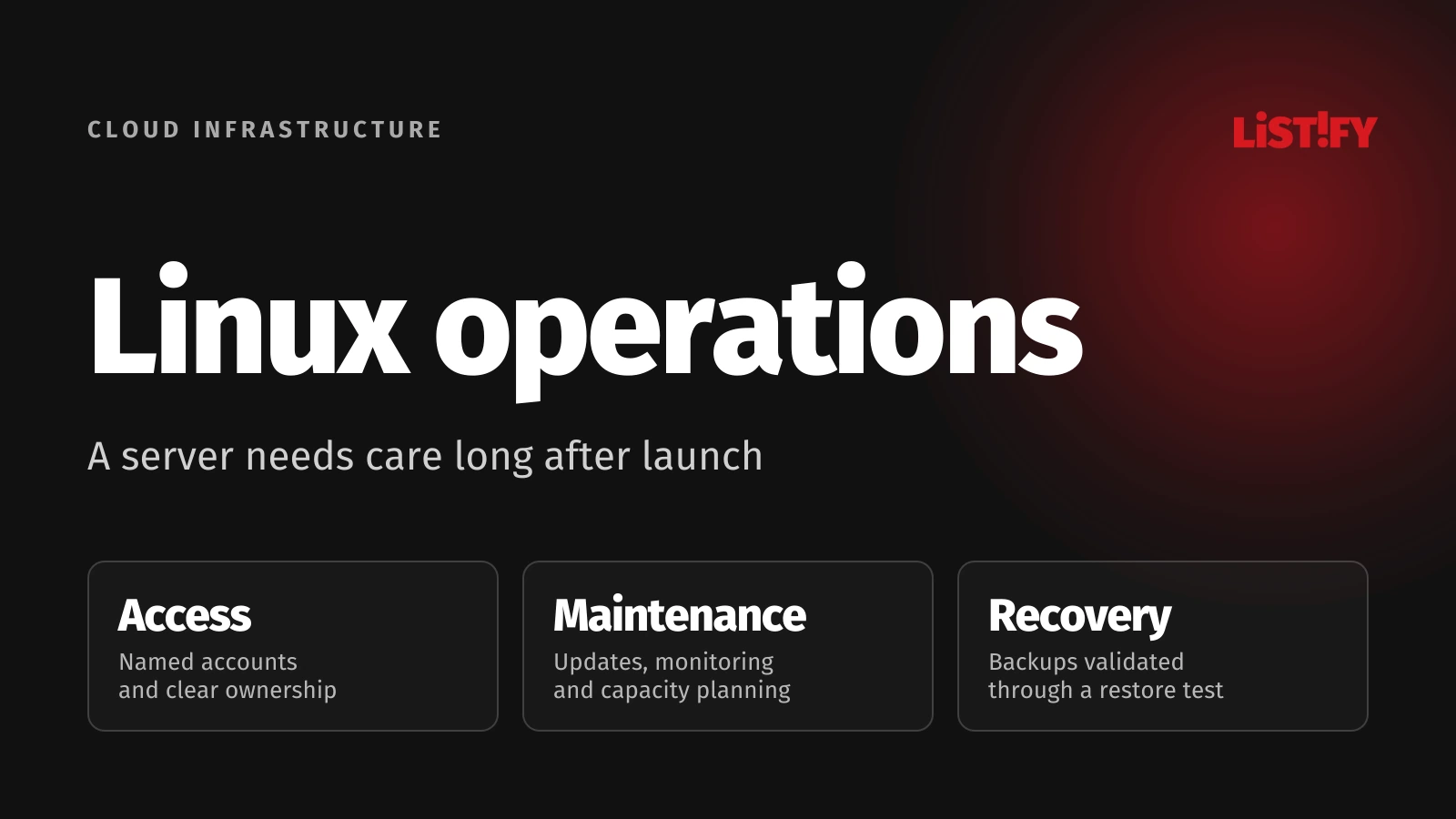
As a business owner, you do not need to know every Linux command. You need to understand what you are buying, who owns each layer and how to verify that the work is happening. Our monthly website maintenance guide covers website care in more detail. This article focuses on the server and operational accountability.
01Renting a server and managing it are different services
A VPS provider may supply the virtual machine, network and storage without updating the Linux installation, watching your database or fixing the application. The word “cloud” does not establish the management scope either. For EC2, customer responsibilities include credentials, the guest operating system and deployed software. See the Amazon EC2 security documentation.
| Layer | Responsibility to establish |
|---|---|
| Infrastructure | Who works with the provider on machine, network and storage failures. |
| Linux and services | Who maintains the OS, web server, database and scheduled jobs. |
| Application | Who fixes code, updates libraries and checks deployments. |
| Business operations | Who approves downtime, verifies orders and informs employees. |
Agree the scope service by service. Managing the web server does not necessarily include a mail server, employee computers or every legacy application installed on the same machine. Every exclusion still needs an owner. A boundary between suppliers must not become the point where an incident stops being addressed.
02Takeover starts with an inventory and access review
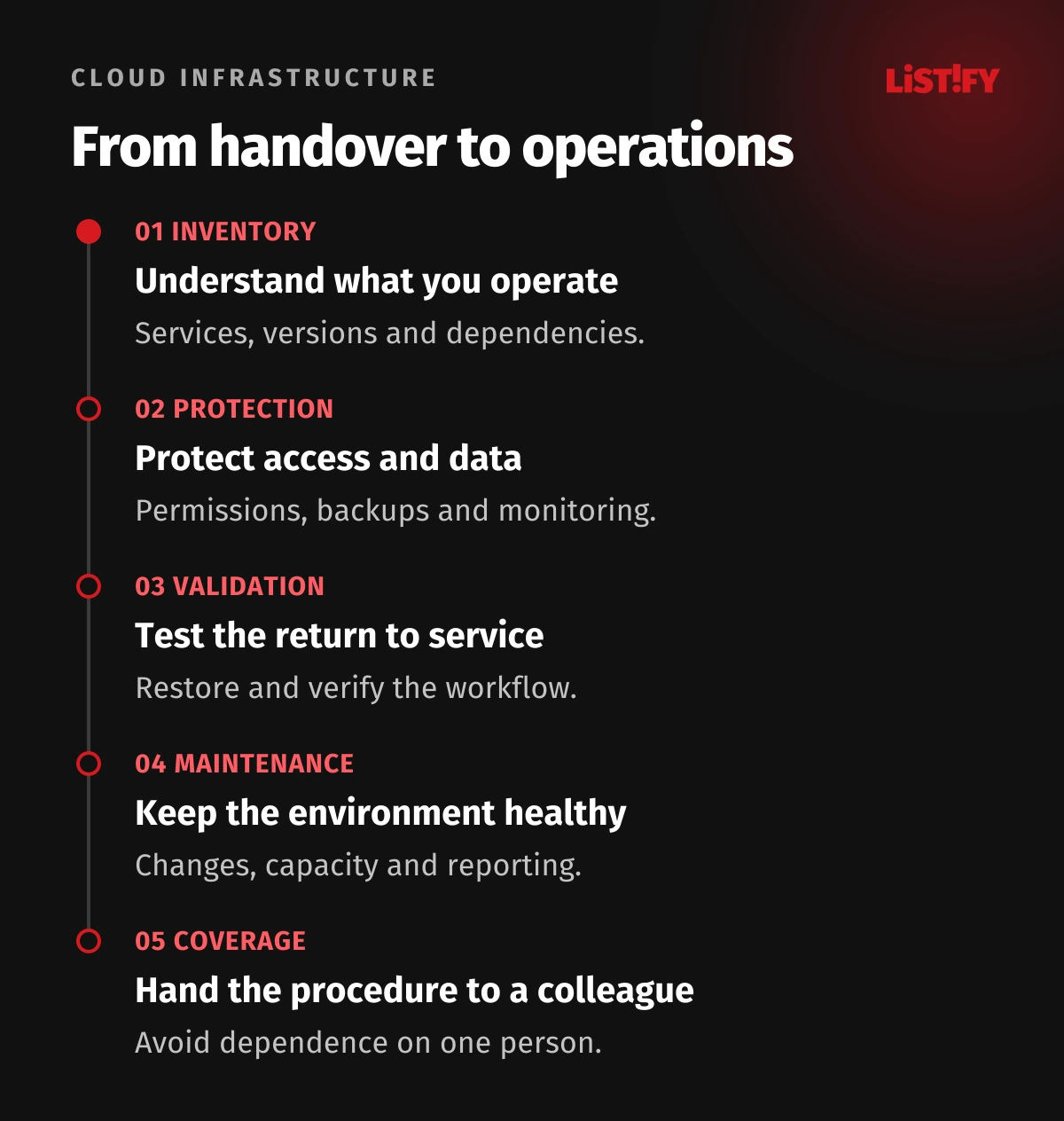
The administrator should identify servers, distributions and versions, running services, domains, certificates, databases and dependencies. Support end dates matter too. “We have Linux” is not enough information to plan updates or assess operational risk.
Record provider accounts, domain ownership, repositories, billing and emergency access. Verify that the company can legitimately appoint a new administrator and remove the previous one. Treat missing documentation as work to complete, rather than continuing to pass operational knowledge through informal conversations.
The initial assessment should produce a risk list with priorities, business impact and proposed remedies. A critical backup gap is different work from a later cost optimisation. For an unfamiliar environment, establish a recovery route before making substantial changes.
03Keep access, configuration and secrets under control
Prefer named accounts with permissions suited to the actual work. A shared administrator account makes changes harder to trace and complicates a team member’s departure. The operator should document how access is granted, reviewed and removed, how administration is protected, and what to do if the normal login method fails.
Management includes firewalls, exposed services, certificates and secure configuration. A database or administration interface does not need to be public merely because that was convenient during installation. Select controls for the architecture and verify that they work. Our server, HTTPS and cloud security guide covers the surrounding considerations.
Passwords, database credentials and API keys need controlled storage and a replacement process. Documentation should tell an authorised operator how to obtain them, rather than containing an unprotected list of secrets. See our guide to cloud secrets and configuration management.
04Updates need a plan and a check of the result
The agreed scope should cover the operating system, relevant packages and services. Distinguish security patches, routine updates and migration to a new major version. A major upgrade may require application testing and a separate project. An indefinite postponement is not a maintenance plan.
Ubuntu supports automatic updates through unattended-upgrades. Package sources and reboots have their own settings; adding a third-party repository does not automatically include it. See the Ubuntu automatic update documentation. Enabling the tool therefore does not replace checking its coverage and results.
Agree testing, maintenance windows, a backup before risky changes and conditions for returning to the previous state. After the work, check an application task such as signing in, saving a record or submitting an order. A running process alone is insufficient. Record what changed, who changed it and the verification result.
05Monitoring must reach someone who can act
Free space, memory and CPU usage are useful indicators, but they do not tell a business owner whether orders are being accepted. Monitor response times, application failures, database availability and scheduled job completion too. A job that should have finished but has produced no result can be as important as an explicit error.
Every significant alert needs a recipient and an expected action. Continuous automated monitoring does not mean continuous human on-call coverage. Check working hours, backup staff, incident priorities and escalation. Too many vague alerts can hide the one that matters.
Track capacity over time. A database may grow gradually while logs expand suddenly, and a recurring import can change the behaviour of the entire machine. The administrator should respond to the cause: repair the job, clean up according to retention rules, change configuration or increase capacity. Adding more resources is not a universal fix.
06A backup is the starting point; proven recovery is the outcome
Define how much recent data the business can lose and how long an essential service can remain unavailable. Use those requirements to set backup frequency, retention and copy locations. Cover the database, required files and configuration. The procedure should work even when the original server or the usual administrator is unavailable.
A database export and recovery to a particular time are different capabilities. PostgreSQL continuous archiving combines a base backup with archived WAL change records; an SQL dump alone cannot provide that process. See the PostgreSQL point-in-time recovery documentation.
| Evidence | What it should establish |
|---|---|
| Latest successful backup | The data state actually preserved and its location. |
| Restore test | What was restored, how long it took and what worked. |
| Protection of copies | Who can delete a backup or change its retention. |
| Recovery procedure | The required accounts, keys and dependencies. |
Restore into an isolated environment. Prevent the test copy from sending real payments or customer messages. Check the data and a critical workflow, then fix any gaps. Our backup and restore testing guide develops this process.
07What recurring maintenance and reporting can look like
| When | Example activity | Evidence for the business |
|---|---|---|
| Continuously | Monitor availability, errors, backups and capacity. | An incident or confirmation that the check ran. |
| In an agreed window | Apply updates, check services and perform required restarts. | A change record and verification result. |
| Periodically, based on risk | Review access, test recovery and update documentation. | Test results and open actions. |
| When the system changes | Extend monitoring, backups and operating procedures. | Confirmation that the new component is in scope. |
A monthly report should support decisions. It needs incidents, completed changes, backup status and emerging problems. For deferred repairs, ask for a reason, an owner and a target date. A long technical log export does not explain what management needs to approve.
Unsure whether your current monthly agreement includes these activities? Send Listify an anonymised description of its scope and your system. We can discuss unclear responsibilities and what an initial assessment should verify.
08What should happen during an incident
Consider this illustrative scenario: the website opens, but the morning order import never completes. A homepage availability check misses the issue. The administrator reviews the last completed run, error records and required services. Before restarting the job, they must establish whether it has already transferred some orders, so that retries do not create duplicates.
The first objective is to establish the impact and restore the required function safely. Record events and keep the responsible business contact informed. Once service returns, identify the cause and preventive action. That may mean an application fix, a new alert or a capacity change. Restarting without investigating can merely postpone the problem.
A suspected compromise requires a different response from an ordinary fault. Coordinate access restrictions and preserve the relevant records. Assess whether the environment is trustworthy before returning to normal operation. Our guide to cloud security and business responsibilities adds context.
09Agree the scope and avoid dependence on one administrator
The proposal should define servers and services, supported technologies, working hours, response targets, escalation, backups and the change allowance. Identify separate projects, such as migration, a major upgrade or a new feature. A response target establishes when work starts; it is not a promise that the repair will be finished within the same time.
The business should control account ownership and permission assignment. Documentation should let an authorised colleague continue during a holiday or supplier change. Confirm what will be handed over when management ends and how the old team’s access will be removed.
Price depends on the number and variety of services, the condition of the environment, required response and automation. Ask for initial stabilisation and recurring operations separately. A fee for one straightforward server cannot be applied automatically to several applications with their own databases and round-the-clock on-call coverage.
10How Listify can help with your operations
For a project we take over, we first establish the technologies, service condition, access and business requirements. We then propose the scope of care and repair priorities. If a technology is not a fit for our team, that needs to be clear during the initial assessment, before any promise to take it over.
Listify does not operate its own hosting. We configure and manage environments supplied by providers and assess projects on their existing infrastructure within an agreed scope. Monitoring, backups, updates and support belong to our maintenance and support service. The proposal specifies Linux service coverage and any on-call arrangement.
For the first conversation, tell us what the server supports, who provides it, who currently manages it and what is going wrong. You do not need to know the exact distribution. Do not put passwords into an ordinary enquiry form. We will agree secure access arrangements before the technical handover.
11Frequently asked questions about Linux administration
Are automatic updates and monitoring enough?
Not on their own. Someone needs to verify update coverage and results, act on alerts, test recovery and manage access. Automation helps, but needs an owner and a process for exceptions.
Does 24/7 monitoring include overnight repairs?
Not automatically. Monitoring may run continuously while people respond only during business hours. On-call coverage, priorities, response targets and escalation must be agreed explicitly.
Is Linux administration included in VPS rental?
It depends on the offer. With an unmanaged VPS, the customer or their administrator usually maintains the operating system and applications. Ask for a written division of responsibility.
Must the server move immediately when a new supplier takes over?
No. First assess its condition, access, supported technologies and recovery options. Migration should solve a specific problem and have its own plan.
What matters most in the monthly report?
Incidents, completed changes, genuinely successful backups and recovery tests, open risks and next steps. Each significant action needs an owner and a clear explanation of any approval required.