Backups that restore: put the 3-2-1 rule into practice
An order portal loses its database, and the backup dashboard shows a successful job. The real recovery question is whether the team can find an appropriate copy, open it, restore the attachments and run the application safely. A completed backup is a useful starting point. Recovery is the result the business needs.
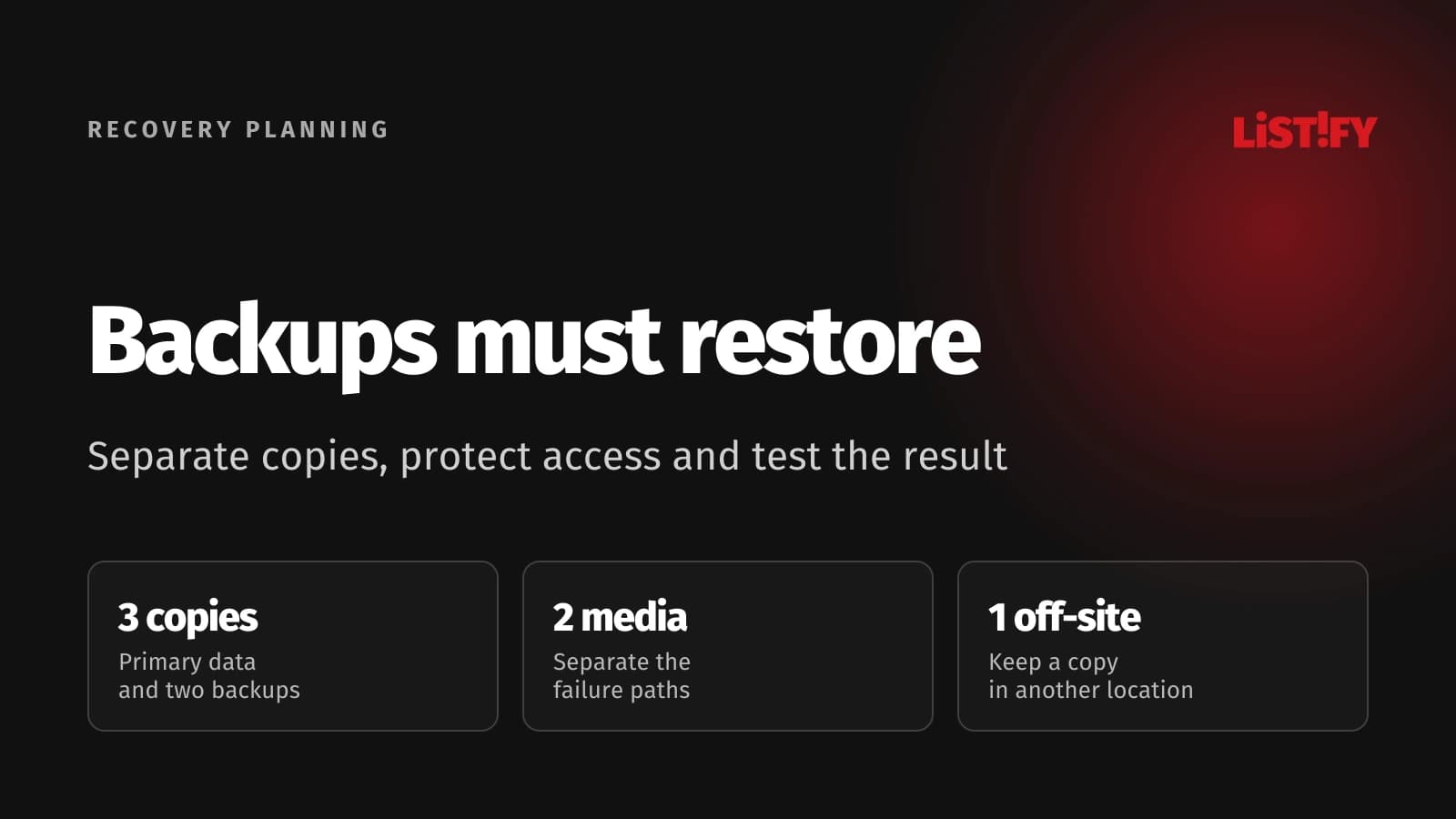
The 3-2-1 rule gives a simple structure for keeping copies apart. It does not establish what the backup contains, how long an older version survives or whether someone can restore it when the usual identity system is unavailable. Those decisions belong in the recovery plan.
Start with a business workflow and a plausible failure. Decide what must return, how much recent work can be lost and how quickly the service needs to recover. Then choose storage, retention, access controls and a restore procedure that can support those objectives.
01Define the recovery the business needs
List the workflows that depend on the application. An order portal may need to accept requests, show existing orders and retrieve customer documents. Recovering a database without its attachments or access configuration might make one workflow appear healthy while another remains unusable.
Set a recovery point objective and a recovery time objective for the relevant workflow. NIST defines RPO as the point in time to which data must be recovered. Its RTO definition concerns the time available for recovery before unacceptable business consequences. These are objectives, rather than guarantees that a particular backup service meets them.
Explain the consequence in ordinary operational terms. If the restored orders are older than the acceptable point, who can reconcile the missing requests? If recovery takes longer than the objective, is there a temporary way to receive orders? Do not choose a demanding number without considering how the organization would fund and operate the required design.
Define which incidents the plan covers. Accidental deletion, application corruption, loss of a hosting location and compromised administrative access create different recovery problems. A copy reachable by the same compromised administrator may help with a disk failure while offering little protection against destructive action.
Assign a recovery owner and a substitute. Include the decision to start recovery, the people who validate the result and the person who communicates the current service state. A technically complete procedure can still stall if everyone waits for someone else to authorize its use.
Use the cloud migration guide for related planning around service continuity and dependencies. For backups, keep the focus on restoring a known usable state after a failure, including the operational work that follows the data restore.
02Use 3-2-1 to separate failure paths
AWS explains the classic 3-2-1 rule as three copies, on two different media, with one copy off site. The primary data counts as one of the three. The rule is a useful starting point for copy placement; it does not prove that the copies survive every incident.
Draw the actual arrangement. Show the production data, each backup, the hosting locations, the identities that can delete them and the path used for recovery. Several folders inside one account can look like several copies while depending on one administrative decision.
For a cloud application, ask what each separation achieves. A second location can address a local outage, while a distinct account or controlled recovery identity can address a different access failure. Provider terminology alone does not establish that these controls are independent.
NCSC guidance on critical data recommends an independent copy and warns against relying only on a service’s previous versions or deleted-item recovery. Understand what your service actually preserves and what an administrator can remove.
| Mechanism | What it can help with | Question before relying on it |
|---|---|---|
| Replication | Keep another operational copy close to current data | Will a deletion or corrupt change also be replicated? |
| Snapshot or point-in-time recovery | Return a supported resource to an earlier state | What history remains, and who can delete it? |
| Independent backup | Recover data outside the primary failure path | Can the team access and restore it independently? |
| Archive | Preserve selected material for later use | Does it contain a recoverable application state? |
| Recovery test | Verify a particular restore procedure | Were dependencies and business workflows also checked? |
Keep off-site and offline distinct. NCSC’s explanation of offline backups makes this distinction explicit: physical distance does not prevent access over a compromised network. Review digital access and destructive permissions as well as where the storage sits.
03Protect the recovery copies and their access
Use backup-specific permissions and separate ordinary application access from destructive backup administration. The application needs to create or send the intended data; it usually has no reason to erase historical recovery copies. Define permissions for the actual integration rather than giving every component a broad administrative role.
NCSC’s ransomware-resistant backup principles address resistance to destruction, recovery access, retained versions, encryption keys and alerts. They describe outcomes to evaluate when choosing a service. They do not certify every configuration bearing an immutable-backup label.
Choose suitable protection against deletion and unwanted changes. Check how retention settings, administrative recovery procedures and emergency access behave. A protected data object is of limited use if an attacker can disable the surrounding account or remove the key needed to decrypt it.
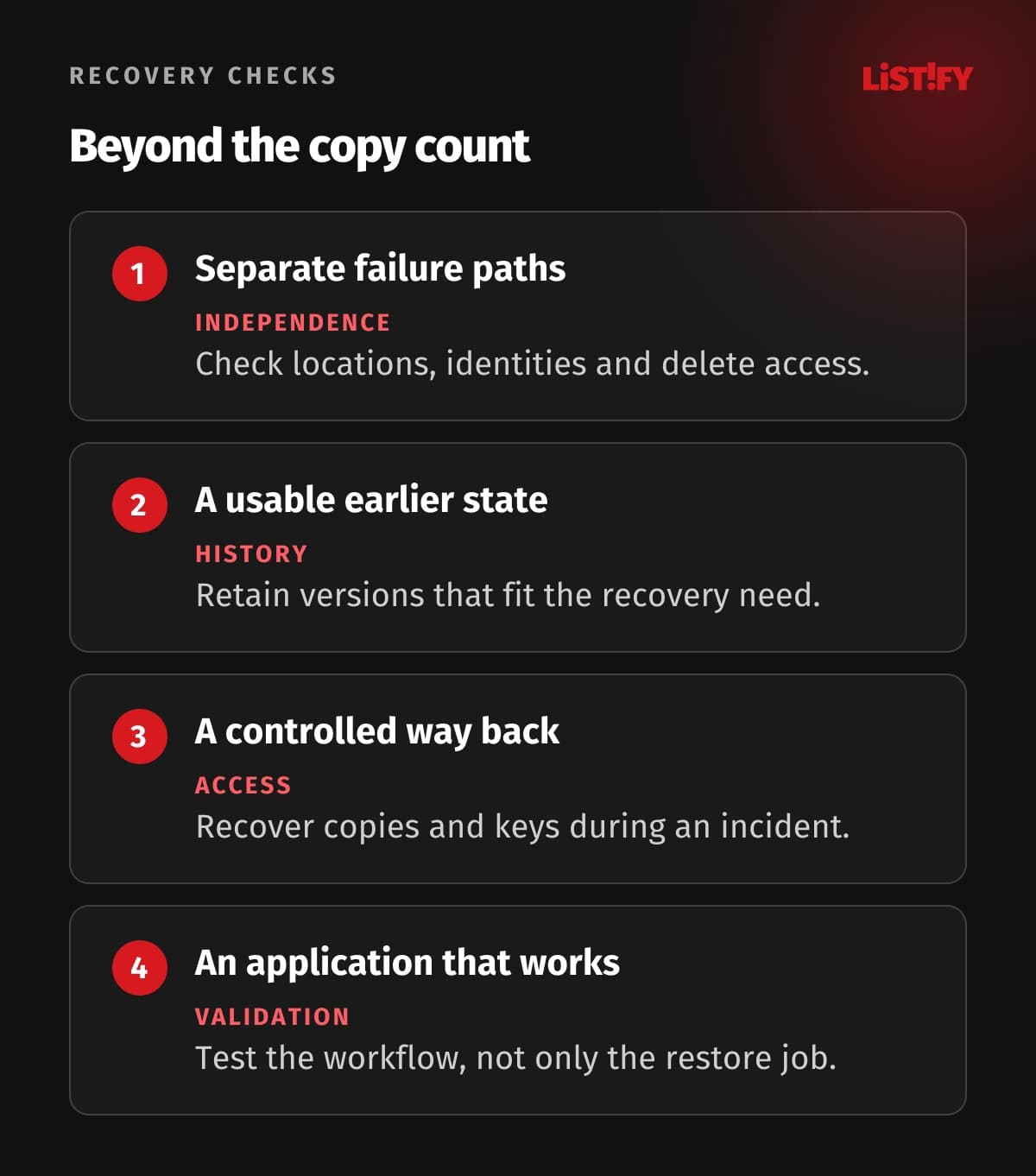
Store recovery instructions where the team can reach them during the incident. Test access without assuming that the normal company login, production secrets service or usual administrator’s laptop will remain available. Keep the alternative access controlled and auditable, with a defined owner.
Check the key dependency for encrypted backups. The recovery team needs a supported way to obtain the necessary key at the relevant time. Document the relationship between retention and key availability, including what happens when keys or accounts are removed.
Treat restoration after a compromise differently from restoration after an equipment failure. Reusing compromised credentials can reintroduce the original access problem. Recover data into a controlled environment and establish appropriate current credentials before reconnecting the application to other services.
The cloud security responsibilities guide helps identify the duties that remain with the customer. A managed backup product can provide useful controls while leaving access design, configuration and the recovery decision with your team.
04Back up a consistent, usable application state
Inventory the dependencies that must return together. Besides the database, include uploaded files, application configuration, the deployable software version and instructions for reconnecting external systems. A source repository is valuable, but it does not contain every operational detail of a running service.
Choose a method appropriate to the data store. A simple copy of files while the application is changing them may not represent a consistent state. Use the database’s supported backup procedure and understand how its recovery point relates to file uploads and other storage.
For the portal, record how an order references its attachments. During a restore, check for documents that are missing or belong to a later state. Agree how to handle the gap rather than allowing the interface to present a record whose underlying files cannot be retrieved.
Keep retention connected to the incidents you need to discover. A recent successful copy may already contain an unnoticed application error. Preserve usable history according to the recovery requirement, the data involved and applicable obligations. Do not assume that retaining a fixed number of jobs always preserves a useful time window.
Avoid keeping sensitive material indefinitely by default. Define what is included, who can retrieve it and when it expires. Recovery needs and retention duties can differ across records and jurisdictions; have the responsible owners establish the applicable requirements.
Plan external consequences. A restored queue can contain work that already happened outside the application, such as a payment request or an email. Determine how the service recognizes completed actions and reconciles uncertain ones before allowing the recovered application to resume processing.
Document the limits of the backup. If a supplier’s records are outside your copy, state the access or reconciliation procedure. A clear boundary is more useful than a checklist marked complete while a necessary dependency remains unexplained.
05Test restoration through a business workflow
Restore into an isolated environment first. Prevent test data from sending customer messages, initiating payments or changing external production records. Establish those restrictions before starting the application, rather than relying on everyone to remember not to click a particular button.
Measure the recovery procedure, including locating the copy, obtaining authorized access, restoring dependencies and checking the application. The data transfer time is only one part of the elapsed recovery effort. Record delays that the infrastructure dashboard does not show.
Validate specific behaviors. For the portal, an authorized user should see the correct account’s orders, open an attachment and retrieve an appropriate order status. Include a denied-access check for another customer’s record. A login page appearing successfully does not establish that the recovered service is safe or useful.
Compare the recovered data point with the objective. Identify the latest usable record and the missing interval. Explain how new transactions will be reconciled and who decides whether the result is ready for service. Keep this decision separate from a technical job reporting completion.
AWS Backup documents separate restore validation after a restore test completes. That service-specific workflow illustrates a useful distinction: restoring a resource and validating what it contains are separate steps. Select the equivalent checks for your own application and tools.
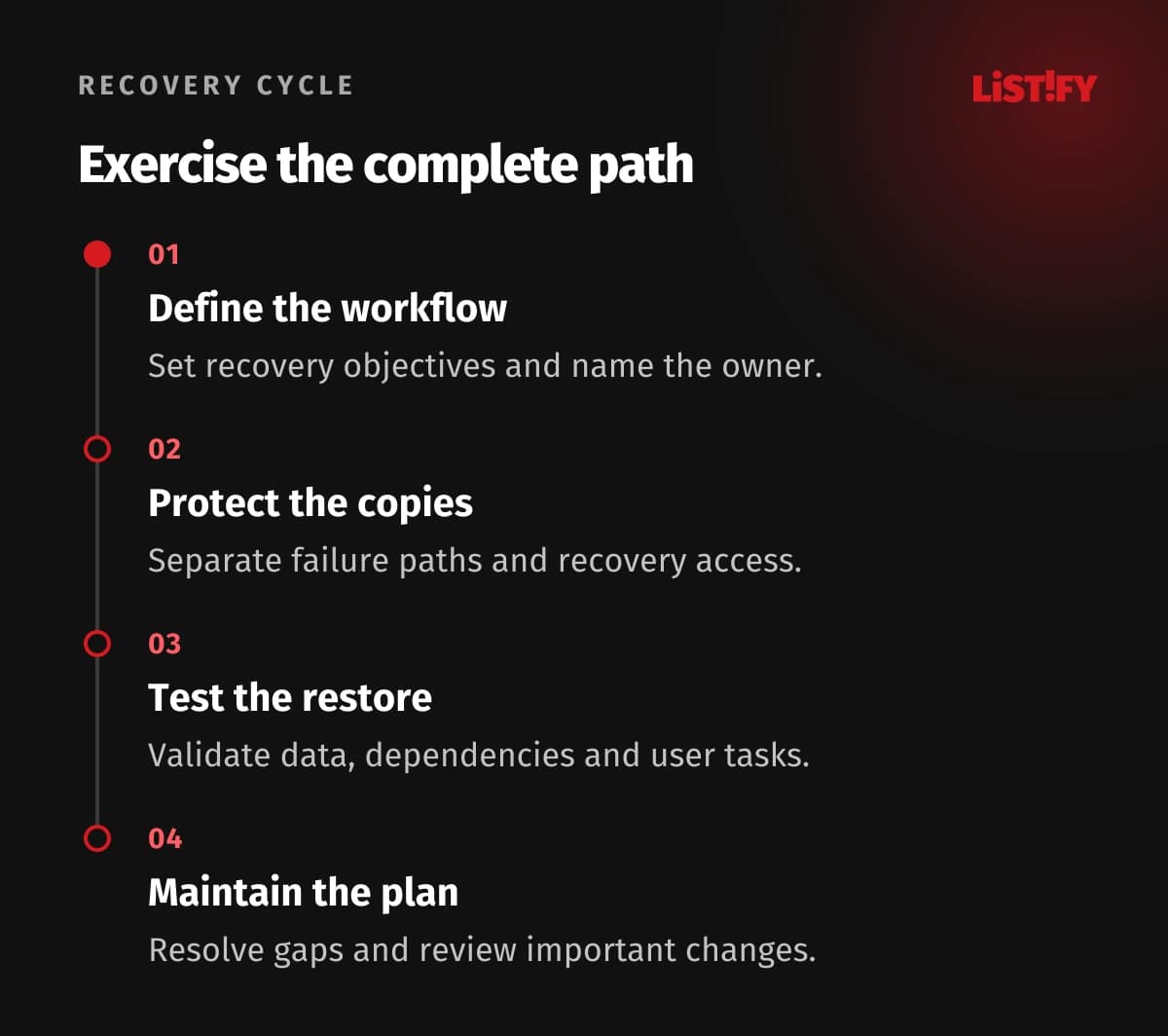
Record the result, the recovery point, actual elapsed time and unresolved issues. Fix the cause of a failed check, then repeat the relevant part of the exercise. A report that only says the backup exists leaves the recovery objective untested.
Bring the operational owner into the check. The team that knows whether an order is correct should review the recovered workflow with the technical team. Use the outcome to improve the procedure and make the next recovery less dependent on an individual’s memory.
06Maintain the plan as the service changes
Alert on failures and on important changes to the recovery arrangement. Include a backup job that stops running, a retention policy change and loss of the expected recovery copy. Define who receives the alert, how they assess it and how it is escalated if the normal communication path is unavailable.
Review backup coverage when a new database, file store or external dependency is introduced. A successful job for last year’s architecture cannot establish coverage of a new workflow. Make recovery impact part of the change review for the systems the business relies on.
Choose a test cadence based on the service, the rate of change and the recovery requirement. Also test after a material change to storage, identity or the restore procedure. Keep a manageable exercise that produces evidence, with more extensive scenarios when the risk and dependencies justify them.
Start with one important workflow if the current plan is unclear. Inventory it, define recovery objectives, arrange suitable copies and run an isolated restore. Resolve the failures before expanding the same approach. This gives the team an actual procedure to improve instead of a broad policy whose assumptions remain untested.
Review access when people or suppliers change. Ensure the recovery owner and substitute can still use the documented route. A carefully protected copy can become inaccessible through a forgotten account transition just as easily as through a dramatic incident.
Use the custom software data security guide for related controls around sensitive application data. Backups become part of that responsibility: protect the copies, know their limits and preserve evidence that the service can return in a usable state.
07Questions about 3-2-1 backups
Do the three copies include the original data?
Yes. The classic rule counts the primary data and two additional copies, uses two different media and keeps one copy off site. Evaluate the actual failure paths as well as the copy count, especially in a cloud environment.
Is replication the same as a backup?
It can preserve another operational copy, but it may also propagate unwanted changes. Check the service’s behavior and recoverable history. Use it as part of an explicit recovery design rather than assuming any replica supplies an independent historical backup.
Does off-site mean offline?
No. A distant copy may still be reachable through the same network or administrative access. Review whether destructive access can affect it, and choose appropriate separation or protected retention for the incidents you need to survive.
How often should a backup run?
Use the recovery point requirement and the data store’s capabilities to decide. Also verify that a usable restore actually meets the intended point. A job schedule alone does not establish the amount of data the business could recover.
Is a successful restore job enough?
It verifies part of the process. Check the application, access boundaries, files and important workflows, and compare the recovered point and elapsed recovery time with the objectives. Keep external production actions disabled during a test.
Should recovery always use the newest copy?
Choose a usable state appropriate to the incident. The newest copy may contain the corruption or unwanted change you are trying to undo. Understand what happened, locate suitable history and define how later legitimate work will be reconciled.
Who should own the recovery plan?
Name a responsible owner and substitute, with technical and business participants for validation. The plan should specify who can start recovery, obtain access, check the workflow and authorize return to service.