Electronic signatures: digitize the whole contract workflow
A contract is signed online, yet staff still chase the final copy, update a spreadsheet and ask whether the person who signed could bind the customer. Electronic signing improves the process when the internal system connects approval, identity, the exact document and the actions that follow completion.
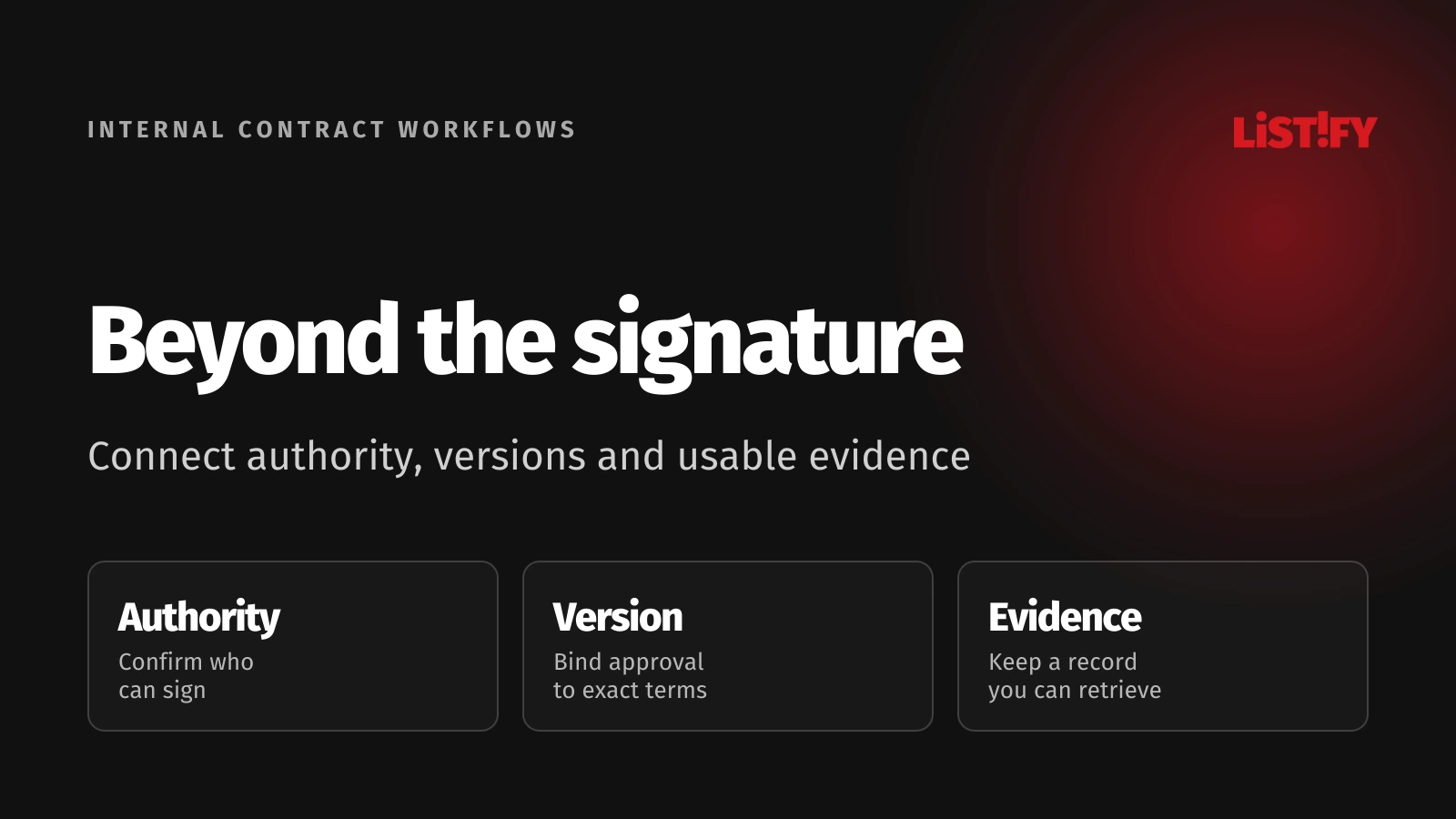
Start with one contract family, such as a service agreement, and follow it from draft to renewal. Decide who can approve terms, who can sign, what evidence must remain available and which downstream action is allowed after completion.
The right design depends on the transaction and jurisdiction. A convenient signature screen is only one part of that design. Treat legal requirements, signing experience and reliable integration as related decisions with identifiable owners.
01Map the agreement before choosing a signing tool
List the business stages: drafting, internal review, approval, sending, signing, validation, filing and follow-up. Describe who owns each stage and which changes send the document back for review. Otherwise a new electronic tool may simply accelerate an unclear paper process.
Separate internal approval from execution by the external parties. A manager approving a discount does not necessarily sign the resulting contract. Similarly, a customer opening an invitation is not evidence that the agreement has been executed.
Name the legal entity on each side and the authorized signers. A verified person can still lack authority to bind an organization. Record how that authority is established and who handles a change of representative during the process.
For a service agreement, a sales owner might prepare the commercial terms while finance reviews payment conditions and an authorized director signs. The workflow should show these responsibilities without requiring every participant to maintain a separate spreadsheet.
Define the completion condition precisely. It may require all relevant parties to sign the approved version, the expected evidence to be received and validation checks to succeed. Do not let a single event named signed trigger fulfillment before these conditions are known.
The internal portal guide provides related workflow context. Put the agreement’s status and next owner where the team already works, alongside the business record that gives the contract meaning.
02Choose the signature method for the actual requirement
The European Commission explains electronic-signature levels within the EU eIDAS framework. Simple, advanced and qualified signatures have different requirements. A drawn signature image, a signing certificate and a qualified signing service should not be treated as interchangeable features.
| Method or concept | What it describes | Decision to make |
|---|---|---|
| Electronic signature | Electronic data used by a person to sign | Whether the method and evidence suit this transaction |
| Advanced signature under eIDAS | Additional identification, control and change-detection requirements | How the proposed implementation meets those requirements |
| Qualified signature under eIDAS | An advanced signature with a qualified certificate and creation device | Whether qualified signing is required or appropriate |
| Internal approval | A business decision about terms or readiness | Whether the approver also has signing authority |
The Commission’s eSignature FAQ explains that EU electronic signatures are not denied legal effect solely because they are electronic or nonqualified. Qualified signatures have the equivalent legal effect of handwritten signatures. This does not resolve every contract formality or authority question.
In the United States, 15 USC 7001 provides a rule against denying covered transactions legal effect solely because of electronic form. It also preserves other obligations and includes particular consumer-disclosure requirements. EU qualification terminology is not a substitute for this separate framework.
Identify the jurisdictions, document category, parties and required formalities before configuring the method. Have the relevant legal owner confirm the approach, including any special requirements. Avoid presenting one provider’s success screen as a determination that every agreement is enforceable everywhere.
Document the decision in a short method policy. Explain which contract families use which signing process, when additional identification is needed and who can approve exceptions. This makes future rollout decisions easier to review without repeating the entire evaluation.
03Bind approval and signing to an exact version
Assign the agreement a permanent internal identifier and keep versions distinct. Approvals should refer to the version reviewed, including attachments that affect the terms. Changing a document after approval should create a new version and an explicit decision about renewed review.
Generate the signing package from the approved version and record the provider’s corresponding identifier. A filename alone is weak identification because different files can share it. Retain a stable link between the business record, approved content and submitted package.
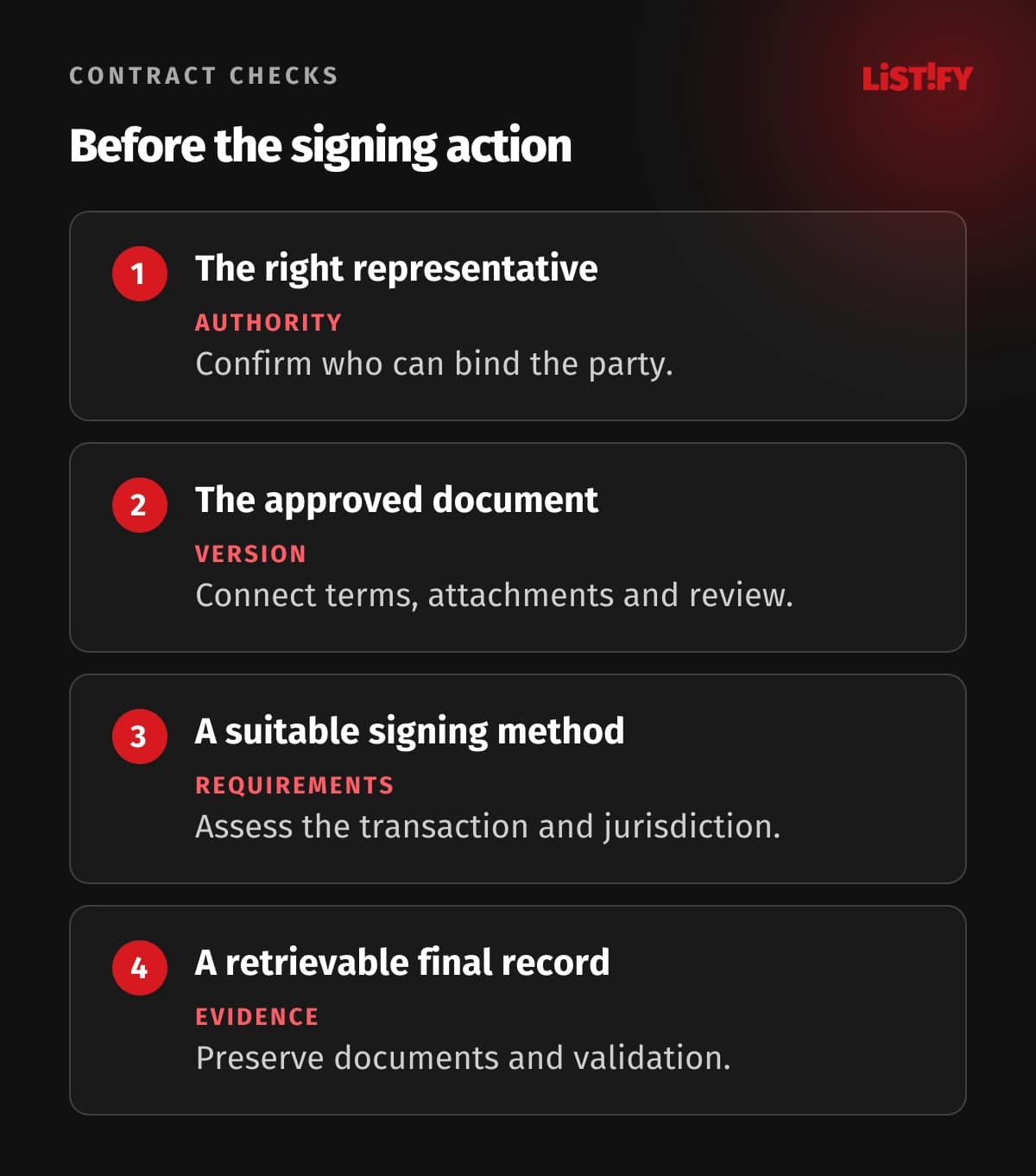
Let the signer inspect the relevant document before taking the signing action. Make the action and its meaning clear, preserve a way to decline or ask a question and explain what happens next. A fast completion rate is not useful if people cannot tell what they agreed to.
Handle amendments as separate controlled changes. Do not replace the stored signed file with an edited copy that looks like the current agreement. Preserve the original and connect the amendment, its approvals and its own signing evidence to the same business relationship.
A document hash can help identify bytes and detect a changed file. It does not, by itself, establish the signer’s authority, intent or the legal suitability of the process. Keep technical integrity checks in the wider evidence design.
Test version changes while invitations are active. Decide whether the earlier package is withdrawn, allowed to finish or superseded by a replacement. The status shown to staff and the instructions sent to the signer need to follow the same decision.
04Integrate provider events without losing control
Model explicit states such as approved, sent, awaiting a party, completed, declined, expired and canceled. Define permitted transitions and the evidence supporting them. A status should express the business situation rather than blindly mirror every label used by the external provider.
Authenticate callbacks according to the provider’s documented mechanism and correlate them with the expected agreement and tenant. Do not trust a status update merely because its request contains a recognizable package identifier. Restrict the endpoint and protect the credentials used by the integration.
Assume an event can arrive more than once or after a later event. Make processing idempotent and avoid moving a completed agreement backward because an older delivery appeared. Record what was received and how the system handled it without exposing document content in diagnostic logs.
Separate acknowledgment from heavy downstream work. Persist the event safely, then process controlled follow-up tasks. If delivery fails, use a retry and reconciliation path so the team can discover disagreements between the internal state and the signing provider.
The API integration guide discusses these operating concerns. Include a recovery screen that shows unresolved packages, the responsible owner and the next action. Staff should not need direct database access to repair an ordinary exception.
Gate fulfillment, billing setup or access provisioning on the agreed completion condition. Make those actions independently safe to retry. Signing a service agreement twice through event duplication should not create two customer accounts or duplicate an order.
05Preserve evidence and control document access
Retain the completed document together with the relevant signing and validation records. Include the identities or identifiers needed to interpret the process, its version relationships and meaningful event history. Collect evidence deliberately rather than relying on screenshots taken by individual employees.
The Commission FAQ describes signature validation as checking matters such as integrity and certificate status, with results that can be recorded in a validation report. Decide which verification your chosen method requires and how the result will remain understandable to an authorized reviewer.
A visual signature mark in a PDF is not a complete validation result. When cryptographic signatures are involved, use the suitable validation process rather than checking only whether a picture is visible. Plan how evidence will be preserved for the required period as technology and certificates change.
OWASP authorization guidance recommends least privilege and permission checks for access. Apply those principles to viewing, sending, signing-related administration and downloading agreements. Knowing a document URL or identifier should not grant a user access to another customer’s contract.
Separate the ordinary contract record from sensitive identity evidence where the purpose allows it. Give staff access to what their task requires. Define retention, deletion and any necessary hold processes according to the organization’s requirements, rather than assigning a universal number of years.
Test retrieval independently of the provider’s web interface. An authorized employee should be able to identify the agreement, locate its final version and understand the evidence after a staff change or a provider transition. Include export completeness in supplier evaluation.
06Pilot the exceptions and measure the whole process
Use a contract family with known owners and manageable dependencies for the pilot. Include normal signing and cases such as a signer change, a declined invitation, missing evidence, duplicate callbacks and an agreement amended during review.
Measure elapsed time by stage, unresolved cases, rework and manual handoffs. A shorter signing step may leave drafting and approval delays untouched. Stage-level measurement shows whether the integration resolves the problem that motivated the project.
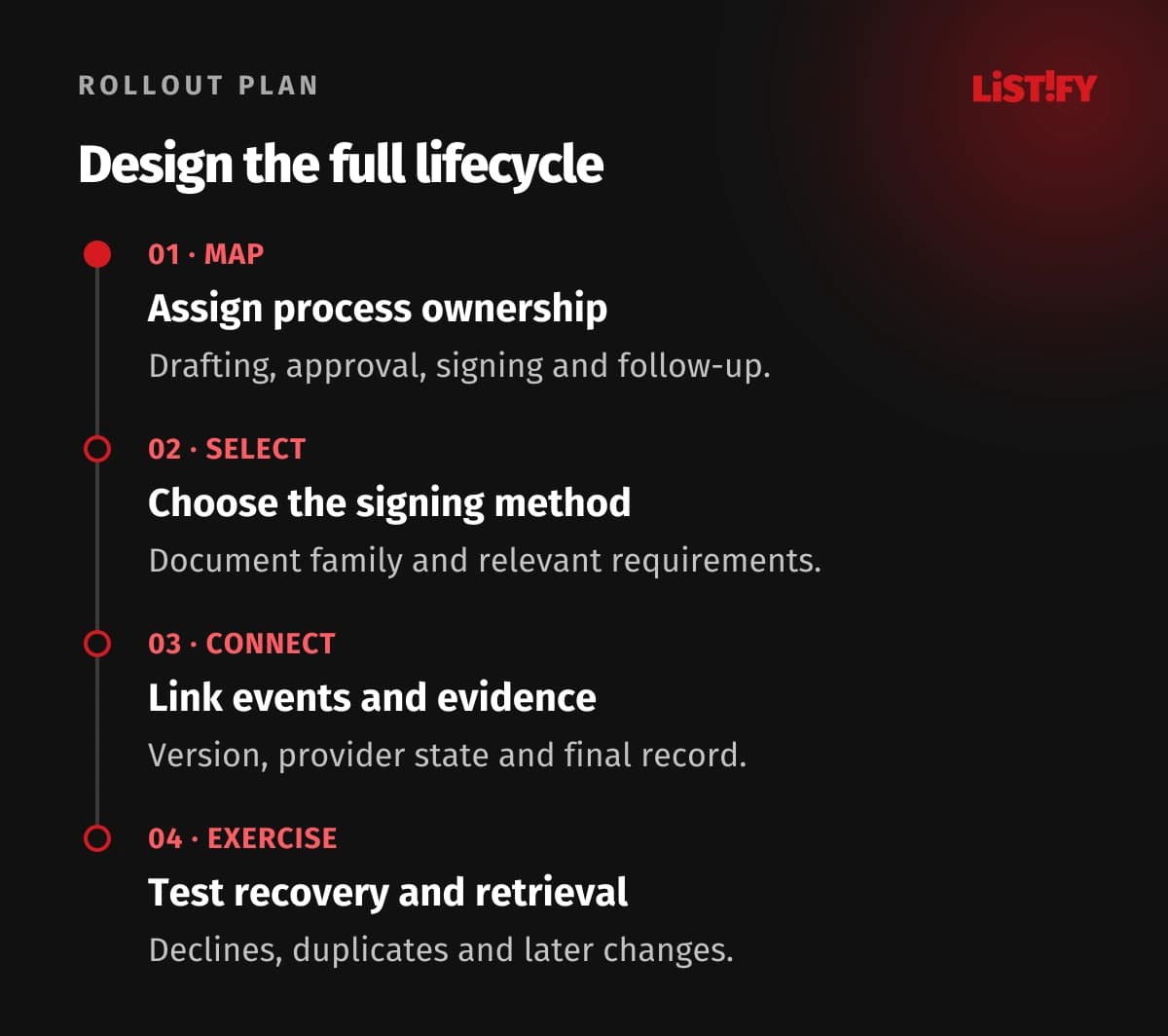
Review completed records with the people who will use them later: finance, operations, legal or customer support as appropriate. Ask whether they can identify the parties, version, status and next obligation without asking the original sender to explain it.
Keep a fallback procedure with an owner. Provider outages, unavailable signers and unusual formalities may require a different path. Record the reason and preserve the resulting evidence so an exception does not quietly bypass the normal controls.
Expand after the team can operate the process and retrieve its results. Reassess the method when entering a new jurisdiction or introducing a different document family. Reusing the software components does not automatically carry the original legal assessment to a new transaction.
Give renewals, deadlines and later amendments their own responsibilities. Digitalizing the first signature is only the start if the business still misses an important contract obligation because nobody owns the follow-up.
07Questions about electronic contract workflows
Is an electronic signature the same as a scanned handwritten signature?
A scanned image records an appearance. It does not automatically provide the same identification, document-integrity or validation capabilities as a designed electronic signing process. Assess the method and its evidence for the actual transaction.
Does every EU contract need a qualified signature?
Do not assume that. Choose according to applicable requirements and the transaction’s needs. EU qualified signatures have a specific handwritten-signature equivalence, while other electronic signatures can also have legal effects.
Can the same signing method be used worldwide?
The software may serve multiple markets, but the legal assessment needs to address the relevant jurisdictions and document types. Consumer disclosures, formalities and authority questions cannot be replaced by a provider’s general marketing claim.
Can internal approval replace signing?
It depends on what the action means and who is authorized. Approval often confirms that terms are ready to send, while signing binds the relevant party. Define both roles and avoid treating a workflow click as every required act.
What if the document changes after someone approves it?
Create a new controlled version and decide which approvals or invitations must be renewed. Preserve the relationship to the earlier version. Do not silently send changed terms under an approval tied to different content.
Should the system trust a completed callback immediately?
Authenticate and correlate the event, handle duplicates and confirm the agreed completion conditions. Follow-up actions need safe retries and reconciliation. A callback is input to the workflow, not a reason to skip its controls.
What should remain available after completion?
Keep the final document, relevant signing and validation evidence, version relationships and event history under suitable access and retention rules. Test whether an authorized person can retrieve and understand the record without relying on the original sender.