Custom CRM, Salesforce or Pipedrive: when does building your own make sense?
Sales wants an easy pipeline, operations needs a reliable handover, and finance needs consistent customer and order records. The CRM choice becomes difficult when those teams describe different systems under the same name. Start with the work that must connect, then compare the options against it.
Pipedrive can suit a sales-focused process that benefits from a maintained platform. Salesforce can support broader configuration and a substantial ecosystem. A custom CRM can be designed around distinctive workflows and integrations. Each still needs clear data, adoption, administration, and someone responsible for change.
Building your own is worth considering when important requirements remain poorly served by realistic platform configurations and the business can sustain the resulting product. A dislike of a few interface details or a comparison of license cost with initial development cost is not enough to establish the case.
01Describe the process the CRM must support
Map a representative customer journey from first enquiry through qualification, offer, approval, delivery, and later support. Identify the people, decisions, records, and systems involved. Include where the process varies and which exceptions happen often enough to matter.
Define the source of truth for customers, contacts, products, prices, orders, and invoices. Decide which system may change each item and how conflicts are resolved. A CRM can become unreliable quickly when several integrations each assume they own the same customer record.
Separate essential requirements from preferences and obsolete habits. A workflow may exist because an old spreadsheet imposed it, while another reflects a genuine contractual or operational requirement. Review the reason before either reproducing it in custom software or forcing it into a platform.
Choose examples for demonstrations: a normal sale, a revised offer, a complex handover, a duplicate contact, a restricted record, and an integration failure. Ask each option to support the same examples. This gives the comparison a stronger basis than a feature list with hundreds of boxes.
02Compare all three options at a realistic configuration
Review Pipedrive for the actual sales process, automation, reporting, access, and integrations needed by the team. Its current pricing and plan page distinguishes available packages and add-ons. Confirm what the selected arrangement includes rather than treating the headline price as the complete solution.
Review Salesforce through the same requirements and a feasible configuration. Its current sales pricing page shows edition and capability differences. A broad platform can still need implementation, administration, additional products, or specialist work to support the chosen process.
| Decision area | Pipedrive | Salesforce | Custom CRM |
|---|---|---|---|
| Process fit | Assess the real pipeline and related workflows | Assess configured objects, processes and chosen products | Design required workflows, with deliberate scope |
| Launch work | Configuration, migration, integration and adoption | Configuration or development, migration and administration | Product design, implementation, migration and operations |
| Ongoing change | Plan capabilities, add-ons and platform changes | Configuration governance, platform changes and specialists | Your backlog, maintenance, testing and release process |
| Integrations | Supported connectors and current API constraints | Chosen API access, products and current limits | Custom interfaces with every external system's constraints |
| Cost model | Subscriptions, add-ons and operating effort | Licenses, implementation, products and operating effort | Initial build, infrastructure and ongoing product work |
| Ownership and exit | Export scope, permissions and reconstructable relationships | Contract, export scope and reconstructable relationships | Contractual rights, code, data, deployment and handover |
A hybrid arrangement may also be useful. Keep a platform for a standard sales process and build a specialized operational tool around a well-defined boundary. Review the integration and ownership carefully so the hybrid does not create duplicate systems and ambiguous records.
03Build custom only where the difference matters
A strong custom case can involve a distinctive offer-and-approval process, complex service delivery, unusual relationships between records, or integrations that define the business. Describe the measurable problem and why realistic platform configurations do not address it acceptably.
Custom software lets you choose a focused experience and data model, but that flexibility comes with product responsibility. Someone must prioritize changes, test releases, maintain security, answer user questions, and keep integrations working. Those tasks remain after the original development budget is spent.
Avoid reproducing a large commercial CRM feature for feature. Start with the important connected workflow and a clear boundary. Email, document storage, accounting, identity, and marketing may remain with suitable existing systems, provided the interfaces and permissions are reliable.
Review change expectations. A specialized process may be stable enough to support a focused product, or it may be changing rapidly as the business learns. Define how the system will evolve without assuming that either a custom backlog or a platform administrator can deliver every future request immediately.
04Assess total cost over the same planning period
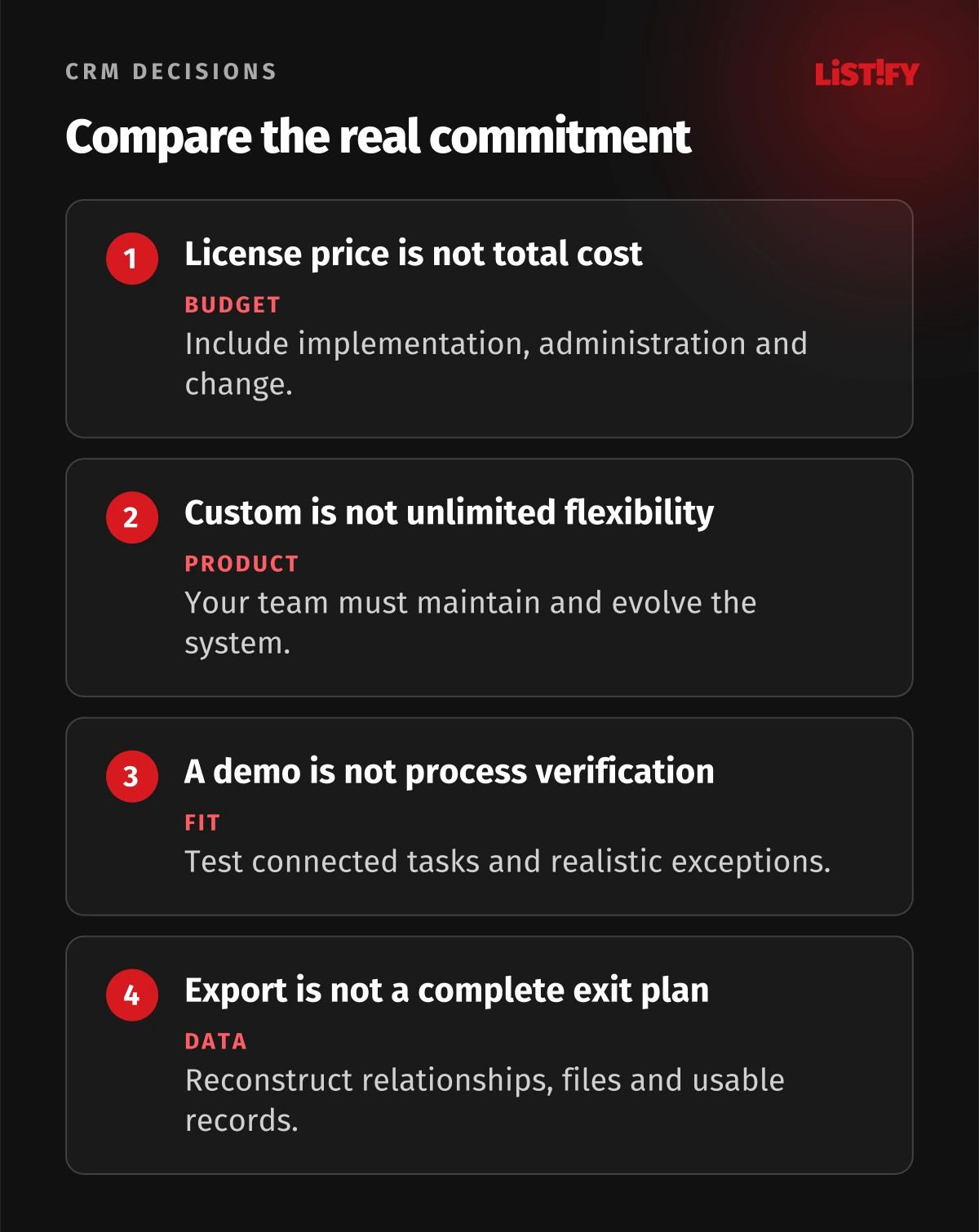
Compare equivalent scope and a shared period. Include licenses or subscriptions, add-ons, implementation, data cleanup, migration, integrations, training, administration, support, infrastructure where relevant, and expected change work. Record assumptions rather than presenting a single total as a certainty.
For custom software, include ongoing maintenance, security work, backups, monitoring, deployment, and replacement of obsolete dependencies. For platforms, include the relevant edition, specialist administration, automation limits, integration work, and possible changes in usage or commercial terms.
Model a few plausible scenarios: more users, another market, a new integration, or a substantial process change. The purpose is to expose the drivers, not to manufacture a precise long-term forecast. A seemingly inexpensive option can become costly through manual work, while a powerful configuration can consume unnecessary budget if its capabilities are unused.
Keep user effort visible. Time spent duplicating records, reconciling systems, correcting data, or preparing reports belongs in the comparison. Use your own observations and planning assumptions, clearly labeled. Do not invent a customer success story or guaranteed payback to favor one option.
05Verify integrations, security and operating ownership
A connector's existence does not prove that it supports the fields, timing, permissions, and failure recovery your process needs. For API integrations, trace the actual exchange: which event triggers it, what data move, who may change them, and what happens when the destination rejects the update.
Both Pipedrive's API documentation and Salesforce's REST API guide provide implementation references. Review current supported endpoints, authentication, access entitlement and limits for your arrangement. A custom CRM still inherits the constraints of every external service it connects to.
Design duplicate handling and a controlled repair process. An integration should not silently create another company because a request was retried. Keep stable identifiers, understandable error records, and the ability to rerun the appropriate operation without repeating completed work.
Review permissions with real roles. A salesperson, delivery manager, finance user, external partner, and administrator may need different records and actions. Test the restrictions in reports, exports, integrations, and mobile access as well as the normal screen.
Confirm data locations, vendor arrangements, retention, and applicable privacy requirements for the business and markets. Protect privileged access and secrets, and agree backup and recovery responsibilities. A hosted platform changes the responsibility model; it does not eliminate your responsibility for configuration and use.
06Treat migration and exit as practical tests
Prepare data quality before migration. Resolve duplicates, define required fields, preserve relationships, and identify records that should not move. The new system should not receive every historical inconsistency simply because export is easy.
Pipedrive's import guidance describes supported spreadsheet imports and mapping. Its export guidance describes export choices and permissions. Test the actual data you need, rather than assuming one file contains every attachment, history item, and relationship.
Apply the same standard to Salesforce and custom options. Define which data and files can be extracted, in what form, by whom, and how relationships can be reconstructed. A valid CSV is not necessarily a usable migration into the next system.
For custom development, agree rights and access in the contract and handover: source code, data, third-party dependencies, deployment configuration, documentation, and required operating accounts. Owning code is useful only when someone can build, deploy, maintain, and operate the product.
Run a representative migration rehearsal. Verify counts, relationships, permissions, important histories, and the business task that follows. Define how new changes are handled during cutover and how recovery works. Keep the exit plan reviewable while the team still has time to fix gaps.
07Pilot the process with the people who will use it
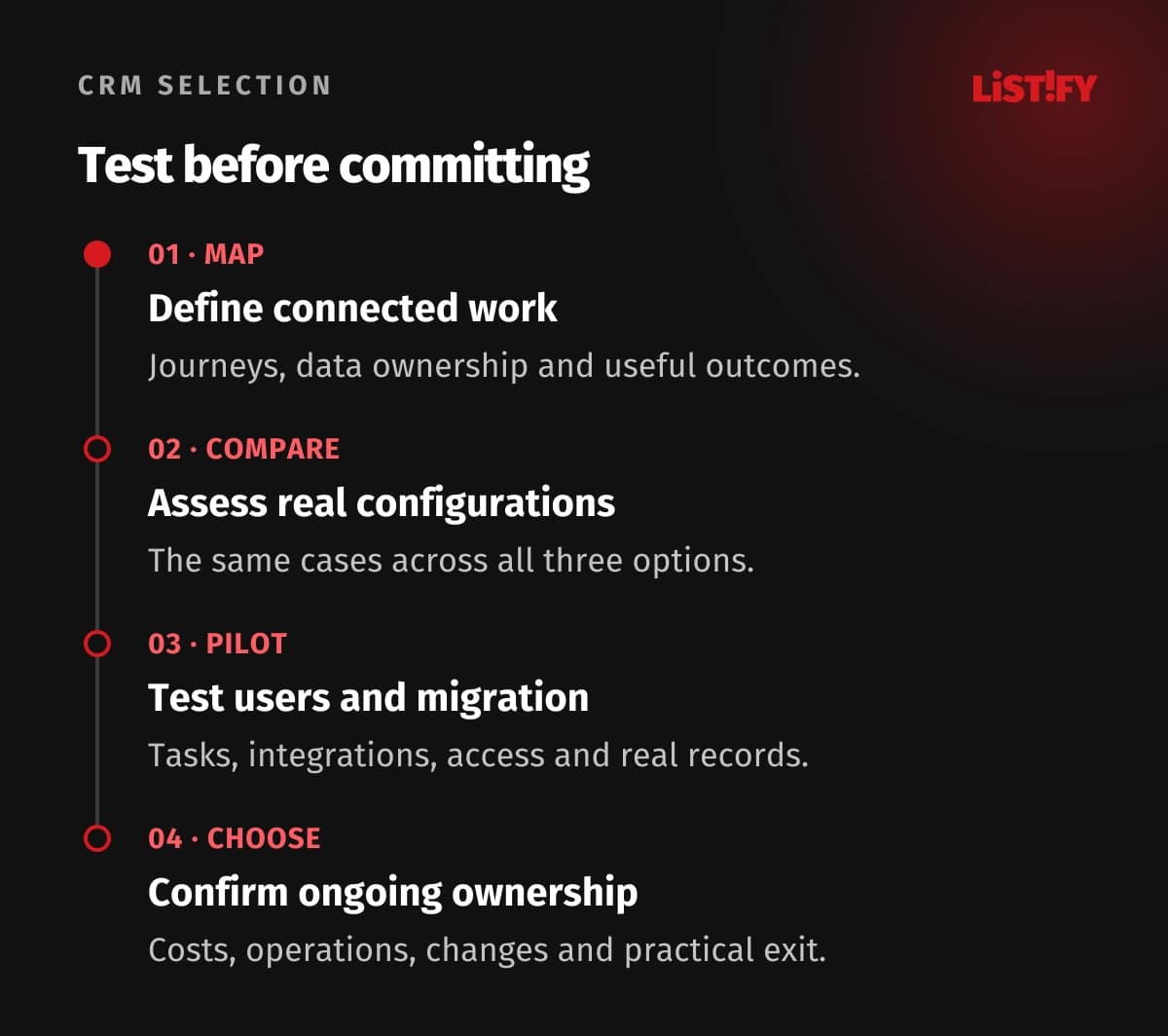
- Map the work. Agree key journeys, data ownership, exceptions and success criteria.
- Compare real configurations. Test Pipedrive, Salesforce and custom scope against the same cases.
- Pilot and rehearse migration. Observe users, integrations, permissions and representative records.
- Choose and operate. Confirm costs, ownership, change process and a practical exit plan.
Include frontline users and the teams receiving their work. A sales demo may seem successful while delivery still reconstructs the order manually. Watch the entire handover and ask users to complete realistic tasks without guidance from the person who configured the system.
Review adoption through useful work: correct records, timely follow-up, reliable handover, and understandable reports. Login counts alone can hide frustration or parallel spreadsheets. Define which old process is retired and which transition is temporary.
Choose the option whose actual benefits justify its operating commitments. Preserve the reasons, limits, and responsibilities in the decision record. That gives the business a basis for later changes without repeatedly restarting the debate from a product's marketing page.
08Questions about custom CRM, Salesforce and Pipedrive
When is a custom CRM worth considering?
When important distinctive workflows remain poorly served by realistic platform configurations and the business can sustain product ownership, maintenance and change. Explain the specific benefit and compare equivalent scope.
Is Pipedrive only suitable for very small businesses?
Assess the actual process, plan capabilities, integrations, permissions and operating needs. Company size alone does not establish fit or rule it out.
Does Salesforce remove the need for custom development?
A platform can support substantial configuration, but the chosen process may still need implementation or integration work. Review the specific edition and realistic configuration rather than assuming universal capability.
Will custom software always be cheaper over time?
No. Compare the same scope and period, including ongoing maintenance, operations, change and user effort. Model assumptions and plausible changes instead of promising a guaranteed saving.
What should an integration demonstration prove?
Trace the real fields, timing, permissions, duplicate handling, failures and repair. A connector name does not show that the complete business exchange works.
Does an export button give us a complete exit plan?
No. Test the data, files, histories and relationships you need and how they can be reconstructed. Confirm permissions, format, handover and required operating access.
Who should own the CRM after launch?
Name a business process owner and appropriate technical or platform administration owners. Define data maintenance, support, security, integrations, changes and user adoption responsibilities.