Automate approvals for leave, invoices and purchase requests
An invoice sits in an inbox, a manager approves an old version and an employee cannot tell whether their leave request went through. Approval automation should remove that uncertainty: one current request, the right decision maker and a recorded outcome that reaches the system where work continues.
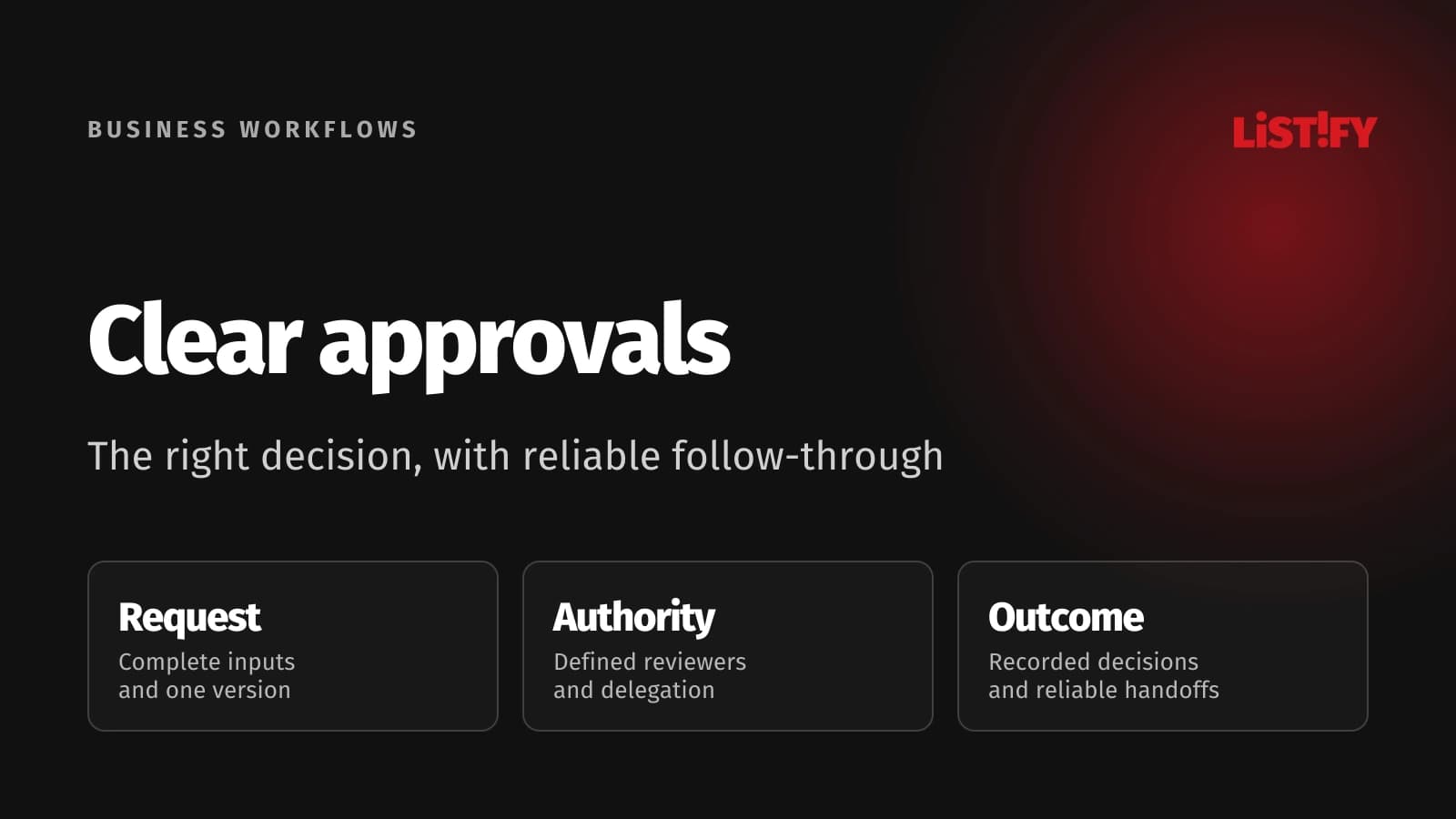
Begin by agreeing on the rules people already struggle to follow. A digital Approve button can make a poorly defined process move faster without making it safer or clearer. Define authority, exceptions and the consequences of a decision before choosing the tool.
Leave, invoice and purchasing workflows share a useful structure, but their decisions differ. Approving absence is about a staffing and policy decision. Approving an invoice is not the same as verifying supplier bank details or releasing a payment. Keep those boundaries visible.
01Map the request, decision and downstream action
Choose one frequent workflow with a clear owner. Gather examples that include normal requests and awkward cases: an absent approver, missing information, a changed amount or a request canceled after approval. Those cases reveal the actual process better than a diagram containing only the happy path.
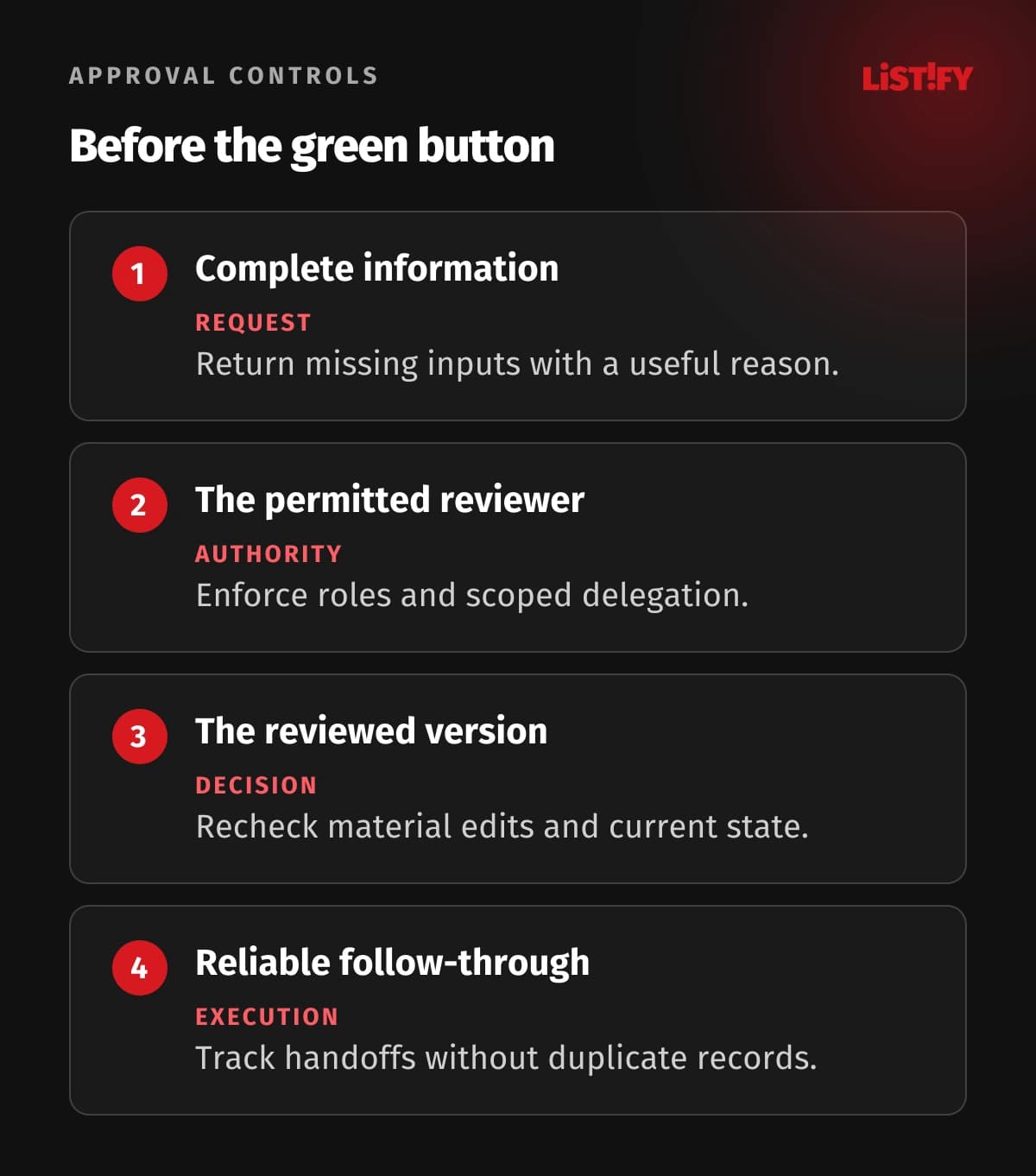
Specify the minimum information required to submit. A purchase request may need a supplier, purpose, budget code, currency and supporting quote. An incomplete request should return for correction with a clear reason rather than circulate through several approvers who cannot decide.
Separate preparation, review, approval and execution. Finance may check an invoice against receipt and purchase records before a budget owner approves the expense. Payment release can remain a separate controlled step. A single green status should not hide these different responsibilities.
| Workflow | Decision inputs | After approval | Important exception |
|---|---|---|---|
| Leave request | Dates, policy and coverage context | Update the authoritative HR schedule | Manager absence or a changed request |
| Invoice review | Invoice, supplier and matching records | Mark approved for the next finance step | Changed amount, duplicate or disputed invoice |
| Purchase request | Purpose, supplier, budget and quote | Create the controlled purchasing record | Budget unavailable or supplier changed |
Name the authoritative record for each stage. If the approval tool and accounting system both allow unrelated status changes, users will eventually find conflicting answers. Decide how an approved request is linked to the downstream record and who resolves discrepancies.
02Define who may approve and under what conditions
Build an approval matrix around the decision, organization and risk. A department owner may approve routine purchasing within a defined authority, while another role handles larger or exceptional requests. Document currencies, thresholds and how exchange-rate choices are applied if they matter.
Prevent self-approval where the policy requires independent review. Handle someone who holds multiple roles and requests on behalf of a colleague. Simply sending an email to a manager does not ensure that the person who ultimately clicks is the authorized decision maker.
OWASP authorization guidance recommends denying access by default and validating permissions on every request. Enforce approval authority in the service handling the action, including direct API requests and old links.
Delegation should identify a permitted substitute, scope and time period. Record whether the substitute acts under delegated authority and preserve the original routing context. A forwarded message should not silently become an unrestricted delegation mechanism.
Choose sequential or parallel review deliberately. Parallel input can shorten waiting when independent departments review the same stable request. Sequential approval is useful when one decision changes what the next approver needs to see. Specify whether everyone must approve or which combination of decisions is sufficient.
Make policy changes explicit. If a threshold changes while requests are waiting, decide which policy version applies to them. Otherwise staff can receive different treatment based on when a job retries rather than on an agreed business rule.
03Use request states and bind approval to a version
Define states users can understand: draft, submitted, awaiting information, awaiting approval, approved, rejected, canceled and completed. Include an execution-failed state if a downstream integration can fail after approval. Each state should have a permitted set of actions.
Bind the decision to the reviewed request version. Changing a supplier, amount or dates after approval should trigger the applicable revision process. Preserve what was approved so a later edit cannot make the historical decision appear to cover different terms.
Use concurrency controls when several people act at once. An approver may accept while the requester cancels or another approver rejects. The system needs a defined transition rule and a current-state check, not whichever browser request happens to overwrite the record last.
Ask for a rejection or return reason that helps the requester act. Distinguish a final rejection from missing information. Resubmitting a corrected request should create an understandable new review state without erasing the earlier decision.
Show status and ownership in one place. Users should be able to see who currently needs to act and whether a request is waiting for a person or a failed integration. That visibility reduces the emails asking whether someone received the request.
04Choose the tool around the operating environment
First check whether the HR, accounting or purchasing system already supports the required workflow. Keeping approval close to the authoritative data can reduce reconciliation work. Evaluate actual permissions, audit history, substitution and integration features, rather than choosing only by the attractive form editor.
Microsoft Power Automate approval documentation demonstrates approval flows for documents and requests, including leave requests. It also explains a separate approach for long-running approvals. Check the limits and configuration of the chosen platform for your real process.
A low-code tool can suit a straightforward workflow in an established software environment. A custom application becomes more attractive when authority spans several systems, request data is complex or the organization needs a specific user experience and detailed operational control.
Compare total ownership: setup, connectors, licensing, security administration, testing, support and changes. Do not estimate the project from the number of visible approval buttons. Reliable exception handling and integrations often require more thought than the first form.
Keep the organization in control of accounts, credentials, workflow definitions and exportable data. A working flow tied to one employee account may fail when that person leaves. Assign business ownership and technical maintenance roles before rollout.
The internal portal guide offers related ideas for making requests accessible. The approval process should remain consistent even if users submit through several interfaces.
05Make handoffs reliable and audit history useful
Approval and execution are separate facts. If a purchase is approved but the purchasing API is unavailable, preserve the approval and record the pending handoff. Do not ask the manager to approve the same request again merely because an integration failed.
Camunda job-worker documentation explains retries and at-least-once job delivery, with idempotent worker behavior. The practical lesson for a handoff is to make repeating the same operation safe instead of assuming it can never run twice.
Use a stable request identifier and downstream reference. If creating a purchase order succeeds but the response is lost, a retry should locate or reuse the existing result where the receiving system supports that design. Inspect ambiguous outcomes before generating another record.
Maintain a history of submission, routing, edits, decisions, delegation, cancellations and execution results. Record the actor, timestamp, request version and relevant reason. Protect the history from ordinary editing and limit access to its sensitive details.
An audit trail should explain the decision without copying every attachment or secret into logs. Define retention and access around the information and applicable obligations. Do not promise that a digital history alone satisfies every legal recordkeeping requirement.
Set up an actionable exception queue. Each failed handoff needs an owner, next action and retry status. The API integration guide covers related design choices for connecting systems without losing operational visibility.
06Pilot the process and measure the waiting
Run a pilot with representative users and realistic exceptions. Test absent approvers, withdrawn delegation, edited amounts, duplicate submissions and canceled requests. Confirm that an old approval link cannot override the latest state or grant access to an unrelated request.
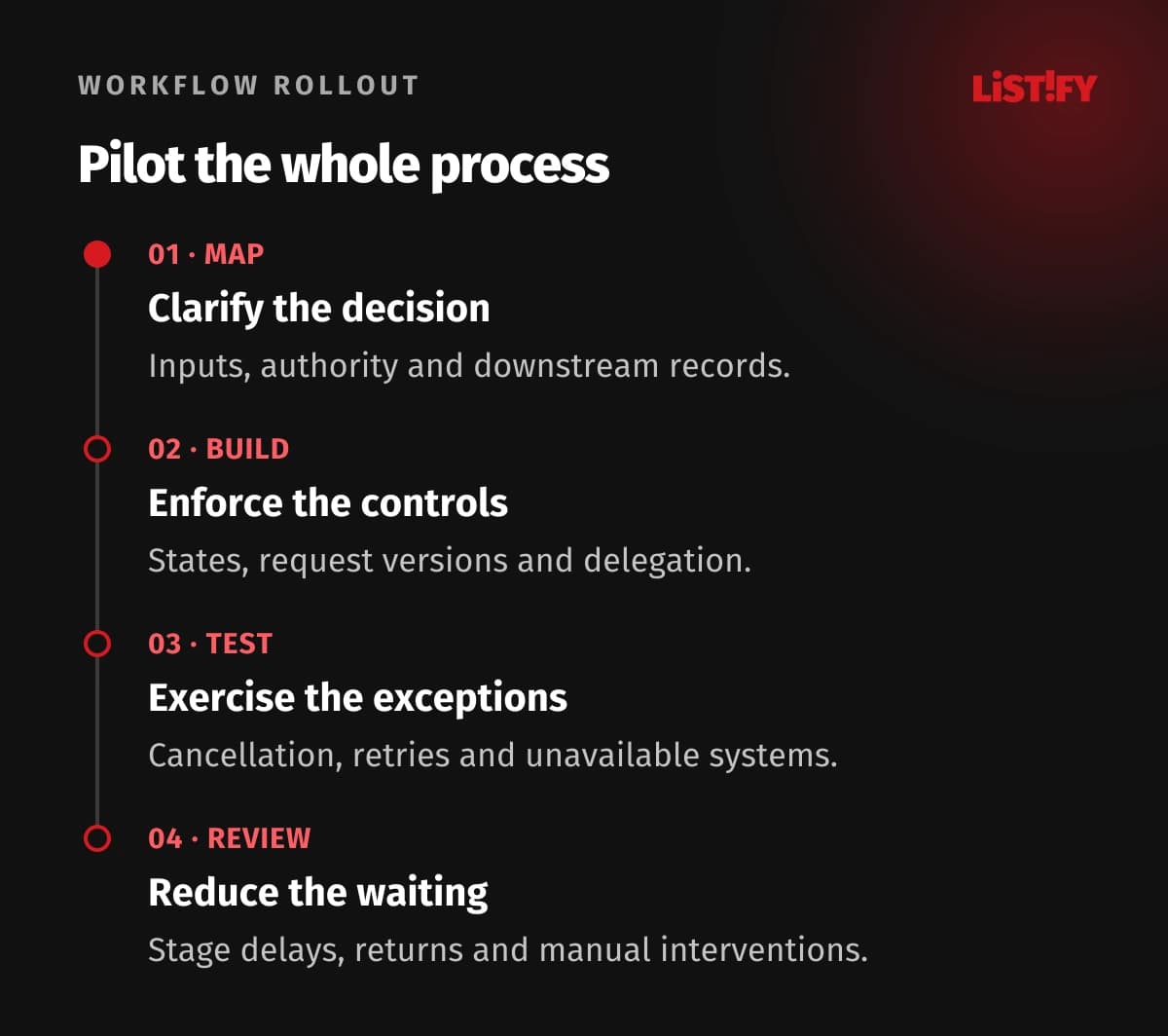
Measure elapsed time by stage, not only the final average. Separate time waiting for complete information, waiting for a reviewer and waiting for a technical handoff. These causes need different remedies, and a single total can conceal the bottleneck.
Track returned requests, duplicate records, overdue reviews and manual interventions. Use the data to simplify the form or approval matrix. Escalation should notify a defined owner and preserve authority; automatically approving an overdue invoice would change the business policy.
Agree on a fallback before rollout. If the tool is unavailable, the team needs a controlled temporary procedure and a way to reconcile those decisions afterward. An improvised email chain can create duplicate execution when the automation comes back online.
Train people on what approval means, where to see status and how to correct an error. Give the process owner a regular review of routing and exceptions. Automation stays useful when policy and actual work evolve together.
07Questions about automated approvals
Can leave, invoice and purchasing requests use one system?
They can share a request platform and common controls, but each workflow needs its own data, authority and execution rules. Preserve the differences between approving absence, accepting an expense and releasing a payment.
Does invoice approval authorize payment?
Only if your defined process gives that action this meaning and the required controls are present. Many organizations separate invoice review, expense approval, supplier verification and payment release. The interface should explain which decision is being made.
What happens when the approver is away?
Use a defined delegation or reassignment rule with a permitted substitute and recorded scope. Set reminders and escalation ownership. Forwarding an email should not bypass the approval matrix or create unlimited authority.
Can a request change after approval?
Define which changes require a new review. Bind the decision to a version and preserve the earlier record. Material changes such as amount, supplier or dates should follow the applicable revision rule rather than silently reuse the approval.
How do we prevent duplicate execution?
Use stable request references, current-state checks and idempotent integration behavior where supported. Inspect ambiguous responses and reconcile downstream records. A retry should not automatically create a second purchase order or payment instruction.
Will a low-code tool be sufficient?
It can be for a process that fits its identity, connector, state and audit capabilities. Validate exception handling and operating limits with real examples. More complex integrations or permission rules may justify custom development.
What should the pilot prove?
That valid requests reach authorized reviewers, decisions cover the correct version and downstream actions occur once as intended. Also demonstrate cancellation, delegation changes, failed integrations and the controlled fallback procedure.