App Store Optimization: help the right users find your app
Your app solves a real problem, but its store page looks like a feature inventory. App Store Optimization starts by matching a user’s search and expectation to a credible product promise. Improve discovery, explain the value clearly and measure what happens after installation, rather than chasing a keyword position in isolation.
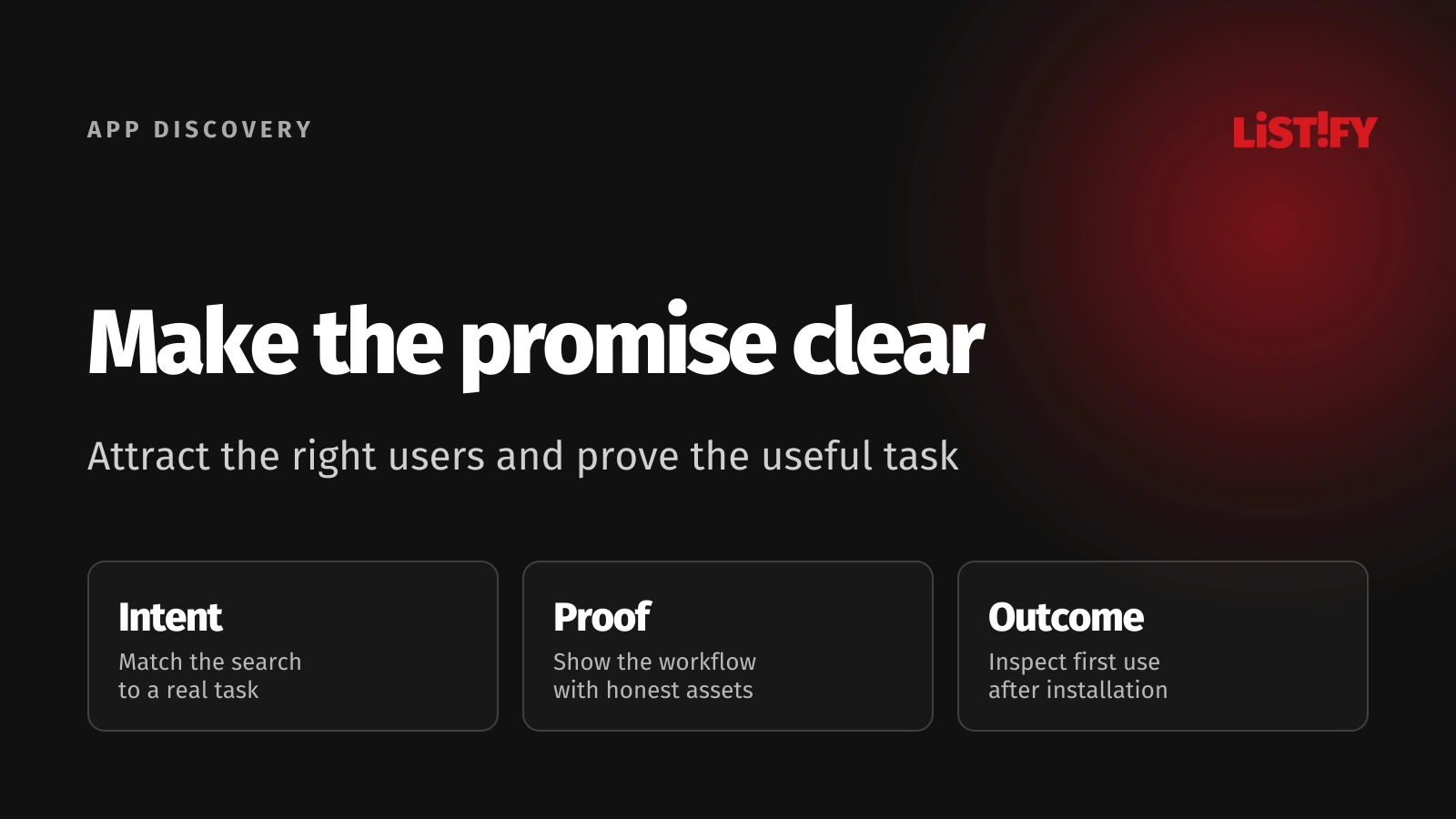
ASO combines store presentation, relevant metadata and evidence about user acquisition. The App Store and Google Play have different fields and testing tools. Plan a separate listing for each platform, while keeping the same honest account of what the app can do.
Begin with one audience and one useful task. A scheduling app for independent tutors needs a different message from a scheduling app for enterprise field teams. Trying to appeal to everyone makes keyword choices, screenshots and experiments harder to interpret.
01Understand the user’s search and decision
Describe the task that brings someone to the store. A tutor might search for lesson scheduling, then look for recurring bookings and reminders. Capture this vocabulary from interviews, support questions and actual acquisition information. A guessed list of high-volume phrases is a weak substitute for understanding the task.
Review competing listings to identify expectations and gaps, without copying their claims. Note which problems they emphasize, how their screenshots explain a workflow and which questions users raise in reviews. Those observations generate hypotheses; they do not prove how a competitor’s ranking algorithm works.
Separate branded searches from broader problem searches. Someone looking for your established product name is making a different decision from someone comparing unfamiliar alternatives. Keep that distinction when assessing whether an improved page actually reaches new users or simply serves existing demand more clearly.
Choose the promise you can support immediately after installation. If the key task requires a paid subscription, account approval or a particular region, explain that context appropriately. An enticing store page that attracts users who cannot complete the task creates a downstream product problem.
Set an acquisition objective linked to useful behavior, such as completing the first booking. Downloads matter, but a rise in installations from the wrong audience may not help the business. The mobile retention guide covers the next part of that journey.
02Use each store’s fields deliberately
| Listing element | App Store | Google Play |
|---|---|---|
| App name | Up to 30 characters | Up to 30 characters |
| Short supporting text | Subtitle up to 30 characters | Short description up to 80 characters |
| Long description | Explain capabilities and relevant conditions | Explain capabilities within the 4,000-character field |
| Visual explanation | Screenshots and app previews | Store graphics, screenshots and supported video |
| Experiments | Use available product page testing tools | Use store listing experiments |
Apple’s product page guidance recommends a distinctive, memorable name and a subtitle that explains value. Google’s setup documentation describes its listing fields and limits. Write for the user within those constraints instead of packing every related term into the title.
Keep claims precise and supportable. Explain the core workflow first, then the features needed to evaluate it. Avoid unverifiable ranking claims, artificial urgency and descriptions that imply features unavailable in the released app. Changes to pricing or availability should trigger a review of the store copy.
Do not copy one platform’s keyword strategy directly into the other. Record which fields you changed and why, using the platform’s current guidance. Avoid presenting unofficial assumptions about indexing or ranking as fixed store rules.
Assign ownership for listing maintenance. Marketing may prepare the message, design may build assets and engineering may manage release submission. A named owner should check that the approved listing still describes the current app and that all required changes reach the right locale and platform.
03Make screenshots explain a usable outcome
Show the task in a clear sequence. For the tutor example, a screenshot might show available sessions, followed by a booking confirmation and the relevant reminder settings. Each frame should answer a user question. A row of unrelated dashboards asks the reader to assemble the value themselves.
Use readable labels and genuine interface content. Keep private customer information out of screenshots and make illustrative data recognizable as demonstration content. Avoid inventing performance results or presenting mock functionality as already available in the production app.
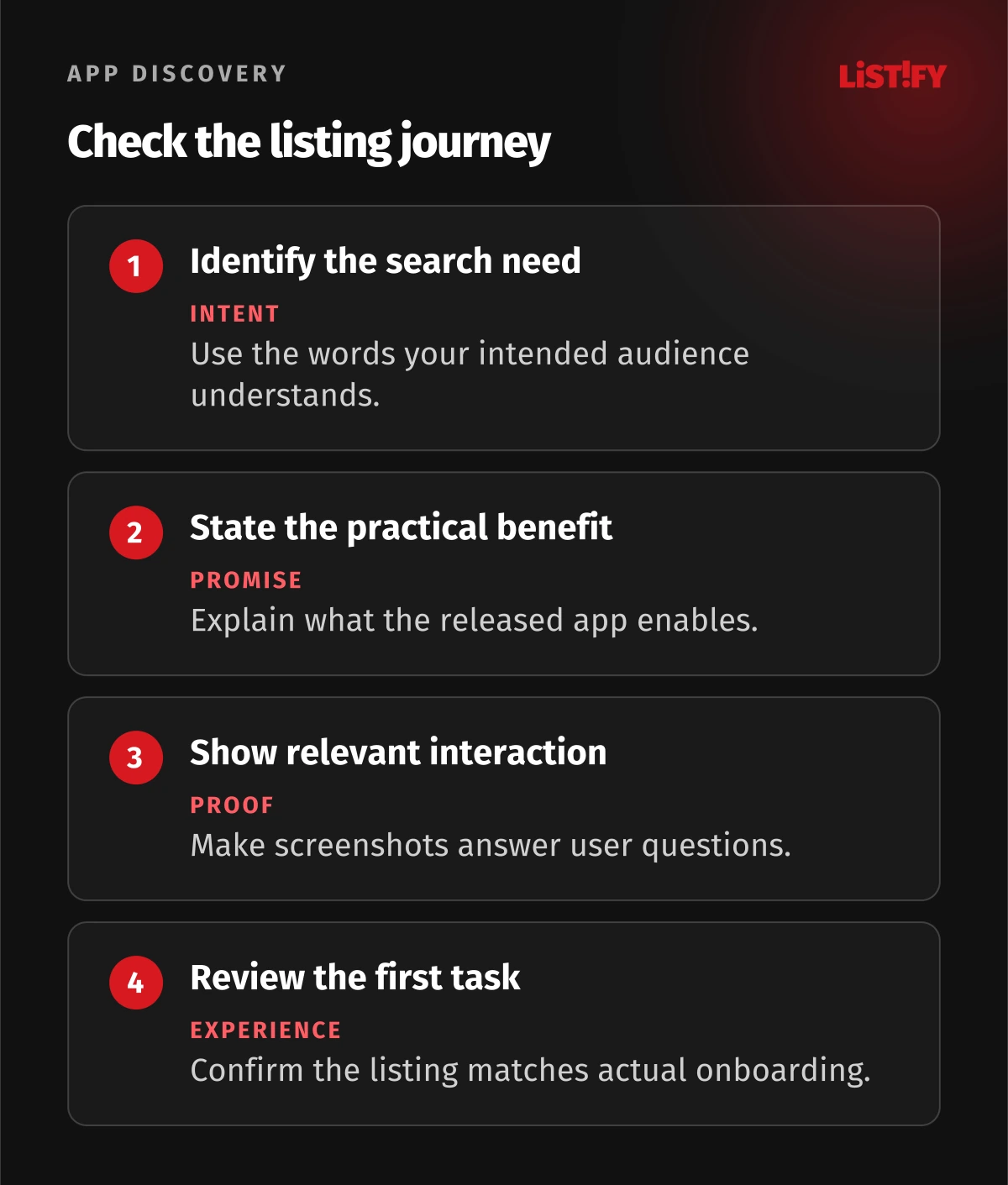
Inspect the first assets at the sizes users will encounter. The headline should remain understandable when a screenshot is small, while the interface should still look credible. Check device requirements and asset specifications in the submission tools rather than relying on an old design export.
If you use an app preview, show the real experience quickly and make it understandable without sound. Explain the interaction with visual context rather than a long brand introduction. The aim is to reduce uncertainty about using the app, not to make the video resemble an unrelated advertisement.
Keep the icon recognizable and consistent with the product’s identity. Test a meaningful visual hypothesis, such as whether the design communicates the app’s purpose clearly. A change that merely follows a fashionable style is harder to connect to an acquisition decision.
04Localize the proposition and the product
Localization means more than translating a description. Review terminology, examples, screenshots, date formats and supported services for the target market. A listing in a local language can create an expectation that the app itself and its support are usable in that language.
Start with markets the product can actually serve. Check account requirements, payment methods and availability before building a localized acquisition campaign. If an external service is essential to the workflow, confirm that it works for the intended users rather than assuming worldwide access.
Have a native reviewer assess the message in context. A literal translation of appointment scheduling terminology may sound wrong for the intended profession. Give the reviewer the task, audience and screenshots so they can judge whether the whole page makes sense.
Manage assets as a versioned set. Record which release, locale and device type a screenshot represents. This helps prevent an old interface or incorrect currency remaining on one localized page after the main listing has changed.
Compare results within relevant market and source segments. Different acquisition mixes can produce different conversion rates without establishing that one translation is better. Inspect what changed in traffic and availability before attributing every difference to the text.
05Run an experiment that answers one question
Write the hypothesis before choosing variants: for example, showing the complete booking workflow will make the benefit clearer than showing a calendar alone. Identify the primary metric, audience and change. Keep other important conditions as stable as practical so the result can inform a decision.
Google Play’s experiment documentation describes testing graphics and text against a current listing, including language selection. Use the platform’s reported uncertainty and experiment settings. A short-lived uplift in a small sample is not a reliable promise of future performance.
Distinguish a broad page experiment from a page tailored to a campaign or intent. Apple’s current custom page documentation allows reviewed variants with different assets and selected keywords. Custom pages are not limited solely to people arriving from a campaign link.
Document the interpretation as carefully as the result. A variant may attract more installations but create less relevant users. Check whether the message overstates a capability, whether the tested audience matches the intended market and whether a simultaneous campaign changed the mix.
Do not run many unconnected tests merely because assets are easy to change. Prioritize the uncertainty that is blocking acquisition: unclear purpose, weak proof or a mismatch between campaign and listing. Keep a record of rejected hypotheses so the team does not repeat the same test under another filename.
06Measure the whole acquisition path
Apple’s analytics documentation connects acquisition, retention and commercial performance. Use the store’s metric definitions rather than assuming that every dashboard calculates conversion the same way. Record the denominator, source filters and reporting period alongside each result.
Separate visibility from page effectiveness and first-use success. Fewer impressions suggest a different question from many page views with few installs. More installs with little activation points toward expectation, onboarding or product usability. Treat the stages as connected evidence rather than blaming every outcome on keywords.
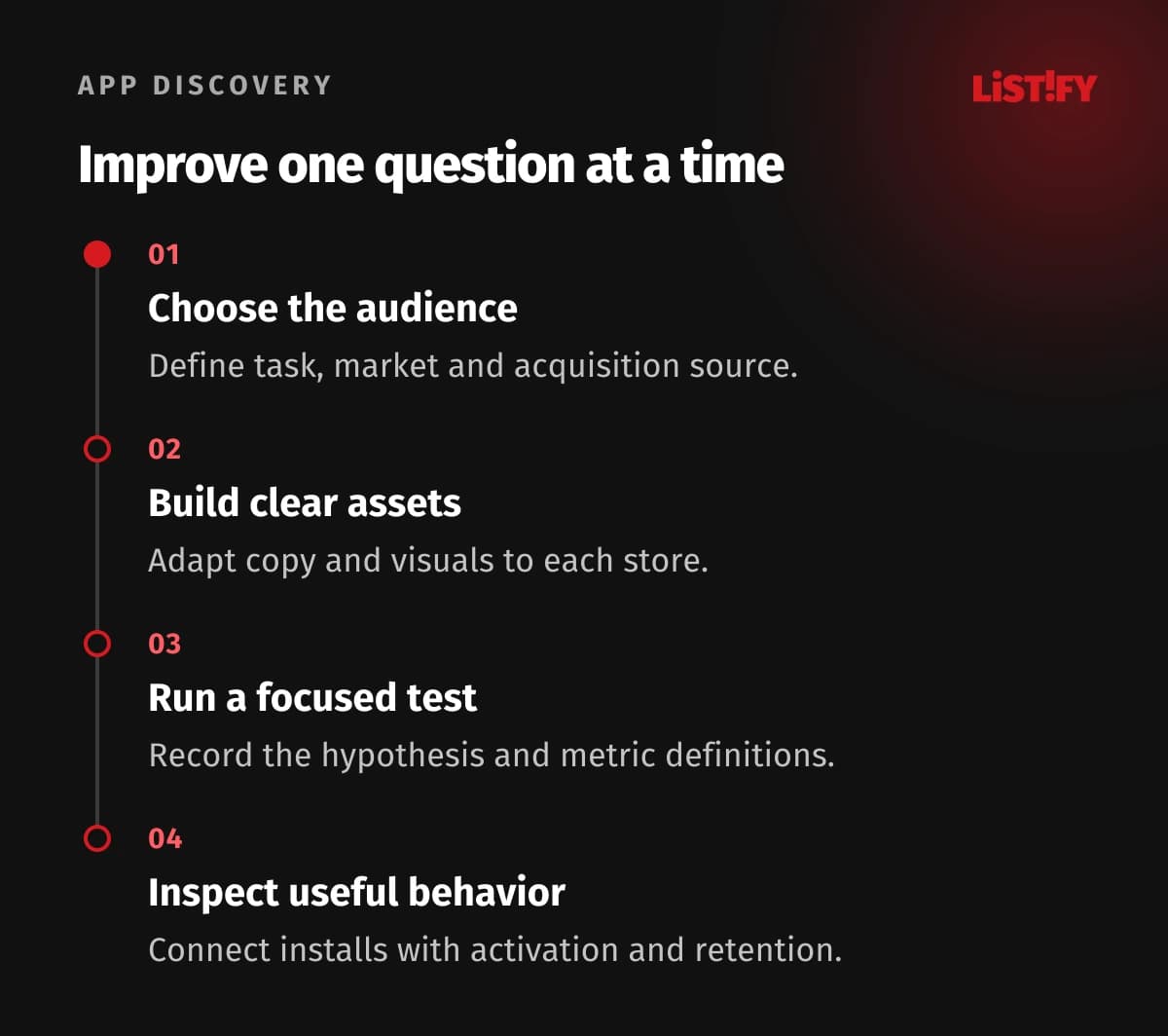
Include quality and operating signals in the review. A release with login failures or confusing permissions can undermine the experience promised in the listing. Coordinate ASO work with the mobile release and versioning process, so copy and product changes reach users coherently.
Keep paid acquisition identifiable where available. A campaign can increase total installations while organic discovery stays unchanged. Do not report the combined result as proof of an organic ranking improvement. Document attribution limitations and use comparable segments where the available data permits.
Review the listing after meaningful product or market changes. Update claims, visuals and conditions, then preserve a history of what changed. Sustainable ASO is a maintained acquisition process with useful learning, rather than a one-time metadata rewrite.
07Questions about App Store Optimization
Can ASO guarantee a higher ranking?
No. You can improve relevance and presentation and evaluate results, but store discovery depends on factors outside your direct control. Avoid promises based on an unexplained keyword formula.
Should both stores use identical copy?
Use a consistent product promise with platform-specific metadata and assets. Their fields and tools differ, and each listing should be reviewed in its own context.
Are more keywords always better?
No. Relevant language and a clear purpose are more useful than a title crowded with loosely related terms. Follow current platform guidance and make changes that answer a user need.
Can Apple custom product pages appear in search?
Current Apple documentation supports assigning approved keywords to visible custom pages. Review the available settings and approval requirements rather than assuming the pages are only campaign destinations.
What if an experiment has too little traffic?
Do not treat an uncertain result as a confirmed winner. Revisit the setup, audience and decision, and consider qualitative review while building enough relevant traffic to evaluate the hypothesis.
Should screenshots show unreleased features?
The listing should accurately represent the available app. Keep mockups and forthcoming capabilities distinct from the experience users can obtain after installation.
What should be measured besides installs?
Measure whether relevant users complete the intended first task and return, alongside available commercial outcomes. More downloads alone do not establish product value.