Website speed: improve the pages that matter for search and sales
A page can look fast in an office test and still make a customer wait on their phone. Website speed work should start with the actual journey: can visitors see the offer, use the page and complete the next step without delays or unexpected movement?
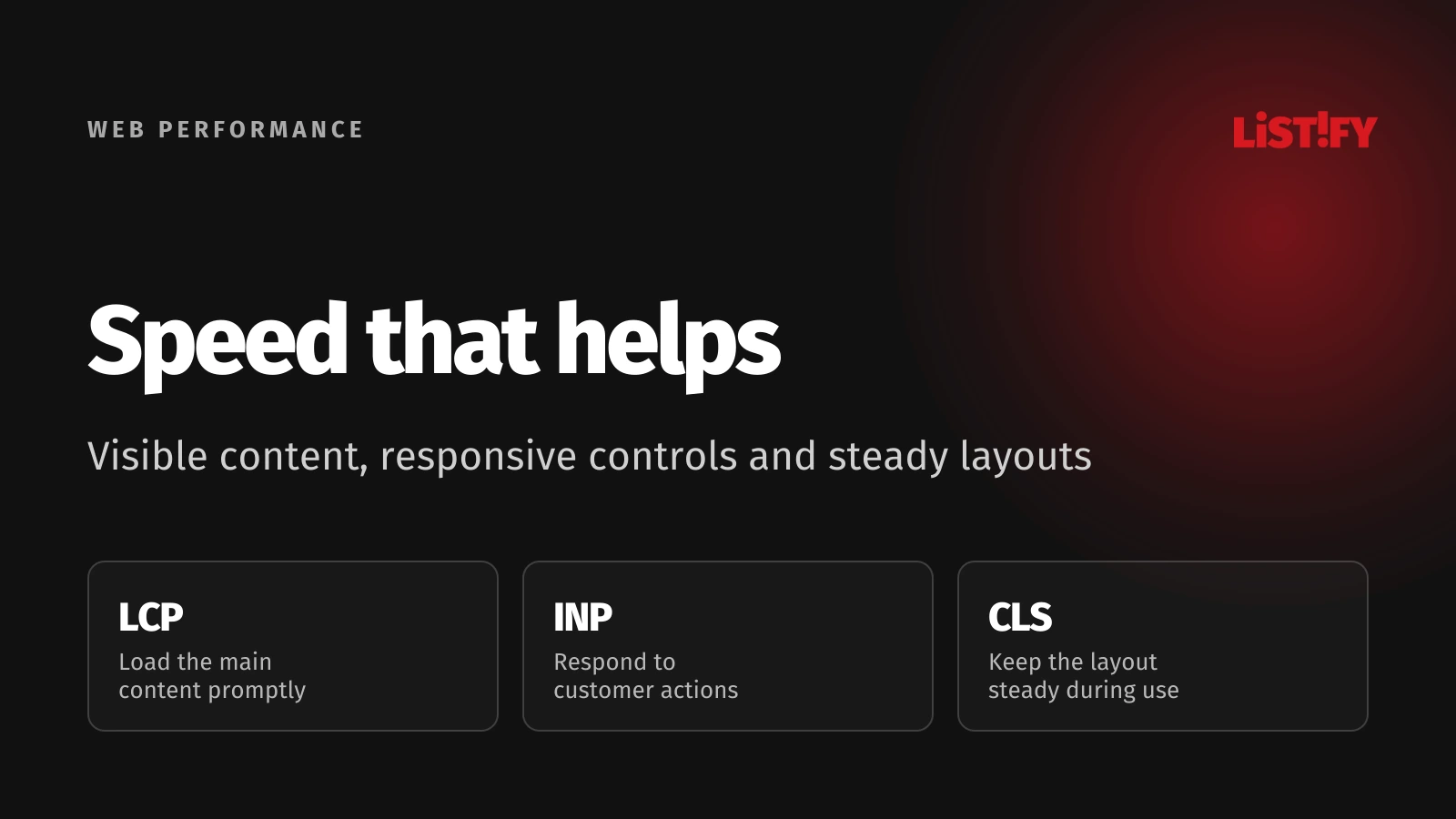
Good performance supports a usable site and matters to search, but it does not produce a guaranteed ranking or revenue increase. Build a plan around real experience, meaningful business outcomes and the causes of slow behavior on important page templates.
For an online store, a fast homepage is only part of the task. Product pages, filters, the cart and checkout can fail in different ways. Improving the slow template used by paying customers may be more valuable than polishing a page they rarely visit.
01Separate search performance from sales performance
Google page experience guidance says Core Web Vitals are used by its ranking systems, while good scores do not guarantee top rankings. Relevance and useful content still matter. A performance audit should not promise a fixed position increase.
For customers, the effect is more direct to observe: delayed content, an unresponsive control or a moving checkout button can interrupt the task. Measure those experiences against completed actions. The business objective might be a purchase, a booked consultation or a successfully submitted application.
Avoid taking a published case study from another company and applying its revenue percentage to your own site. Traffic sources, devices, offer quality and checkout behavior differ. A useful forecast should state assumptions and sensitivity; the actual effect needs measurement.
Choose separate success criteria for technical performance and business behavior. A release may improve loading while sales remain unchanged because pricing or availability moved in the same period. That outcome does not invalidate the technical fix, but it limits the commercial claim.
The landing page guide gives related context for the offer and action on a page. Speed helps visitors use that experience; it cannot replace a clear reason to proceed.
02Measure loading, response and stability
Google Core Web Vitals documentation describes loading performance through Largest Contentful Paint, responsiveness through Interaction to Next Paint and visual stability through Cumulative Layout Shift. They describe different problems and need different fixes.
| Metric | What it describes | Good target | Where to investigate |
|---|---|---|---|
| LCP | When the largest visible image or text block renders | 2.5 seconds or less | Server response, discovery and rendering of main content |
| INP | Responsiveness across user interactions | 200 milliseconds or less | Busy main thread, event handling and rendering work |
| CLS | Unexpected shifts of page elements | 0.1 or less | Missing reserved space and late inserted content |
Web Vitals guidance defines the recommended thresholds and the 75th-percentile assessment. A strong average can still hide a substantial group of slow visits. Preserve the distribution and the relevant device breakdown.
Do not label the browser load event or a single network request as the complete user experience. Content may appear before every background request finishes, while interaction can remain slow after the page looks ready. Include the task itself in testing.
Add supporting diagnostics where necessary. Server response time, transferred bytes and long tasks can help explain a poor result, but they should connect to a user-facing problem. A lower file size has practical value when it reduces the relevant delay.
03Use field evidence and controlled diagnostics together
Field data reflects observed visits; a lab run uses a controlled setup. Use field evidence to locate affected experiences and controlled tests to reproduce and explain them. Neither one screen of results nor the developer machine represents every customer.
Chrome UX Report methodology describes eligibility and sufficient-traffic requirements for its public data. Missing data is not a passing grade. A small or private page can lack a public report even when its users experience significant delays.
Check whether a tool shows data for the exact URL or the wider origin. A healthy site-level result may conceal a slow product template. Record the report scope and observation period before making comparisons.
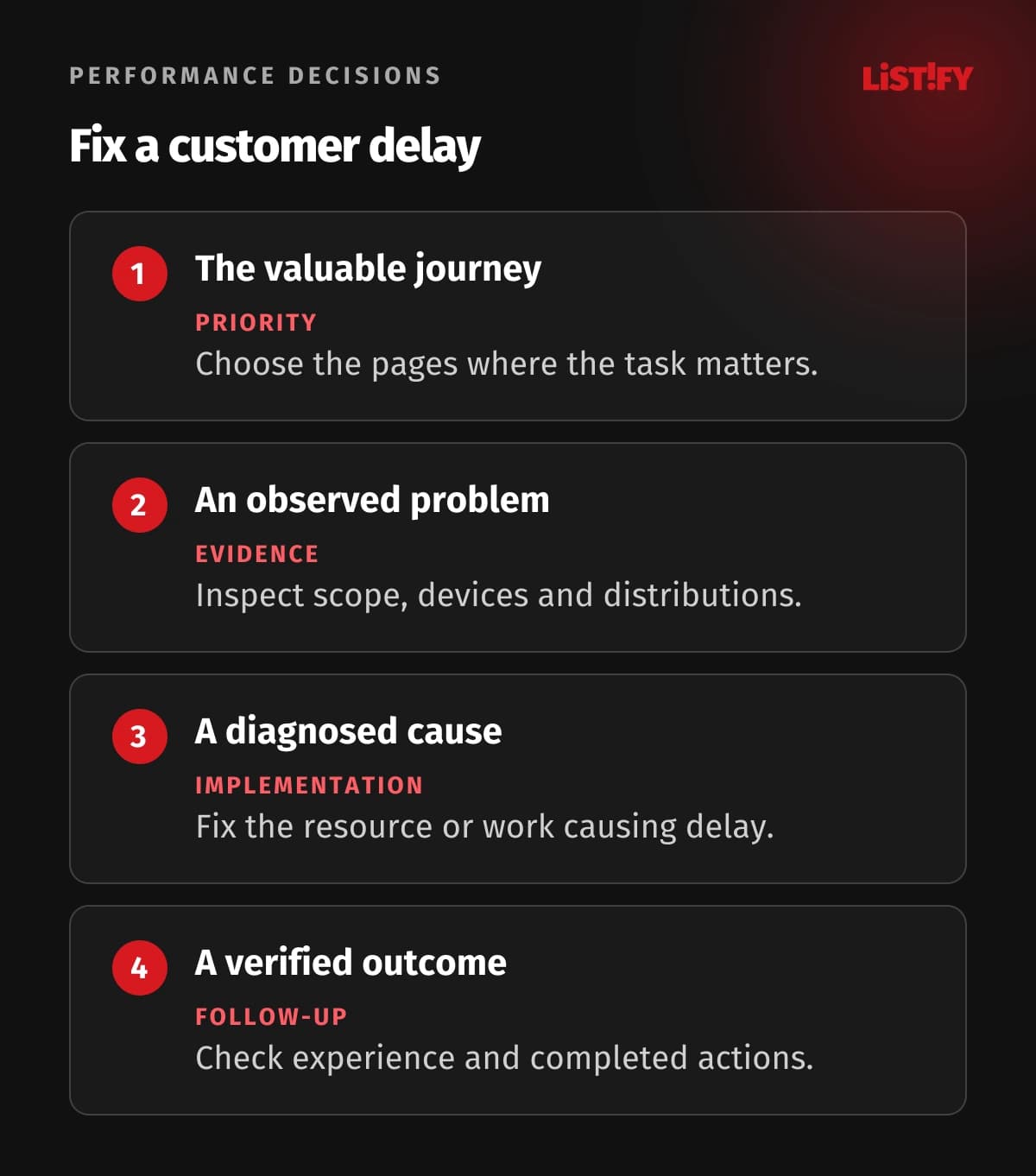
Create representative test conditions: a relevant mobile device profile, a realistic network and both first and repeat visits. Exercise filters, menus, dialogs and checkout. An initial navigation test alone will not explain every interaction problem.
If the public report is too coarse, consider your own real-user measurement with appropriate privacy controls. Capture template and release context without copying personal data into telemetry. Keep the instrumentation light enough that measuring performance does not become another source of delay.
04Fix the main content and the work that blocks it
Inspect the resource and rendering path for the actual largest content element. A hero image might be too large, discovered late or hidden until application code finishes. Improving compression alone will not resolve a delay caused by waiting to discover the image.
Google LCP optimization guidance breaks the metric into server response, resource discovery and loading, and rendering delay. Use that breakdown to choose the fix. Prioritize the component consuming time in the affected visits.
Give images appropriate dimensions and responsive sources. Reserve layout space. Avoid lazy-loading the important image already visible at the top of the page, while allowing genuinely off-screen media to load later. The correct treatment depends on where the asset appears.
Review server work, cache behavior and the delivery path. A CDN can help with suitable cached content, while an expensive personalized database query can still delay the response. Make caching rules explicit so performance changes do not expose private content or show outdated critical information.
Reduce unnecessary blocking work. Load essential styles and the code required for the current task, then reconsider large libraries and third-party scripts. Check whether each added tool provides enough value to justify its impact on the customer experience.
Validate the visible result after every meaningful change. A technically lighter image can damage legibility; an aggressive font strategy can cause disruptive shifts. Optimization should preserve the information and controls people came to use.
05Keep controls responsive and layouts predictable
A visitor may see the page promptly and still wait after tapping a filter or opening a menu. Reproduce the slow interaction and inspect the work around it. Excessive event handling, rendering and unrelated background tasks can all make the interface feel stalled.
Google INP optimization guidance focuses on diagnosing and reducing delays around interactions. A strong first-load result does not establish good responsiveness throughout the session. Test the controls that matter to conversion and navigation.
Consider the amount of work a control triggers. A filter should not redraw unrelated parts of a long page or synchronously process a large dataset without need. Split or move expensive work when the architecture supports it, and provide clear feedback for genuinely asynchronous actions.
Reserve space for images, embeds and late-loading components. Avoid inserting a promotional banner above a button just as someone taps it. Review cookie interfaces and other overlays on small screens so they do not displace or obstruct the task.
Test validation errors and loading states as part of the design. A form that expands unpredictably after submission can move the next control out of view. Stable feedback and preserved inputs can matter more to completion than a decorative animation.
The mobile-first guide connects these choices to screen size and real interaction. Include slower devices and touch behavior in the acceptance criteria.
06Prioritize a release and verify its effect
Rank fixes by affected traffic, task value, severity and effort. A recurring checkout delay deserves different attention from a minor issue on an archived page. Bundle changes that share a root cause, but keep enough separation to understand which fix affected the result.
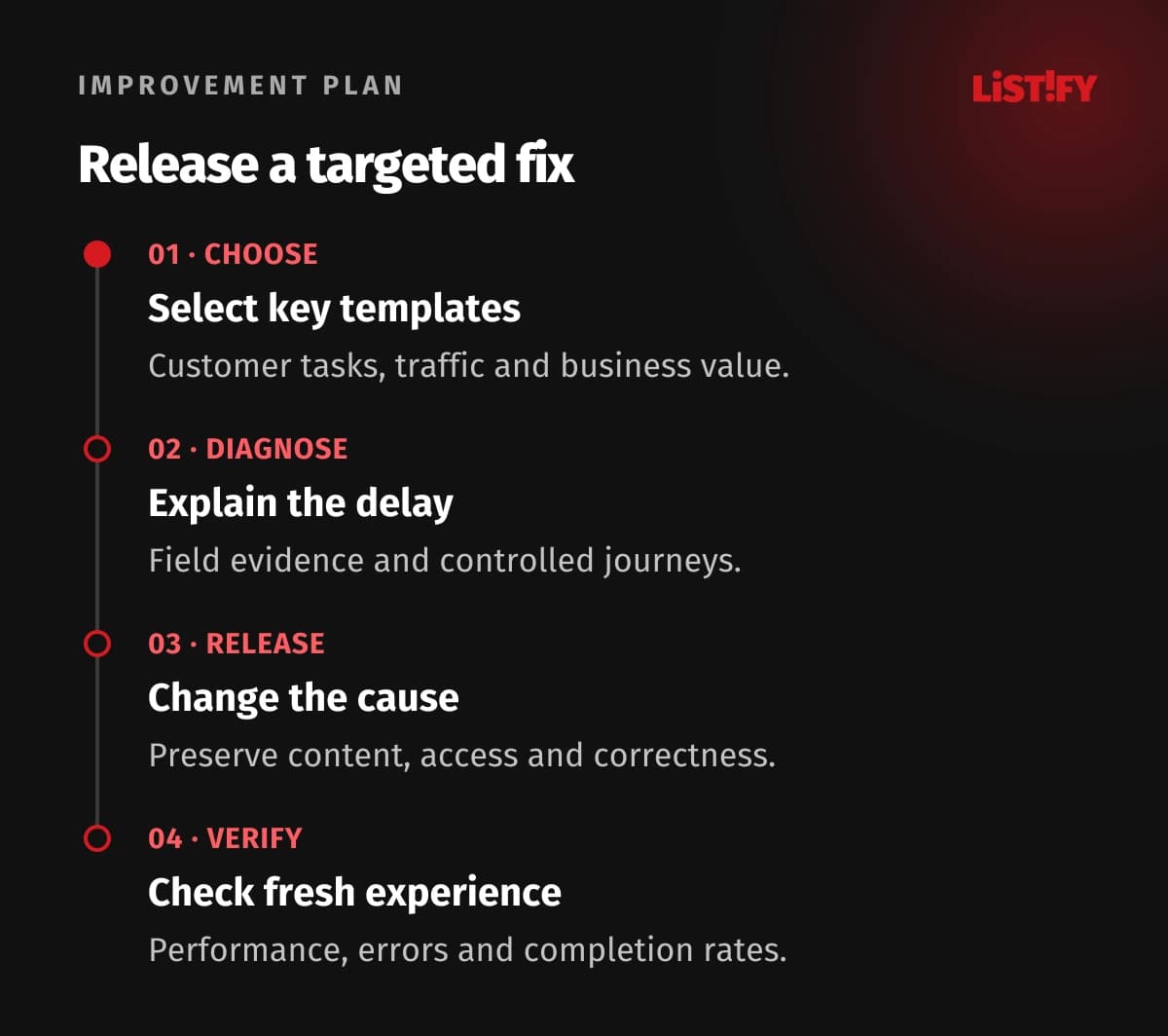
Record the baseline, test setup, affected templates and release time. Repeat the diagnostic journey after the fix, then watch fresh field measurements as they accumulate. Aggregated reports can contain visits from before the release, so do not expect every dashboard to reflect it immediately.
Track the relevant completion rate, errors and transaction outcomes alongside performance. Where feasible, use a controlled experiment or rollout. A simple before-and-after sales comparison can be confounded by campaign changes, seasonality, stock or pricing.
Set practical performance budgets for important templates and assets. Make a substantial new script or image trigger review. Integrate representative performance checks into release work so one repaired template does not gradually become slow again.
Assign ownership for third-party additions. Marketing tools, chat widgets and embeds often accumulate across teams. A regular review of purpose and cost can prevent the same class of regression without blocking useful tools arbitrarily.
07Questions about speed, rankings and revenue
Will better Core Web Vitals improve our Google position?
They support page experience and are used by ranking systems, but no score guarantees a position. Content relevance and other signals also matter. Evaluate search results separately from the technical improvement and avoid fixed ranking promises.
Should we aim for a perfect Lighthouse score?
Aim for a good real experience on important journeys. A lab score helps diagnostics, but chasing every point can be a poor use of effort. Prioritize delays affecting customers and verify the result in relevant field data.
Why is the homepage fast while checkout is slow?
Templates can use different assets, queries and interaction code. Checkout may also call payment or address services. Measure its actual steps instead of inferring its performance from the homepage.
Does missing public field data mean the page is fine?
No. Public reports have eligibility and traffic requirements. Use controlled testing and suitable real-user measurement when coverage is missing, while documenting the limits of the available evidence.
Can we estimate a fixed revenue gain from a speed fix?
A universal uplift is not credible. Use your traffic, conversion and order economics to model possible scenarios, then measure the outcome. Label assumptions and account for changes in marketing, stock and customer mix.
Is upgrading hosting the first fix?
Only when server or delivery performance is the relevant bottleneck. Late image discovery, heavy client code or shifting layouts need other changes. Diagnose the source of the delay before committing to an infrastructure upgrade.
How do we keep the site fast afterward?
Give important templates budgets and owners, check representative journeys during releases and review added third-party tools. Monitor fresh performance and task outcomes so regressions become actionable work rather than a surprise audit finding.