Website redesign: when to change and how to plan the SEO migration
Your website may look dated while still bringing valuable enquiries. It may also look modern while making customers abandon a form or struggle to find a service. A redesign needs a specific reason for change and a plan to preserve the parts that already work.
Separate the visual update from changes to content, navigation, URLs, platform, and hosting. Those choices can be part of the same project, but they have different effects and testing needs. Knowing what actually changes makes the launch easier to assess.
Search positions cannot be guaranteed through a significant change. You can, however, preserve useful information, avoid unnecessary address changes, test the migration, and investigate problems quickly. The work begins before the designer presents a new homepage.
01Define the problem that justifies the redesign
Start with evidence from actual tasks. Can customers understand the offer, find the right service, use the site on their device, and complete the intended action? Are editors able to keep information current? Does the platform create security, maintenance, or integration problems?
Use customer questions, support feedback, analytics, search data, and observed usability problems together. A conversion decline can have several causes, including a different traffic mix, changed pricing, seasonality, or broken measurement. Investigate those conditions before attributing everything to the visual design.
| Reason for change | Evidence to inspect | Possible scope |
|---|---|---|
| Customers struggle with key tasks | Observed use, failed forms and repeated questions | Focused journey or interface improvements |
| The offer has changed | Current services, audience and sales conversations | Content and information architecture |
| Editors cannot maintain useful content | Publishing tasks, delays and platform limitations | CMS and operating workflow |
| Performance or technical problems persist | Real-user experience, errors and maintenance records | Technical remediation or platform change |
| Several issues share a structural cause | Combined task, content and operating evidence | A broader redesign with explicit migration planning |
Agree success criteria in business terms. For example, eligible visitors should find the relevant service and submit a usable enquiry, while editors can maintain its information. Keep technical and search checks as supporting conditions. A prettier screen alone does not demonstrate that those outcomes improved.
02Inventory the current site's valuable content and addresses
Build an inventory from the CMS, sitemap, a crawl, server information, analytics, and Search Console. Include important service pages, articles, product pages, documents, images, and other resources that people use or reference. No single source necessarily contains every relevant URL.
Record each item's purpose, traffic or business role, search visibility, links, owner, and intended treatment. Identify seasonal pages and resources with low visit counts but substantial operational value. A technical document or customer instruction may matter even when it is not a conversion landing page.
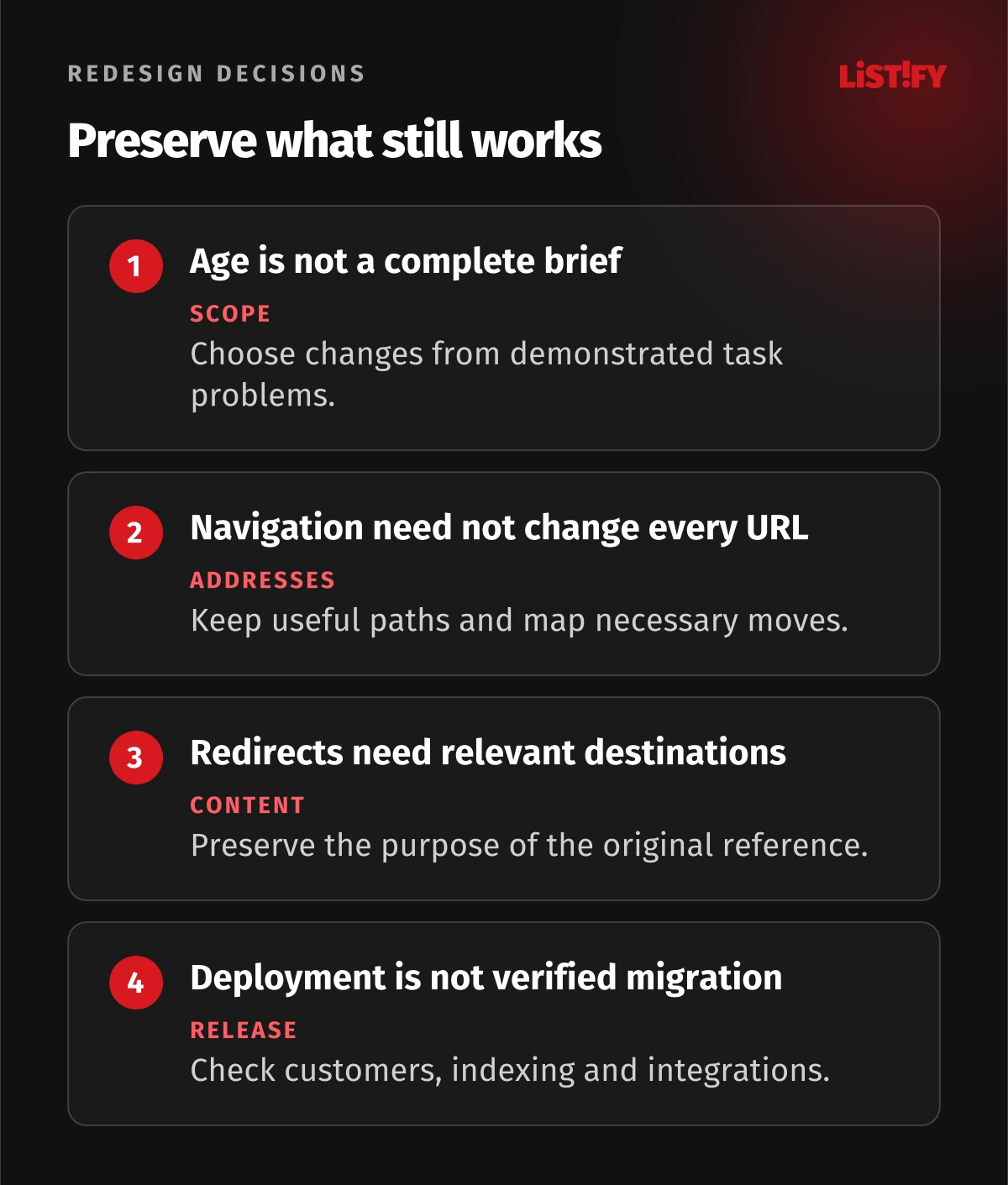
Keep useful URLs where a change is unnecessary. If the project reorganizes navigation, that does not automatically require every page address to change. When a URL must move, prepare its corresponding destination and test the actual content relationship.
Google's site-move documentation recommends preparing the new site, mapping URLs, implementing the move, and monitoring it. It also notes that significant changes can produce ranking fluctuations. Treat the inventory as the basis of a controlled migration, rather than a promise that every position remains fixed.
03Map URLs and preserve the meaning of each destination
Create an explicit mapping for moved pages. A visitor following an old service link should reach the relevant replacement, not a generic homepage. Review merged pages carefully so the destination still answers the useful questions represented by the originals.
For content genuinely removed without a relevant replacement, return an appropriate missing-resource response rather than sending every old address somewhere unrelated. Keep the site's helpful navigation and error-page experience separate from the technical status of the absent resource.
Google's redirect guidance explains permanent and temporary redirects. Choose the type that reflects the actual move, and test the response and destination. A permanent migration normally needs permanent redirect behavior rather than a temporary rule left in place by habit.
Update internal links to the intended current addresses. Review canonical references, language alternatives where used, structured data, navigation, and links in important documents or integrations. Avoid unnecessary chains and loops that make the path harder to operate and diagnose.
Keep the mapping and relevant domain arrangements maintained after launch. People and search engines may continue using old references. Review current official guidance for the migration type and define ownership of redirects rather than treating them as temporary developer notes.
04Test the new site as a working service
Review the content that will be published, including titles, descriptions, headings, links, media, downloads, contact details, and claims. A template can look correct with sample content and still fail with a long service name or a real comparison table.
Test important journeys with representative users and devices. Include forms, checkout where relevant, account access, search, downloads, and integrations. Confirm where information is sent and whether the team can act on it. A success message on the page does not prove that an enquiry reached the responsible person.
Include keyboard use, zoom, screen readers, readable contrast, and understandable error messages in the review. Accessibility depends on content and behavior as well as visual style. Do not infer it from an attractive mockup or a component library's feature list.
Review performance with realistic content and conditions. Google's Web Vitals documentation explains metrics for loading, interaction, and visual stability. Use appropriate field and diagnostic information, with its limitations, instead of treating one laboratory score as a complete account of the customer experience.
Test permissions, security configuration, backups, and recovery with the relevant owners. A platform change affects maintenance and operating responsibilities. Include those arrangements in the handover so the new site remains usable after the launch team moves on.
05Review crawl and indexing settings before release
A development environment may intentionally restrict access and indexing. Prepare the production configuration separately and verify it at launch. Check the actual important URLs and templates; one setting can affect a whole category while the homepage appears normal.
Google's robots.txt guidance distinguishes controlling crawling from other goals. A crawl restriction is not an access control, and blocking a URL does not necessarily prevent it from appearing in search. Use the appropriate mechanism for the intended outcome and ensure crawlers can inspect relevant instructions when needed.
Prepare a sitemap with the intended current URLs and review canonical consistency. Google's sitemap documentation explains discovery and submission. A sitemap is a useful signal, not a guarantee that every submitted page will be indexed or ranked.
Confirm Search Console ownership and the properties relevant to the migration. Some migration types need additional specific steps, while a layout change on unchanged URLs does not automatically need a domain-move procedure. Use the instructions appropriate to the actual change.
Review third-party features and consent configuration too. Analytics, advertising, embeds, and forms may change when templates or a CMS are replaced. Preserve lawful and accurate measurement for the relevant markets rather than assuming the old configuration transferred correctly.
06Plan launch and rollback as specific operations
Choose a launch window with the business and operating team. Identify who can change hosting or DNS, release the site, confirm integrations, inspect redirects, and make a decision to stop or recover. A contact list is useful only when those people know their responsibilities.
Agree the release sequence and evidence for proceeding. Preserve a reviewed copy of the old site and required data, and test the recovery arrangement. Rollback may be more complex when orders, enquiries, or content changes occur after the switch, so define how those records are handled.
Where practical, separate major changes or use a representative limited rollout. Changing domain, content, navigation, platform, and measurement simultaneously can complicate diagnosis. The chosen sequence still needs to suit the actual system and customer experience.
Perform immediate checks from outside the deployment environment: important URLs, certificate behavior, redirects, forms, relevant payment or booking flows, indexing settings, and measurement. Capture the results and route failures to an owner. Deployment completion is one event within the release, not its final verification.
07Monitor the migration and diagnose changes by page and task
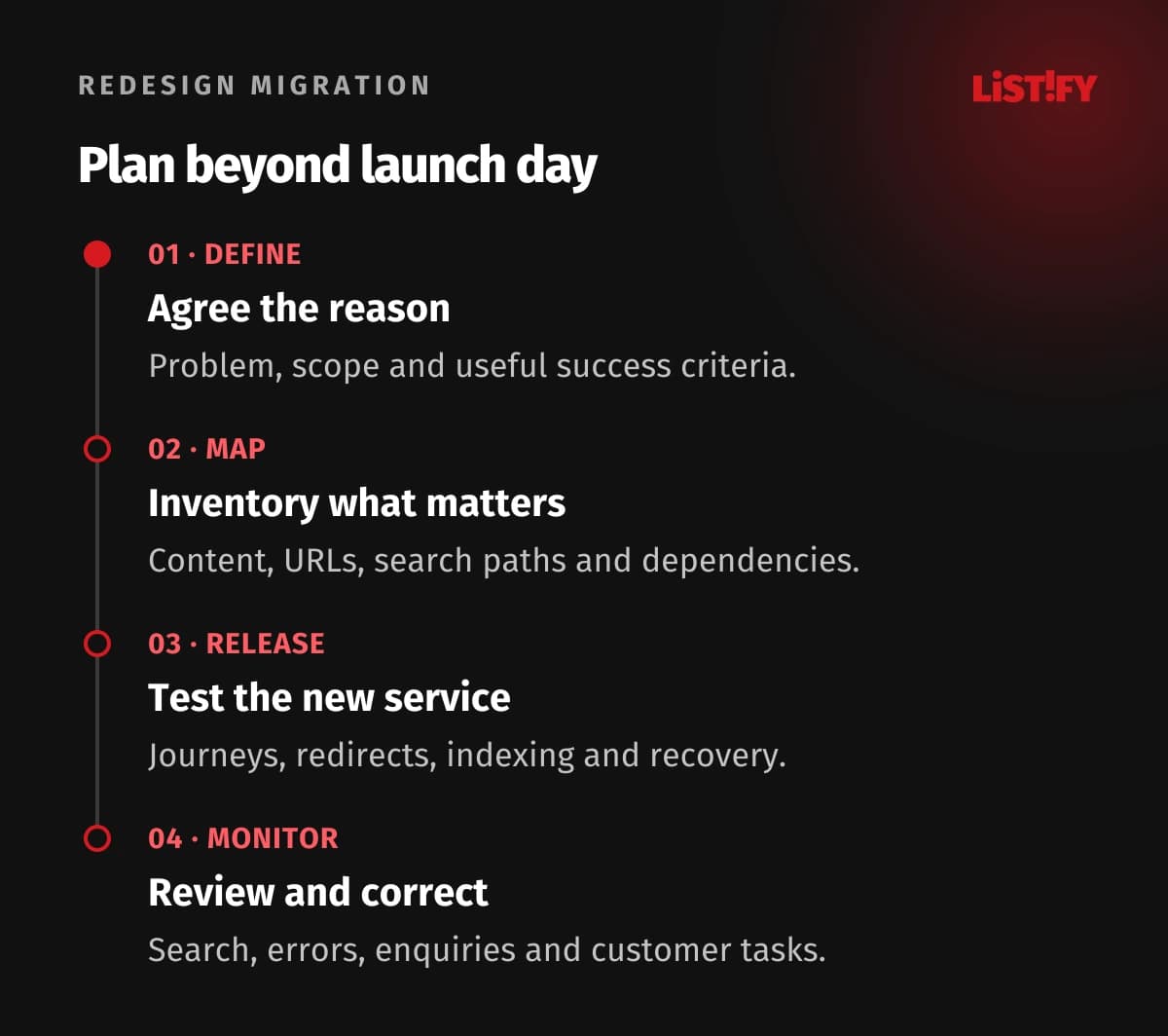
- Define the reason. Agree the business problem, scope and success criteria.
- Map what matters. Inventory content, addresses, search paths and dependencies.
- Test and release. Verify journeys, redirects, indexing and operating recovery.
- Monitor and correct. Review search, errors, enquiries and customer tasks after launch.
Use Search Console to inspect relevant search and indexing information, alongside analytics and operating records. Compare important page groups and queries, not only one total traffic line. Account for seasonality, reporting delay, and any measurement changes.
Investigate concrete signs: moved URLs returning errors, unrelated redirect destinations, accidental indexing restrictions, missing content, broken forms, or a changed destination that no longer answers the query. A broad ranking fluctuation requires context; it is not automatic proof that a particular design element caused the change.
Keep a short review cycle and ownership of corrections. Some adjustments concern search processing, while others affect customers immediately and should be handled quickly. Our website content checklist can help maintain the information that the redesign was intended to improve.
08Questions about website redesign and SEO
How often should a business redesign its website?
There is no universal interval. Review customer tasks, the current offer, maintenance, technical issues and operating needs. Choose a scope that addresses demonstrated problems.
Can we guarantee no ranking changes?
No. Significant changes can produce fluctuations while search systems process the site. Preserve useful content and paths, test the migration, and monitor evidence so avoidable problems can be corrected.
Do we need to change URLs with the new navigation?
Not automatically. Keep useful addresses where possible. Map necessary changes to relevant destinations and update internal references.
Can every removed page redirect to the homepage?
That often fails to preserve the original purpose. Use a relevant replacement where one exists, and appropriate missing-resource behavior where it does not.
Will a sitemap guarantee indexing?
No. It helps discovery and communicates intended URLs. Crawl access, instructions, canonical consistency, content and other factors still matter.
Does robots.txt protect the staging site from public access?
No. It concerns crawler behavior and is not authentication. Use actual access controls for private staging, then review production crawling and indexing settings separately.
What should we monitor after launch?
Review important URL groups, redirects, errors, indexing, search visibility, real customer journeys, enquiries and integrations. Keep measurement changes and seasonality in view, with named owners for corrections.