Set up Google Analytics 4: from account access to verified events
Installing an analytics tag is the beginning of measurement. A useful GA4 setup has business-owned access, appropriate collection controls and events that represent successful customer actions. Build it in that order, then verify the complete journey before using the numbers to change marketing spend.
This workflow focuses on a website. Mobile apps use their corresponding app streams and SDK setup, and a combined web/app property needs an intentional account structure. The exact interface labels can change; use the linked current Google instructions alongside the decisions described here.
Before editing production, list the questions you need to answer and the outcomes you can validate. For a service website, a successful enquiry matters more than every button click. For a store, purchase measurement must agree with the order system rather than merely detect a thank-you screen.
01Agree ownership and a small measurement plan
- Identify the business account owner and at least one suitable recovery contact.
- List the website, checkout domains and existing tags or integrations.
- Define the useful outcomes and the system that confirms each one.
- Record event names, required parameters and the person responsible for validation.
Use named access with suitable roles rather than a shared password. Keep the business’s account and property recoverable if an agency relationship ends. Engineering, marketing and external analysts may need different permissions; editing a property is different from reading its reports.
| Need | Suggested event approach | Evidence to check |
|---|---|---|
| Ordinary content consumption | Page and relevant engagement events | Correct page identity and no duplication |
| Successful enquiry | Recommended lead event after confirmed acceptance | Agreement with valid backend submissions |
| Telephone intent | Clearly named contact click event | A click is not a completed call |
| Completed online purchase | Recommended purchase event with transaction data | Agreement with unique orders and values |
| Failed submission | Separate diagnostic signal where appropriate | No private form content in the event |
Specify conditions that prevent false success. A form with a validation error should not count as a lead, and an abandoned payment should not count as a purchase. A measurement plan is clearer when it describes what must not trigger the event as well as the intended success.
Avoid collecting everything in anticipation of an unspecified future report. A focused plan is easier to test, govern and maintain. You can add events when a decision requires them, while preserving consistent definitions for the outcomes already in use.
02Create the property and the correct data stream
Google’s setup instructions describe creating an account or using an existing one, creating a GA4 property and adding a stream. Check the selected account and property before changing anything; similarly named test and production properties can lead to confusing mistakes.
- Open Analytics with the business-authorized account and select the appropriate account.
- Create the property with a recognizable name, reporting timezone and currency.
- Add a Web data stream for the primary website and give it an identifiable name.
- Record the property and stream identity in the measurement documentation.
Choose timezone and currency deliberately so daily comparisons and revenue reports make sense. Keep this choice aligned with the reporting process. Changing the timezone later can affect the interpretation of periods, so document any change instead of treating the resulting shift as visitor behavior.
Use a separate testing arrangement when appropriate and keep test activity identifiable. Do not create a new production property simply because someone cannot access the existing one. First determine whether it can be recovered and whether continuity of the existing measurement matters.
Review the property’s sharing, retention and advertising settings against your actual purpose. The setup wizard’s completion does not decide those business and privacy questions for you. Assign an owner for settings that can change how data is collected, used or reported.
03Set collection and consent behavior before release
Determine the rules applicable to the business and users you serve, including requirements for optional cookies and data processing. Different jurisdictions and configurations can require different treatment. Do not describe a technical consent setting as a universal legal exemption or a complete compliance solution.
Google’s consent mode documentation explains how tags respond to consent state. Implement the intended defaults and updates through a supported integration. The choice between collection approaches should reflect the assessed requirements, rather than a desire to maximize report volume.
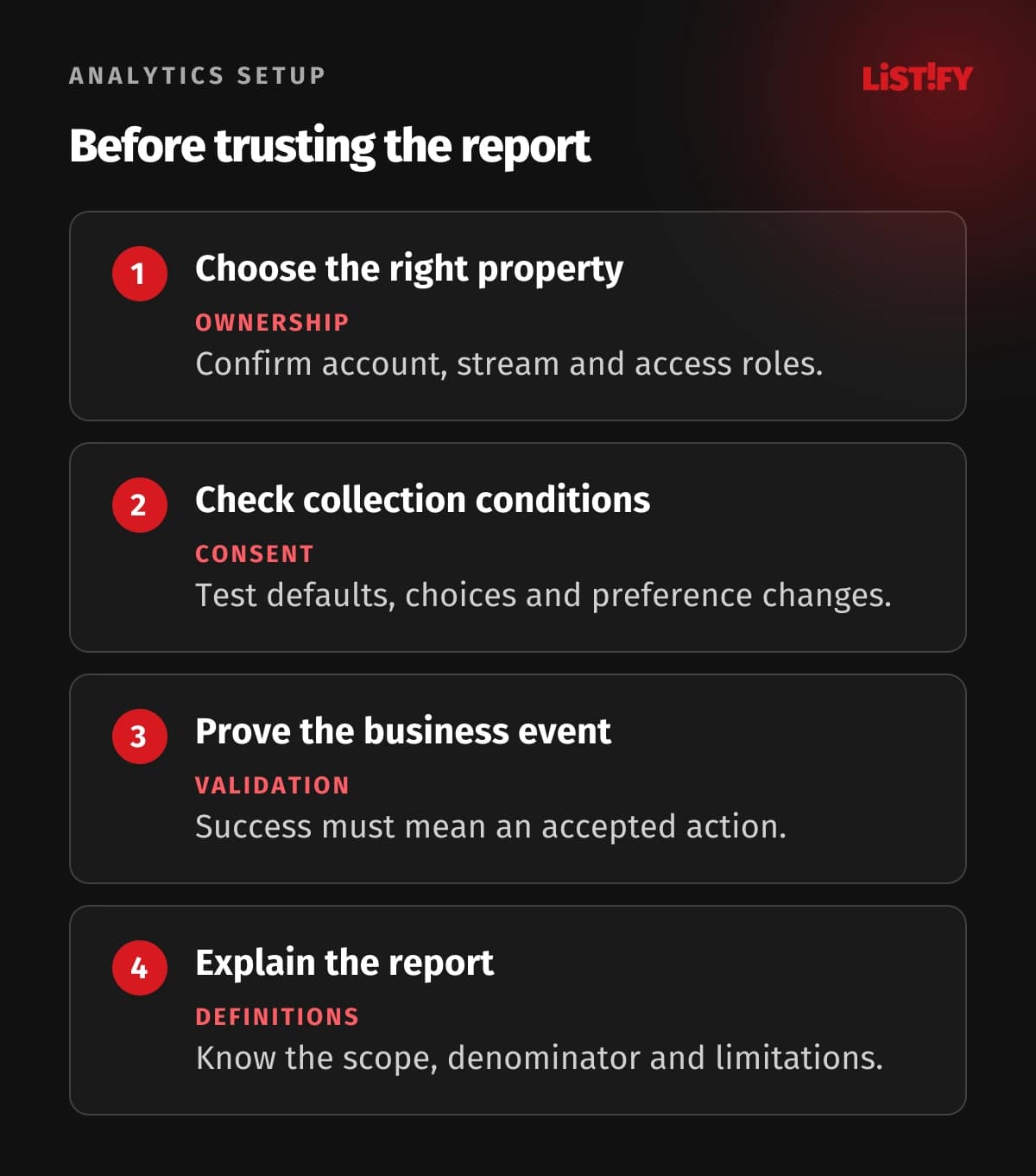
- Document when analytics is allowed to run and which consent states matter.
- Configure the consent interface and tag behavior together.
- Test a fresh visit, refusal, acceptance and a later preference change.
- Inspect network and debugging evidence to confirm the intended behavior.
Google prohibits sending personally identifiable information into Analytics. Review URLs, page titles, query parameters and event values for email addresses, names and private form text. A generic event name does not make its attached data safe.
Check every integration that sends data, including plugins and custom server components. Consent behavior and collection restrictions should not be reviewed only for the main browser tag while another integration continues sending the same information independently.
04Install one coherent tagging approach
Choose the supported route for the website: a native CMS integration, Google Tag Manager or direct tag installation. Follow the current platform instructions and preserve the agreed consent behavior. Use an approach that the team can maintain and debug after launch.
- Find the tag or measurement identifier in the correct stream.
- Configure it through the chosen supported website integration.
- Review existing plugins and containers for another active copy.
- Publish through the website’s normal change process and check representative pages.
Do not install the same page measurement through a plugin, a manually inserted tag and a second container without understanding their interaction. Duplicate page or event collection can make engagement and conversion reports misleading while the dashboard still looks active.
For a single-page application, inspect navigation as well as the initial page load. Confirm that the correct page path and title reach measurement on route changes and that the same navigation is not counted by overlapping mechanisms. A successful homepage test is insufficient evidence for the whole site.
Test checkout and account flows where they are part of the journey. Cross-domain configuration, payment redirects and authentication can change source information or break continuity. Document the real domains and verify the supported configuration rather than assuming all pages behave like ordinary content pages.
05Verify enhanced measurement and useful events
Enhanced measurement collects supported interactions such as certain scrolls, outbound clicks and form activity. Review the enabled options and test them on your actual website. A detected form interaction is not necessarily a validated, accepted business enquiry.
- Inspect automatic and enhanced events on a representative page.
- Implement the planned business event at the confirmed success point.
- Verify its name, parameters and duplicate behavior.
- Test an unsuccessful action and ensure it does not report success.
Use recommended event names when they match the behavior, and keep custom names consistent. Do not reuse an event name for unrelated actions because it is already present in a report. An analyst should be able to explain what the event means without inspecting implementation code every week.
For a lead form, trigger the successful event after the application confirms acceptance. Test errors, repeated submissions and a refreshed confirmation page. Record the difference between submitted enquiries and later qualified opportunities, so marketing does not interpret every submission as revenue.
Use Google’s debugging guidance and available Realtime checks to inspect arriving events. Debugging tools are a collection check, not proof that every standard report is complete immediately. Review processed reports once data is available.
06Configure key events and ecommerce deliberately
Google’s key-event instructions describe marking important events. Choose meaningful outcomes instead of marking all engagement as equally important. A page view and a purchase can both be useful information without both becoming the primary business success measure.
Keep Analytics key events distinct from the advertising conversion actions used for bidding. Review linked-product settings before sharing outcomes. Avoid importing the same business action through several paths without a deliberate counting arrangement; otherwise optimization may reward duplicated success.
For a store, use the official ecommerce event specification. Send an appropriate unique transaction identifier and the required transaction and item information. Validate currency and value against the order definition, including the treatment of tax and shipping.
- Make a controlled test order through the real checkout path.
- Compare the event’s transaction and item data with the order record.
- Check refreshes, retries and alternative payment completion paths.
- Verify the agreed refund and cancellation reporting process.
Do not treat an empty or reused transaction identifier as harmless test data. Deduplication and reporting depend on correct identifiers. Keep any illustrative test order distinguishable and exclude it appropriately from commercial evaluation after verifying the implementation.
07Build reports and a maintenance checklist
Start with reports that answer the measurement plan: relevant acquisition, successful actions and the journey where customers stop. Check the scope of the source dimension and the metric definitions. A user acquisition report and a session acquisition report address different questions.
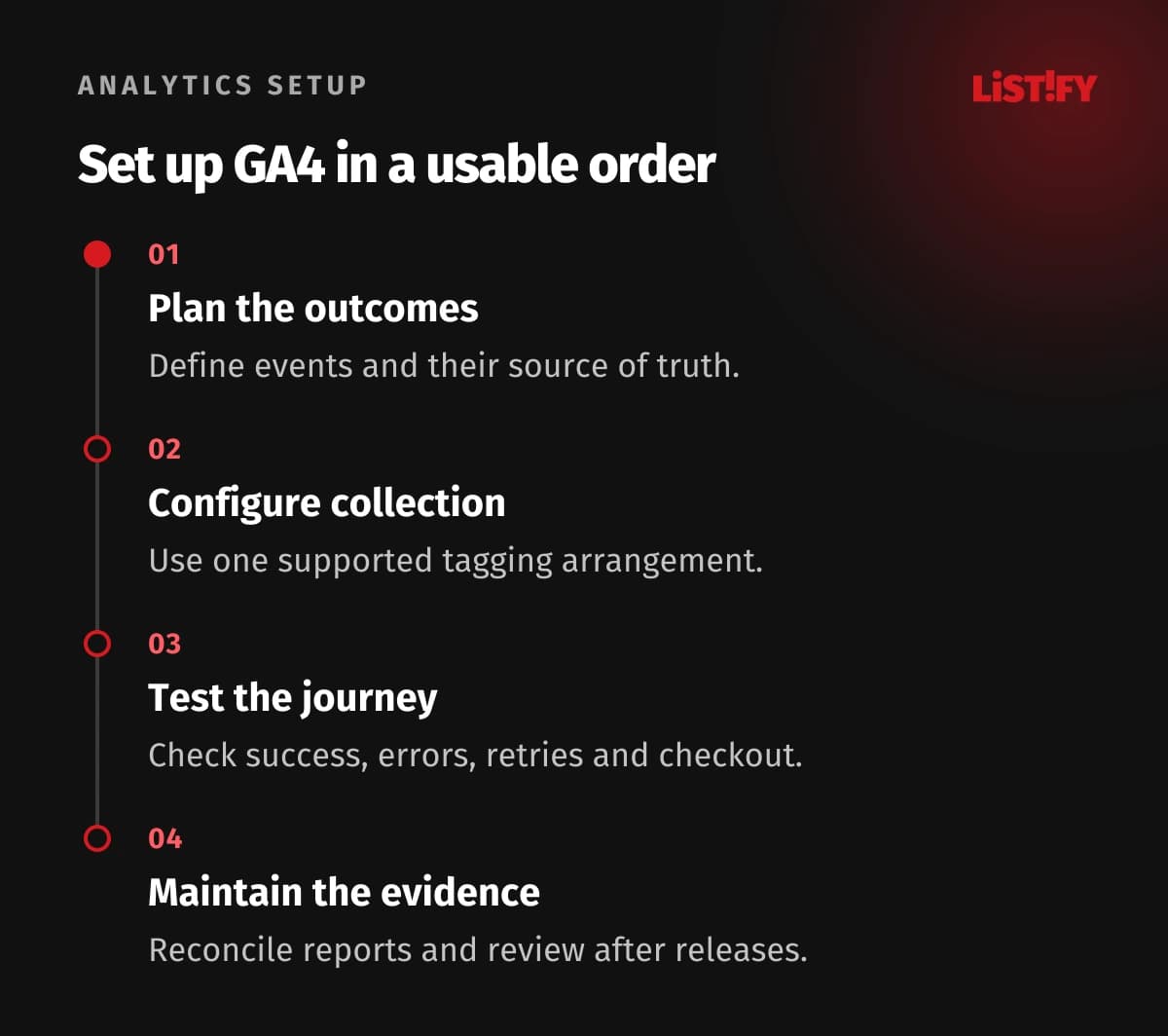
Reconcile a representative reporting period with backend outcomes, allowing for collection and processing limitations. Analytics is not the accounting system. Explain known gaps caused by consent, blocked collection or unsupported paths rather than trying to force the totals to match by changing definitions.
Use consistent campaign tagging on controlled external links and document attribution settings. For management reporting, the sales measurement guide helps connect technical events with a useful business account. The brand and performance guide adds context for channel decisions.
- Review access and account recovery ownership.
- Re-test key events after form, checkout or routing changes.
- Inspect collection behavior after consent integration changes.
- Maintain event definitions, campaign naming and change history.
- Check reporting quality before making material spending decisions.
Make analytics verification part of release acceptance. A new form can work for customers while silently changing the event or dropping its success signal. Assign someone to check the expected data path so measurement does not drift away from the product it describes.
08Questions about setting up GA4
Is installing the tag enough?
It enables basic collection, but useful measurement also needs appropriate collection controls, validated events, clear definitions and maintainable reporting.
Should I use Tag Manager or a CMS integration?
Choose a supported approach your team can maintain. Review existing installations and consent behavior so multiple tools do not duplicate the same collection.
Does form_submit prove a valid lead?
No. Test the actual form behavior and measure business success at confirmed acceptance. Keep lead qualification separate from the initial enquiry.
Can I send an email address in an event parameter?
Google’s Analytics policy prohibits personally identifiable information. Review parameters and URLs, and use data minimization rather than assuming a custom field is exempt.
Are key events the same as advertising conversions?
They are related but distinct configuration concepts. Review how outcomes are shared with advertising products and how each action is counted.
Why can DebugView show data before a standard report does?
Debugging and Realtime tools support collection verification, while ordinary reporting has processing and configuration behavior. Check the processed report after data is available.
Must Analytics equal my order-system total?
Not necessarily. Collection gaps and reporting definitions can differ. Validate event correctness, reconcile the differences and keep the order system authoritative for actual orders.