Dropshipping integrations: connect suppliers without losing control
A product feed can publish a catalog, but it cannot guarantee that a supplier accepts an order or ships the correct item. A useful dropshipping integration connects product identity, current availability and the full order lifecycle. Define those responsibilities before choosing a connector or commissioning a custom API integration.
Dropshipping changes where goods are held and fulfilled. The storefront still needs accurate promises, customer support and a process for exceptions. Automation should make those responsibilities visible, including when the supplier cannot complete the intended action.
Begin with the actual supplier capabilities: catalog access, stock semantics, order submission, confirmation, cancellation and shipment updates. The word API says little about which of those activities are supported or how reliably they work together.
01Map the supplier workflow before selecting a tool
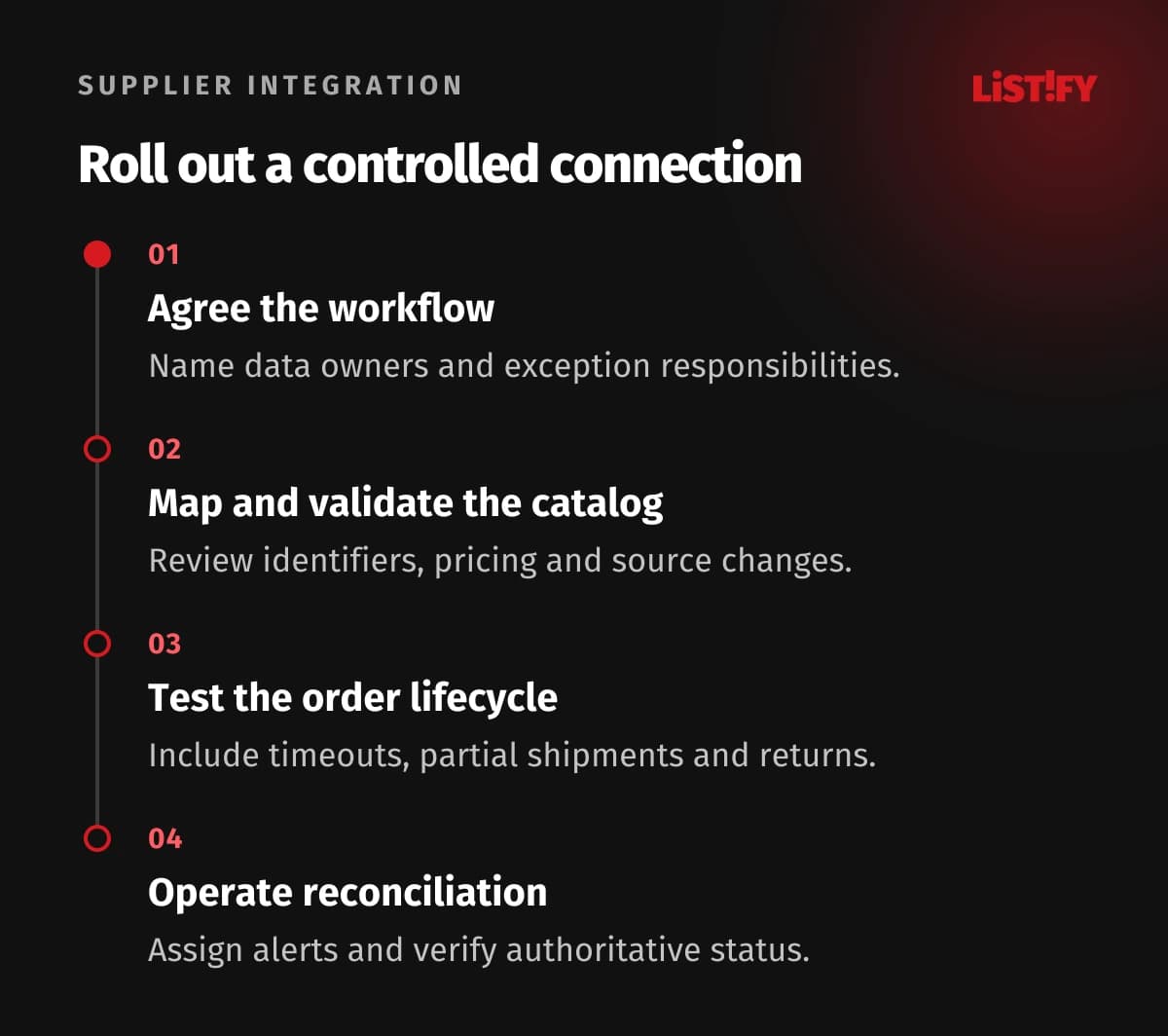
Document the path from publishing a product to resolving a return. Name the authoritative system for product information, stock, customer orders and shipment status. A connector can move data efficiently while still applying the wrong business rule if those responsibilities remain unclear.
For an illustrative home-accessory store, the supplier provides catalog data and fulfills some products, while the merchant holds others locally. An order can therefore split into two shipments. The system needs to distinguish each line’s fulfillment source and explain the outcome to the customer.
Ask for a test environment, sample payloads and the supplier’s support process. Determine what happens during an outage and how API changes are communicated. A connection that works only through one supplier employee’s informal help is difficult to maintain after launch.
Review the commercial agreement alongside the data flow: accepted order conditions, dispatch expectations, shipping charges and returns responsibility. Applicable customer, product and import requirements depend on the markets and goods involved. The integration must implement the agreed process rather than invent its own interpretation.
Keep customer data access limited to the necessary fulfillment purpose. Specify which fields the supplier needs, how they are transmitted and who can view them. Passing the complete customer account record because it is convenient adds exposure without improving shipment handling.
02Compare feeds, connectors and custom APIs
| Approach | Useful fit | Question to investigate |
|---|---|---|
| Scheduled CSV or XML feed | Catalog and periodic availability updates | How old can data become before sales promises are unsafe? |
| Existing platform connector | Supported supplier and common workflow | Which exceptions and lifecycle actions are actually covered? |
| Direct API integration | Detailed queries and order operations | What are the semantics, limits and retry guarantees? |
| Event-driven updates | Faster notifications of relevant changes | How are missed, duplicate or out-of-order events reconciled? |
| Manual review queue | Controlled pilot or exceptional orders | Who acts, by when, and how is completion recorded? |
A feed is often sufficient for a catalog pilot when its freshness and scope match the business risk. Specify whether the file is a complete snapshot or a set of changes. Missing products can mean deletion, temporary omission or a feed error; the import must not guess.
Evaluate a connector with complete scenarios, including partial fulfillment, supplier rejection and cancellation after submission. A successful sample catalog import establishes only one part of the workflow. Confirm which platform and supplier versions the connector supports.
A custom integration provides control but introduces ongoing maintenance. Budget for supplier changes, monitoring, reconciliation and support, not only the first implementation. Record the business reason that makes the custom behavior necessary so future maintainers understand the choices.
Use manual review deliberately where automation would hide uncertainty. A clearly tracked pending order can be safer than an automatic confirmation based on an unverified supplier response. The queue needs an owner and escalation rules, so it does not become an invisible backlog.
03Protect product identity and catalog quality
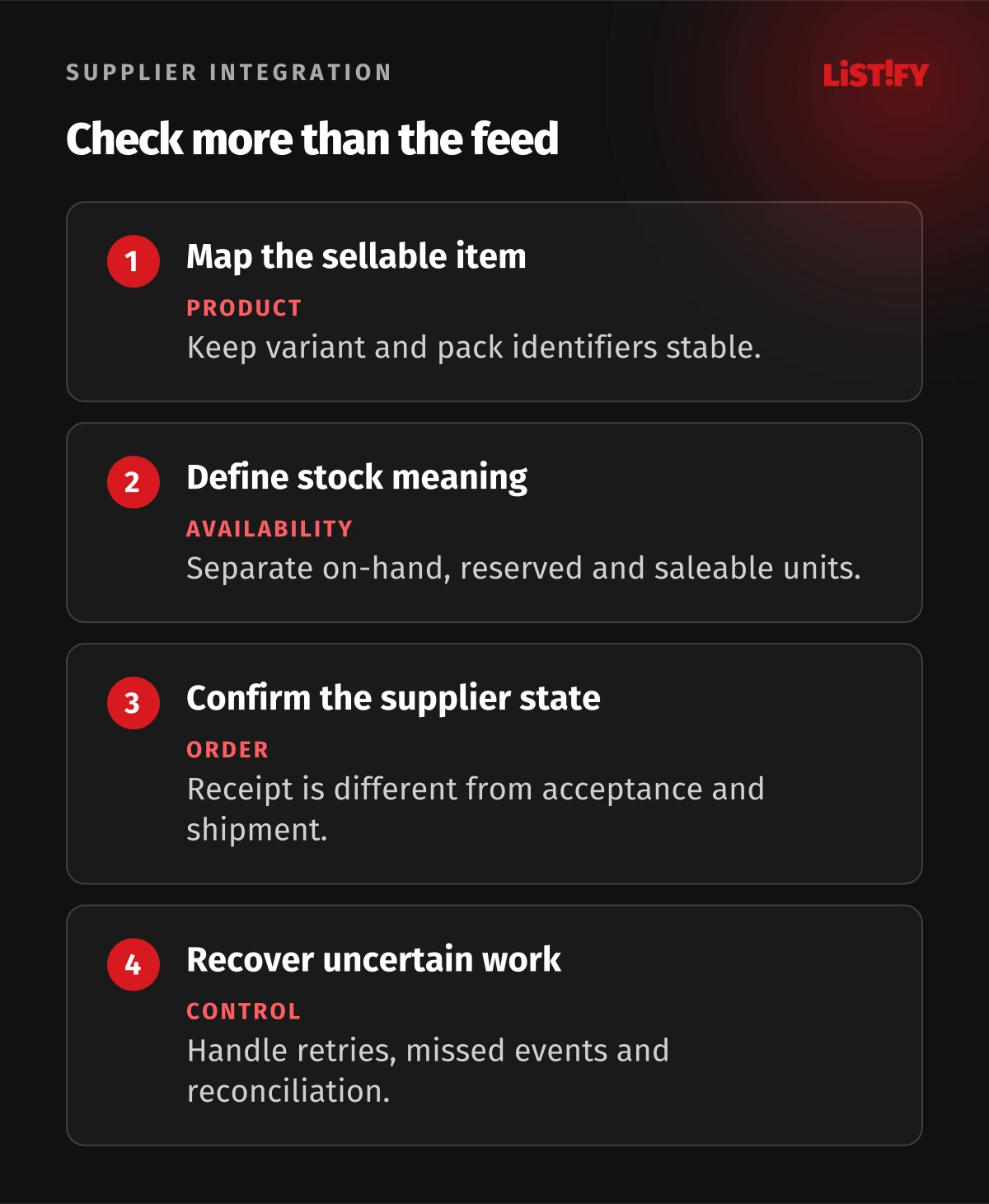
Create stable mappings between storefront products, variants and supplier identifiers. Match the actual sellable variant, including size, color and pack quantity. Similar names are insufficient evidence that two records represent the same item.
Keep source values separate from merchant overrides where appropriate. The supplier may own dimensions and stock, while the merchant edits descriptions and categorization. A repeated import should update agreed fields without silently replacing reviewed copy or the storefront’s variant structure.
Validate unusual changes before applying them. An empty price, unexpected unit or abruptly reduced catalog can indicate a broken source rather than a business change. Quarantine suspect records with a reason and a review process. Do not turn an import failure into a shop full of invalid offers.
Review media permissions and product claims. Access to supplier images does not by itself establish every right to reuse them in marketing, and imported copy may be unsuitable for your market. Keep approval and provenance records for materials the storefront publishes.
Maintain discontinued-product behavior deliberately. Decide when a product becomes unavailable, whether its page stays useful and how replacement suggestions are handled. The ecommerce SEO guide explains the related discoverability questions; integration rules should not remove important pages blindly.
04Treat stock as a promise with defined conditions
Clarify what a supplier quantity means. It may represent on-hand units, saleable units, a shared allocation or a rough availability band. Those meanings lead to different customer promises. Record the update time and the conditions under which availability becomes stale.
Shopify’s inventory documentation distinguishes available, committed and other inventory states. Use the platform’s intended semantics rather than writing every supplier quantity into whichever field is easiest to update. A reserved unit should not remain available for another sale.
Decide whether a safety allowance or supplier confirmation step is appropriate. Such controls reduce specific risks but cannot guarantee availability when other merchants consume the same stock. Explain the remaining uncertainty in the order workflow instead of calling a frequent feed perfect synchronization.
Set behavior for stale or failed updates. You may temporarily stop selling affected variants or route them to manual review, depending on the agreed business policy. Continuing to display the last successful quantity indefinitely is a choice with consequences, not a neutral fallback.
Keep price and shipping conditions equally explicit. Distinguish purchase cost from retail price and review currencies, tax treatment and destination charges. Validate the commercial calculation with the business; do not infer a profitable margin from a supplier field with an undocumented meaning.
05Track the order as a stateful operation
Distinguish received, submitted, supplier-accepted, shipped, cancelled and refunded states. A successful HTTP response can acknowledge receipt without confirming fulfillment. Store the supplier reference and the meaning of each response so support can explain where an order actually stands.
Shopify’s fulfillment-service guidance describes fulfillment requests and associated handling. Map the supplier process to the platform’s supported lifecycle, including rejection and cancellation, rather than reducing everything to a single sent flag.
Make repeated submission safe. A connection may time out after the supplier has already accepted the order. Use supported idempotency or a durable reference and status check, so a retry does not create a second shipment. Define what happens when the supplier offers no reliable duplicate protection.
Handle partial acceptance and multiple shipments at line level. One unavailable item should not erase the state of items already accepted or shipped. Keep the customer communication coherent and identify who decides about substitution, delay or partial cancellation.
Treat returns and refunds as their own tracked processes. A customer refund does not necessarily mean the supplier has received a return or issued credit. Preserve links between the order, shipment, return authorization and financial adjustment so reconciliation can find unresolved cases.
06Build recovery and monitoring before broad rollout
Shopify’s webhook documentation explains duplicate delivery, non-guaranteed event order and reconciliation. Verify incoming messages, process them safely and fetch authoritative state when needed. An event notification is useful evidence, but it should not be the only recovery mechanism.
Keep a durable processing record with operation identifiers, timestamps, outcomes and suitable error context. Avoid logging unnecessary customer details or credentials. Support should be able to distinguish waiting for the supplier from a failure inside the integration.
- A product or variant mapping changes unexpectedly.
- Stock updates stop or arrive with invalid values.
- An order times out after supplier submission.
- A duplicate or older shipment event arrives.
- A cancellation is requested after fulfillment work starts.
- A partial shipment or return needs manual resolution.
Assign an owner to each alert and include a safe recovery action. A dashboard that counts errors without helping the team find affected orders leaves customers waiting. Use reconciliation to compare relevant states and expose discrepancies that event handling missed.
Start with a controlled scope and review representative orders end to end before expanding. The data migration guide provides related reconciliation principles. Preserve rollback and access arrangements so the merchant can continue operating if a connector must be replaced.
07Questions about supplier integrations
Is an API always better than a feed?
No. Compare freshness, supported operations, supplier reliability and maintenance needs. A documented feed can fit a limited catalog workflow, while order operations may require another channel.
Does frequent stock syncing prevent overselling?
It reduces some freshness risk but cannot guarantee availability, especially with shared supplier stock. Define reservations, confirmation and stale-data behavior.
Can products be matched by name?
Use stable product and variant mappings. Names alone can confuse pack size, color or another commercially important difference.
Does a successful request mean the order is accepted?
Only if the supplier’s documented response has that meaning. Receipt, acceptance and shipment should be distinguishable states.
What happens if a submission times out?
Check the durable reference and supplier status before retrying. Use supported duplicate protection and route uncertainty to a controlled review process.
Can shipment webhooks replace reconciliation?
No. Events can be duplicated, delayed, missed or delivered out of order. Verify messages and compare against authoritative state through a recovery process.
Should returns be automated from the beginning?
Define the full return and refund responsibility from the beginning. Automation can be introduced gradually, but unresolved cases need visible states, owners and supporting records.