The enquiry came in. Who owns the reply?
A prospective customer submits your form and sees a thank-you message. Three people receive the notification, each assumes someone else will reply, and nobody does. More advertising will not fix that gap. You need a traceable path from a saved enquiry to a named person and a specific next action.
01Check what actually happens after Submit
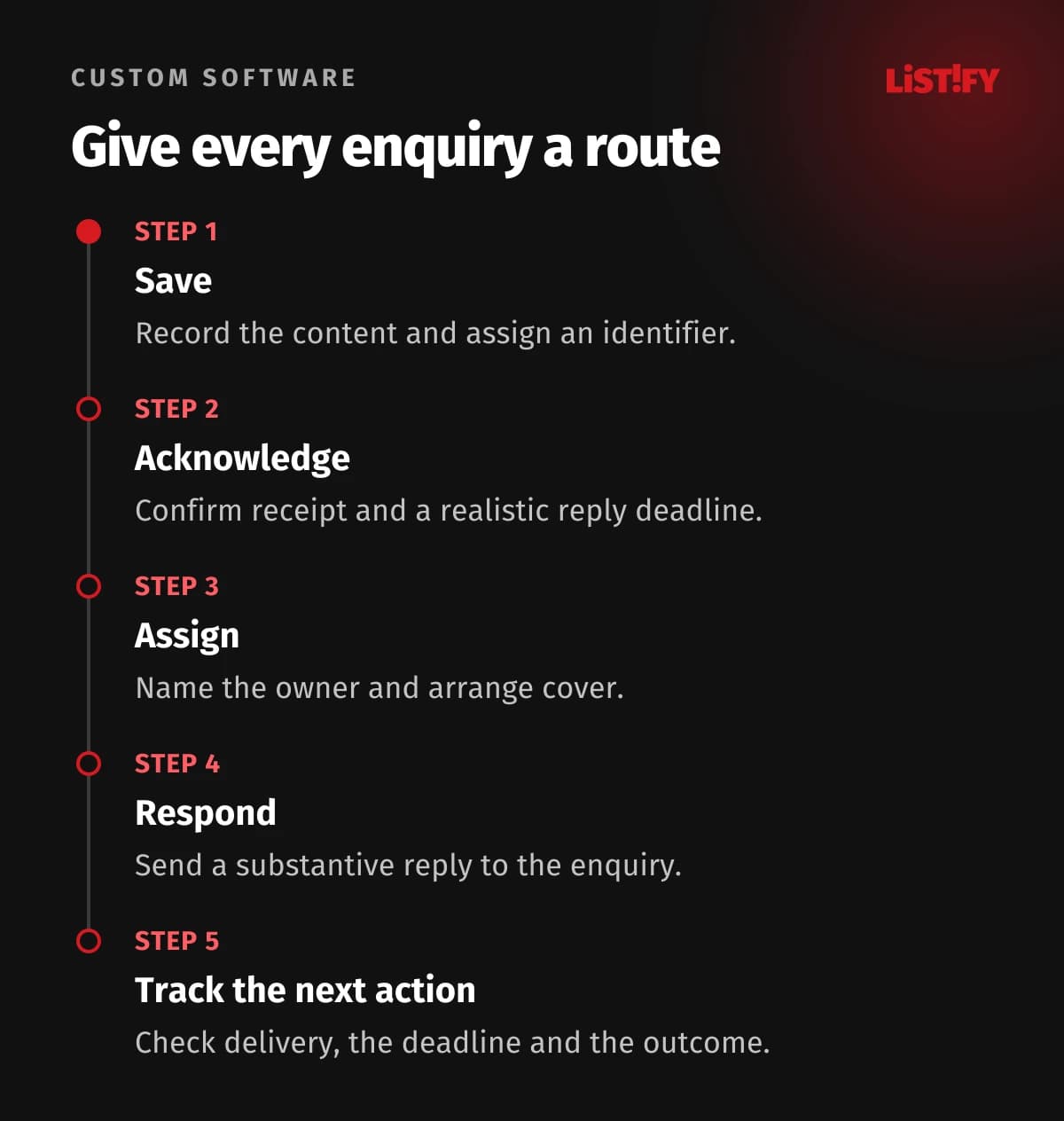
Use your own form as a customer would, then find the enquiry inside the business. Can you establish when it arrived, who owns it and whether the customer has received a reply? If the only record is in a personal inbox, start with a shared register.
We recommend saving the request reliably and assigning it an identifier before confirming receipt or sending notifications. If your CRM, the system used to manage customers and sales, is unavailable, the request can wait in a separate queue for transfer. An email failure then need not mean the enquiry itself is lost.
Record the message, contact details, source form, receipt time, status, owner and next deadline. Control attachment access by role. Avoid asking for information you do not need for an initial assessment; a named member of staff can request detailed supporting material later.
02Make the acknowledgement clear and accurate
W3C recommends clear feedback on successful and unsuccessful form submissions, including instructions for correcting errors. Your brief should therefore cover a failed save as well as a successful one. The form should not erase the customer's message and send them back to the beginning without an explanation.
A successful acknowledgement should explain that the business has received the enquiry, what happens next and how to add information. Only promise a response time the team can meet. Account for opening hours and holidays: an automated “within an hour” promise at the weekend creates an obligation of your own making.
For illustration: “We have received your enquiry, reference P-1042. We will reply by the end of the next working day. To add any details, reply to the confirmation email.” Use this wording only if your process supports it. Both the reference and deadline must come from the actual saved record.
03Give one person responsibility
Notifying the whole team is not the same as assigning the work. Every enquiry needs one person responsible for its next step. Route it by product, region, existing customer relationship or available capacity. Define a shared queue and a queue owner for enquiries that do not match any rule.
Existing tools already offer some of these functions. For example, HubSpot documents automated record assignment, with availability and behaviour depending on subscription and configuration. Check your current system before commissioning another application.
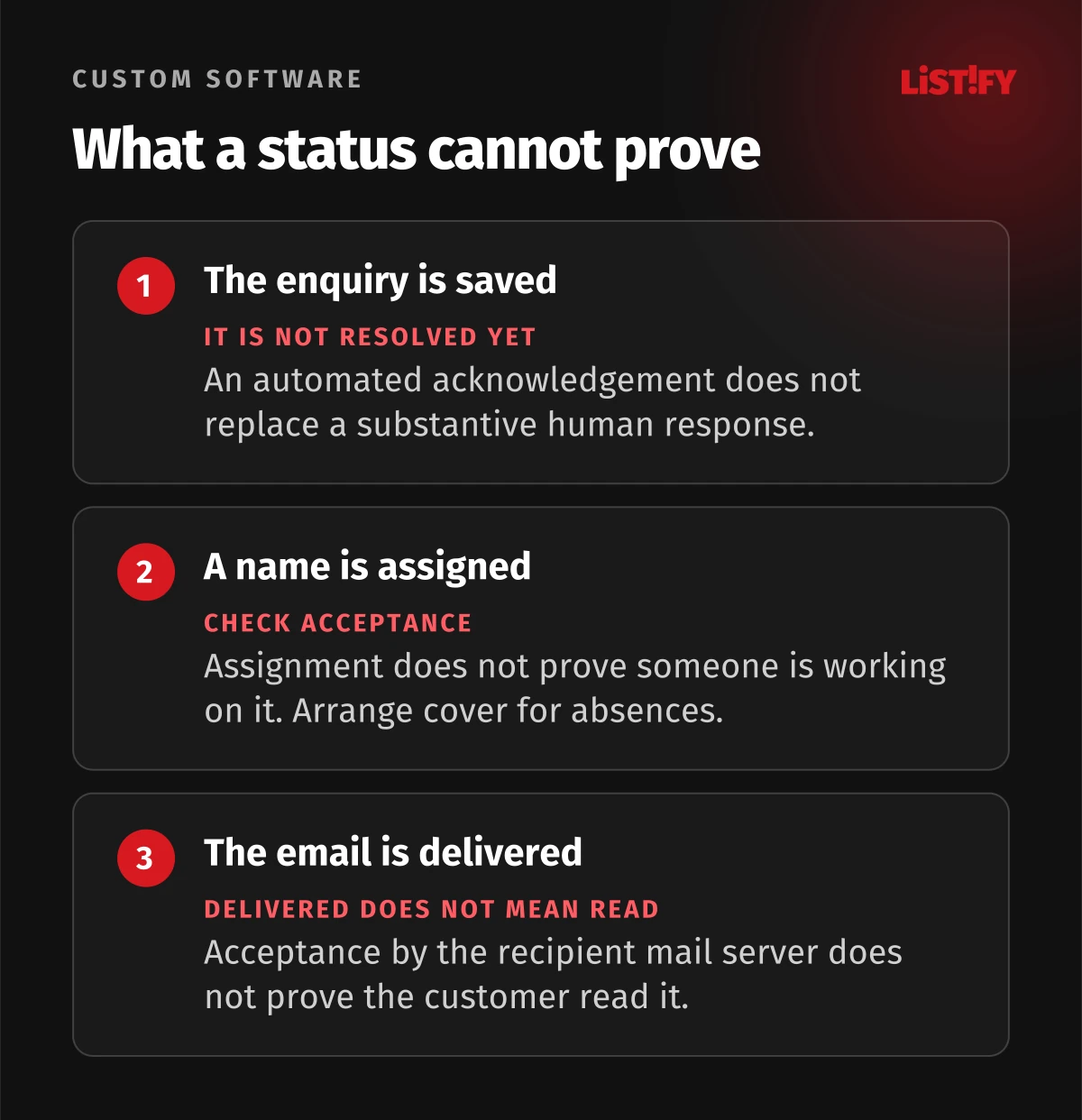
Distinguish assignment from acceptance. A record can carry the name of someone who is on holiday. Decide how a colleague takes over, who monitors unaccepted work and when an overdue enquiry reaches a manager. Keep the previous owner and reassignment history visible.
04Separate the automated acknowledgement from the human response
The confirmation email says the message arrived. The first substantive response should show that someone understood it. That could be a relevant question, a proposed call, an explanation of the next step or a polite refusal when the request falls outside your services.
For a typical team, we recommend a short set of statuses:
- Received: the request is saved and awaiting assessment.
- Accepted: a named person owns the next action and deadline.
- Waiting for customer: a substantive question has been sent and a follow-up date is set.
- In progress: the agreed sales activity is under way.
- Closed: the outcome and reason have been recorded.
Do not treat an opened email as proof that the opportunity is being handled. Record actions that actually happened: a reply sent, a call made or a meeting agreed. If the customer goes quiet, someone still needs responsibility for deciding when to follow up.
05Check delivery as well as sending
A message marked as sent has not necessarily reached the customer. Amazon SES distinguishes sending, delivery, bounce and delay events. Its Delivery event means the recipient's mail server accepted the message; it is not confirmation that a person read it.
Track failed delivery of acknowledgements and replies against the enquiry. Decide who checks an incorrect address and whether another contact channel supplied by the customer is available. Do not automatically mark the entire enquiry as “not received” merely because its notification email failed.
The connection should also handle repeated submission of the same request. A technical retry can be recognised by its transfer identifier. Do not automatically merge two different messages simply because they share an email address: the customer might be enquiring about two separate jobs.
06Test the normal path and the exceptions
Before launch, and after changes to the form, run a short operational test:
- Submit from a phone and check the saved content.
- Trigger a required-field error and check the correction instructions.
- Simulate an unavailable CRM and verify later transfer of the saved request.
- Check a duplicate submission and a genuinely separate second enquiry from the same customer.
- Make the assigned salesperson unavailable and test cover.
- Simulate a failed email and check that the right person is alerted.
- Allow an internal deadline to pass and verify escalation.
In regular reviews, count enquiries without an owner, past their deadline or still lacking a substantive reply. Measure time to the first human response using consistent working hours. Look at the longest-waiting records alongside the average, so a few quick responses cannot hide forgotten enquiries.
07Common questions
Do we need a bespoke CRM straight away?
No. A smaller team may only need an existing shared tool with assignment and deadlines. Consider custom business software when specific rules and connections justify it. Include licensing, configuration and staff time in the comparison.
Where should we start if the form works but tracking is missing?
Choose a process owner and a minimum set of statuses first. Then address the connection between your website and internal system. Without those decisions, automation simply distributes notifications faster while leaving responsibility unclear.
Send us your form URL and a description of what happens after submission today. We can review where enquiries wait and what you need for a reliable handover to sales.