From online order to accounts: How to stop retyping the same data
An order arrives in your online store. Someone retypes it into the accounting package, while the warehouse checks availability in another spreadsheet. A customer changes one item and the same work starts again. An integration can take over these steps, provided it also handles outages, part payments and cancellations. Here is how to define the job before commissioning it.
01Follow one order all the way through
Start with a real, completed order. Record who picked it up, when stock was allocated, where the invoice was created and who matched the payment. Then add an order that was changed or cancelled. This second example often exposes work that a proposal for “automatic order transfer” does not cover.
For each step, identify the input, the expected result and the person responsible for exceptions. “Connect our accounting software” is not a complete brief. You need to decide, for instance, whether an invoice is prepared when the order is received, after payment or at another agreed point. Confirm the applicable accounting and tax configuration with your accountant.
02Decide which system owns each piece of information
We recommend choosing one authoritative source for each group of data. It need not be the same application for everything. The store can receive orders, the warehouse system can control availability and the accounting package can assign invoice numbers. Other systems receive the copies they need.
| Information | Decision to include in the brief | Exception owner |
|---|---|---|
| Order and line items | Retain the identifier and terms confirmed when ordered | Sales or customer service |
| Availability and allocation | Choose the system authorised to allocate stock | Warehouse manager |
| Invoice and its number | Define where it is issued and how corrections work | Accountant |
| Payment and refund | Match confirmed bank or payment-provider records | Finance |
| Failed transfer | Show the last successful step and the next action | Named integration owner |
Agree how product codes, currencies, units and delivery charges map between systems. A pack of ten must not become a single item at the destination. A later catalogue price change should not overwrite the price of a confirmed order without an explicit rule. These details belong in the brief alongside the technical connection method.
03Keep order, stock, invoice and payment states separate
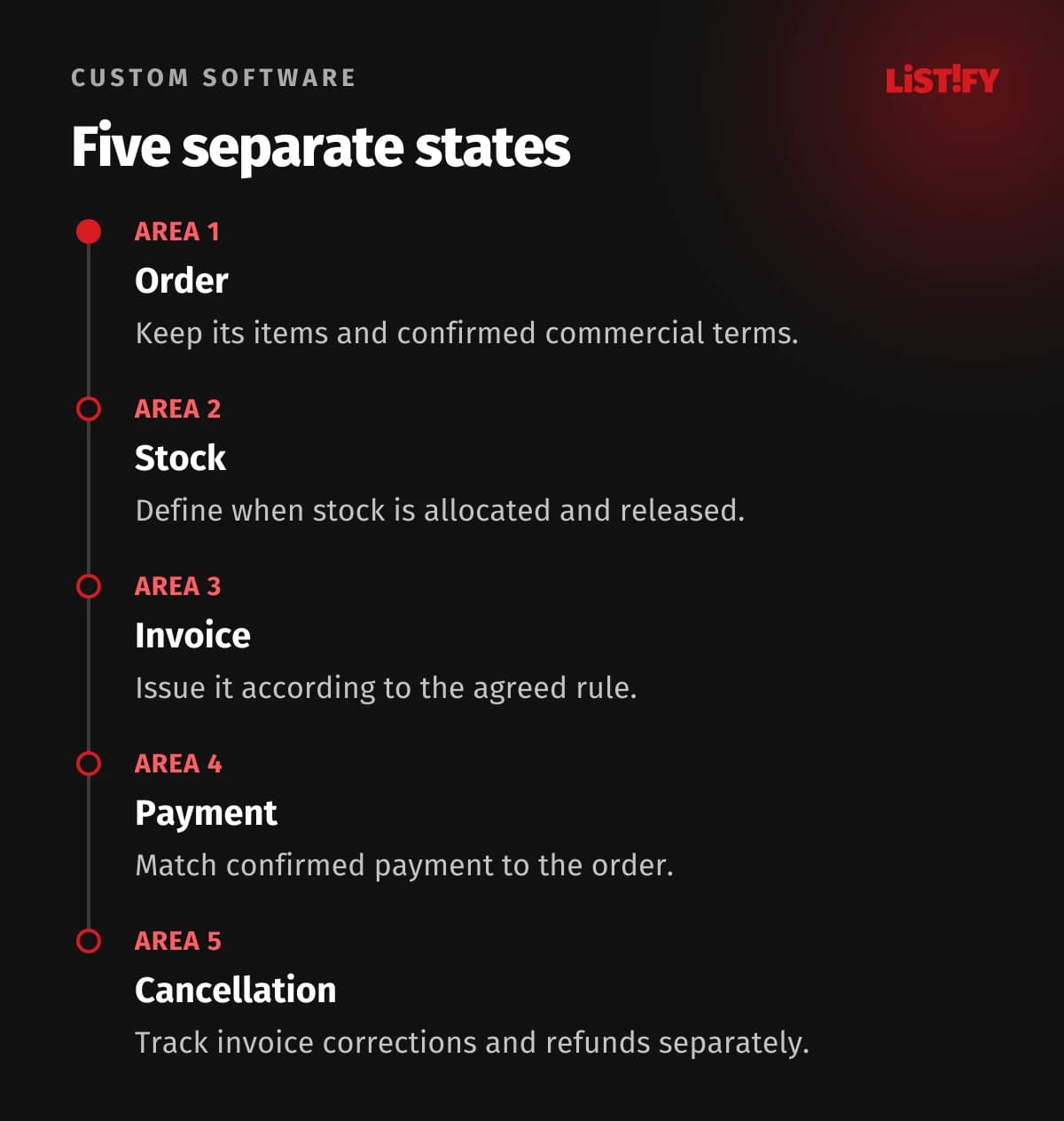
A single “completed” status tells you too little. Track the commercial order status separately from stock allocation, dispatch, invoicing and payment. An order can be fully paid while one item is still awaiting supply.
Physical stock is not necessarily available stock, either. For example, Shopify distinguishes inventory states, including units committed to unfulfilled orders. An integration needs more than an unexplained number labelled “stock”.
Define the condition for each transition: who can allocate stock, when it is released and what happens if there is not enough. If several channels sell the same inventory, test simultaneous orders for the last item. The implementation must respect which system has final authority to allocate it.
04A retry must not create a second invoice
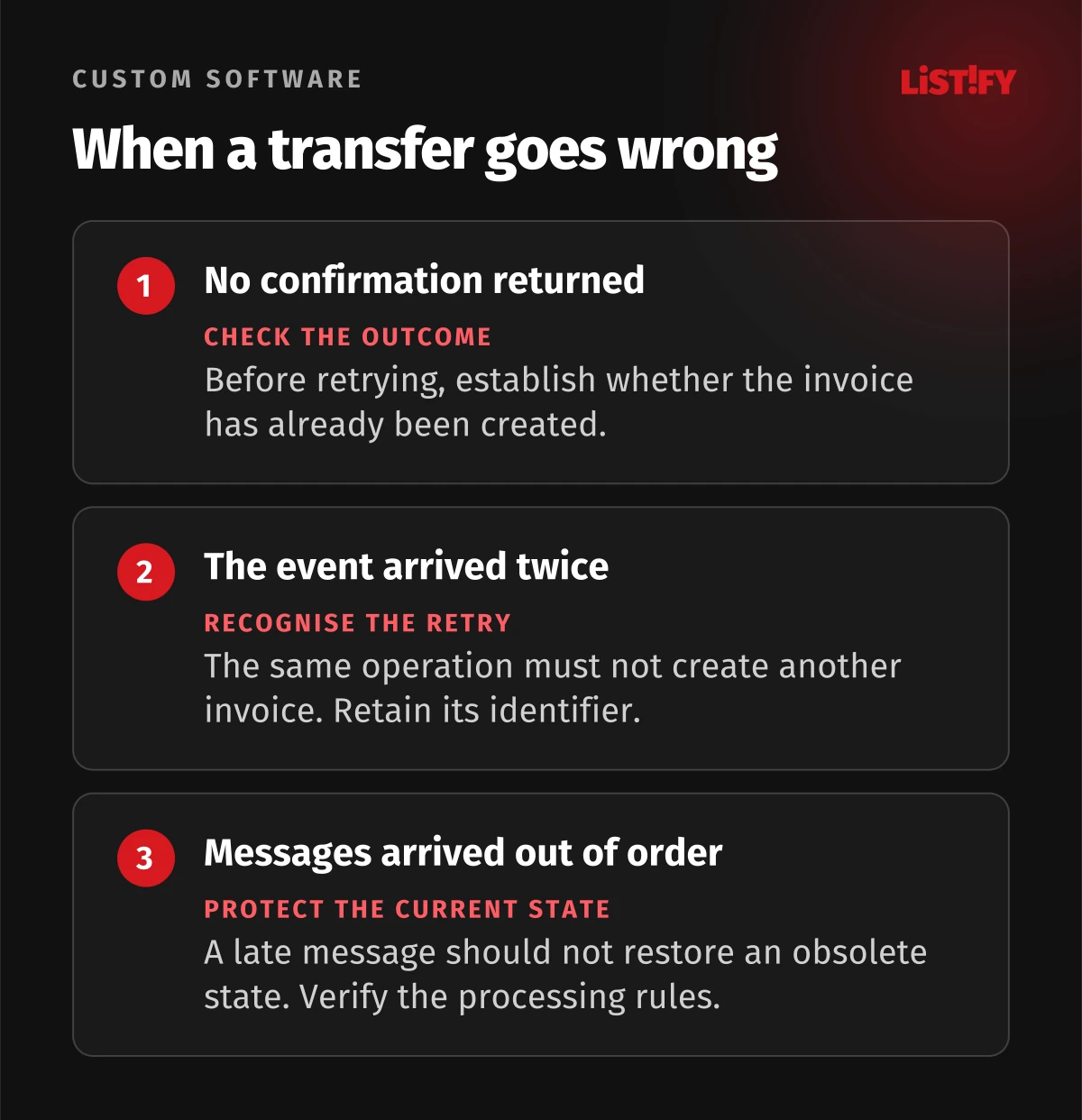
Consider this illustrative scenario. The accounting package creates an invoice, but an outage prevents its confirmation reaching the integration. The integration sees a failure and tries again. Unless it recognises the original operation, it could create another invoice.
Ask for idempotency: repeating the same operation should have the same business effect as performing it once. Stripe uses idempotency keys for this purpose. The capabilities and limits of each connected application's interface still need checking.
Your brief should require a stable operation identifier, a recorded link between order and invoice, and a procedure for uncertain outcomes. When an accounting response is late, the integration should first check whether the invoice already exists. A retry is also different from a subsequent amendment to the order, which represents a new operation.
Notifications may arrive more than once or out of sequence. Stripe's webhook documentation, covering automated notifications between systems, explicitly describes both duplicate delivery and the absence of guaranteed delivery order. Ask the supplier how a late message is prevented from moving a record back to an obsolete state.
05Break cancellation into explicit actions
Cancelling an order, releasing stock, correcting an invoice and refunding payment are separate actions. Record the outcome of each. Stripe documents pending and failed refunds, for example; submitting a request does not by itself prove that the refund has completed.
Define partial cancellation as well. Staff should be able to see which items are cancelled, how much is being refunded and what still needs attention. The integration should not quietly close the entire order while one of its follow-up steps remains unsuccessful.
06Launch a smaller scope and reconcile the results
Limit the first release to a clearly defined order type. Before launch, ask the supplier to demonstrate:
- a normal order with confirmed payment;
- duplicate message delivery and an outage after invoice creation;
- an unavailable item and simultaneous orders for the last unit;
- a part payment, an order amendment and a partial cancellation;
- an invalid product code or unsupported currency;
- recovery after an outage and processing of waiting transfers.
During the initial rollout, we recommend a daily discrepancy report covering missing invoices, unmatched payments, stuck stock allocations and unfinished refunds. Assign every exception to a person. Measure time spent fixing problems and supervising the connection, as well as the number of orders processed automatically.
07Questions to settle before commissioning the work
Will an existing connector be enough?
Often, yes, if it supports your statuses, corrections and failure scenarios. Compare licensing, implementation, supervision and manual exception handling. A custom integration becomes relevant when a standard connector cannot support an important operating rule.
Do we need a new online store?
Not automatically. Check the current platform's interfaces and available extensions first. If its limitations also affect purchasing, include them in the brief for your online store. Assess the complete workflow instead of deciding on the basis of one missing field.
Send us a list of your systems and anonymised examples of one routine order and one problematic order. We can discuss which transfer to address first and what it needs to handle before going live.