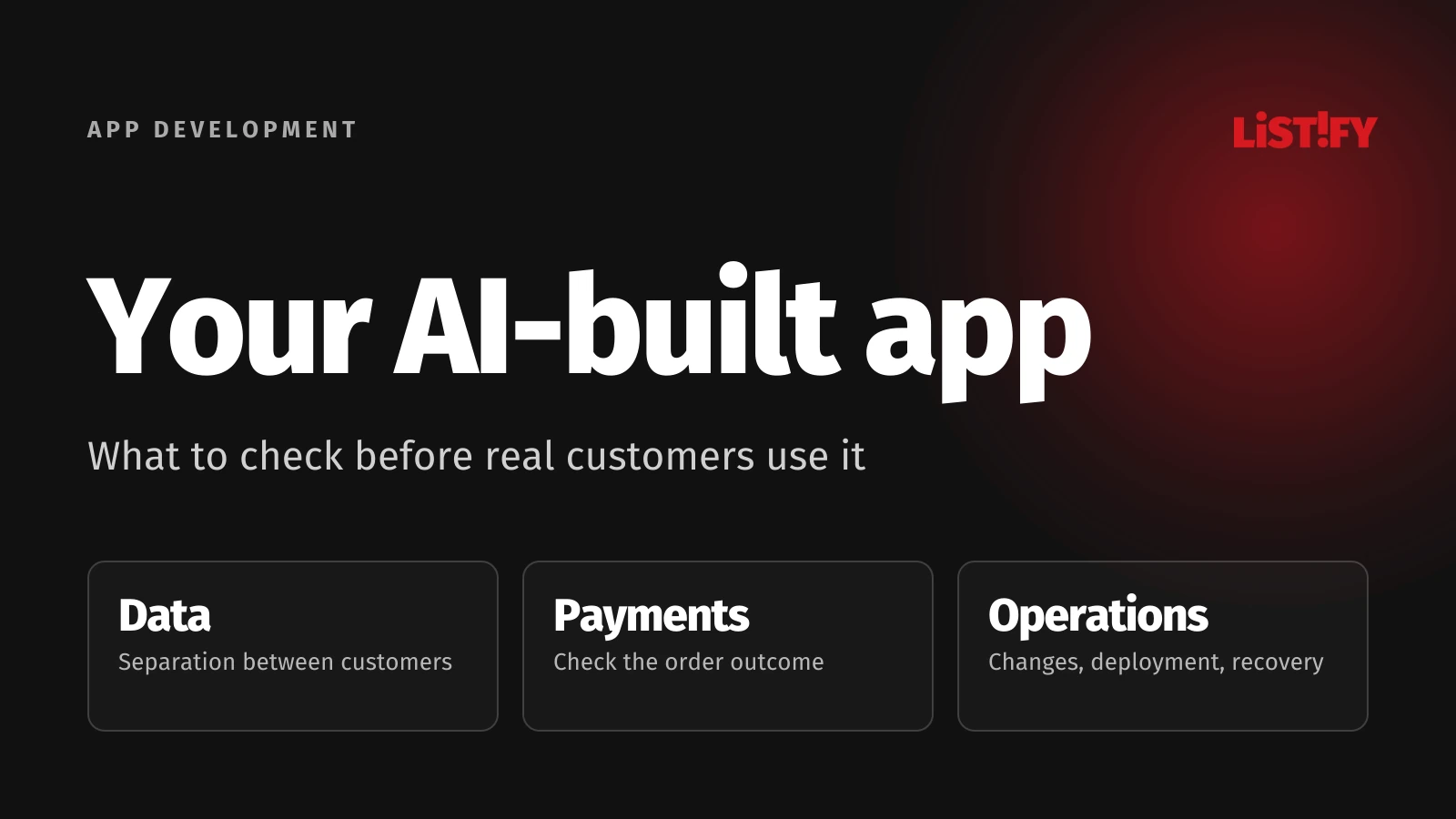
Your AI-built app works. Is it ready for real customers?
The prototype runs through a demo and your first users want access. Before launch, check whether the application protects their data, completes orders correctly and can be maintained. Those findings will help you decide what to keep and what still needs work.
01Decide what “working” actually means
You create an account, add a job and see it in a dashboard. That is a useful result when you are testing an idea. Before accepting real customers, you also need to know who can see the data, what happens when something fails and who will maintain the application six months from now.
This guide concerns an application built with AI coding tools. The application itself does not have to include a chatbot or any other AI feature. How the code was written does not decide whether it is ready. Its behaviour and verified results do. GitHub's guidance for Copilot Chat notes that generated code can be incorrect or vulnerable and should be reviewed and tested.
02Follow one customer task all the way through
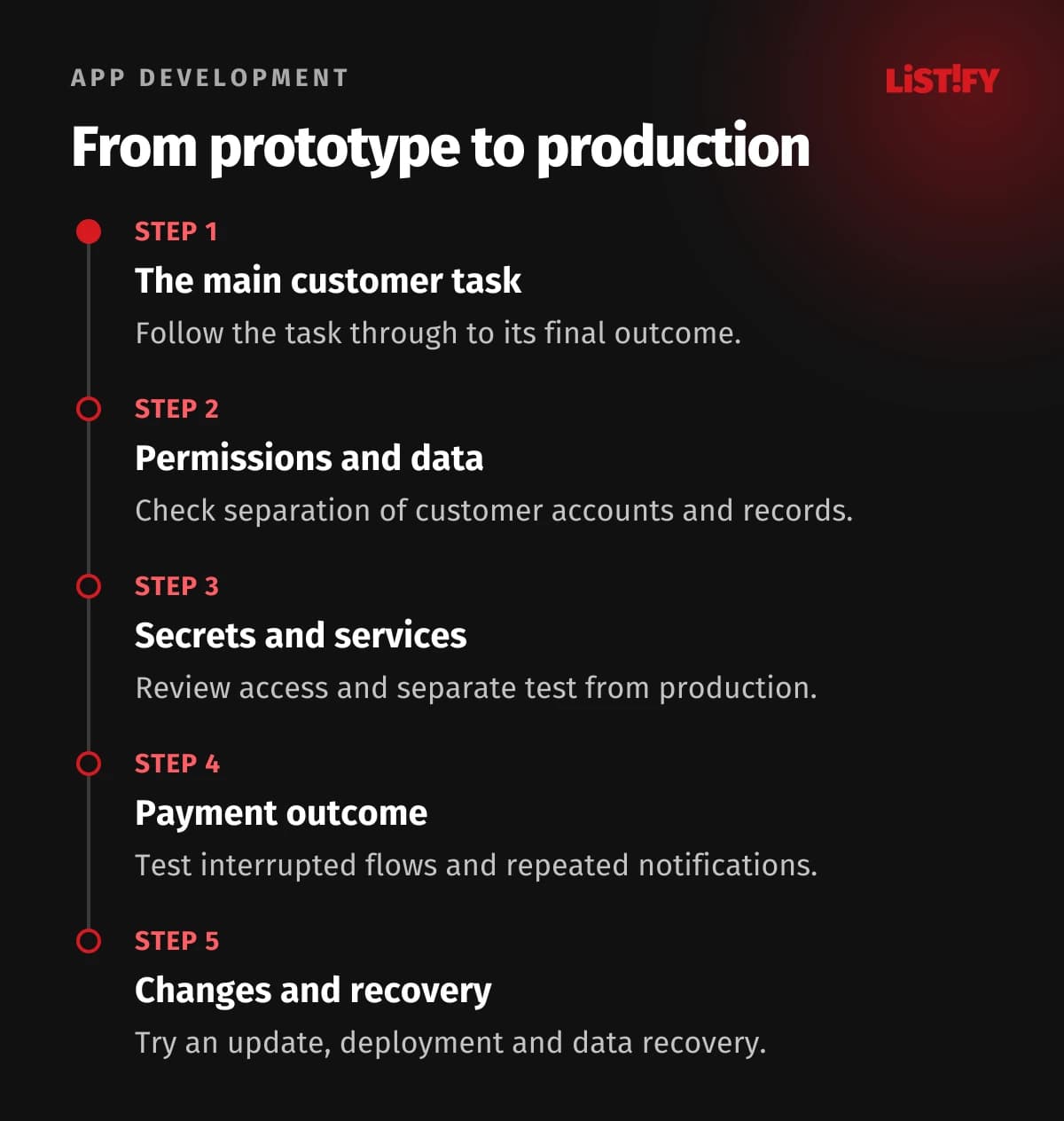
Choose the main task the application is meant to support. In an illustrative booking system, that could be selecting a slot, creating a reservation, paying and receiving confirmation. For each step, identify where information is stored and who will use it next.
Then change the conditions. The customer closes the window, submits twice or chooses a slot that someone else has just booked. The point is not to collect the most ticks on a checklist. You need to see whether the task completes correctly or fails in a way that people can understand and resolve.
03Check sign-in and access permissions separately
Create test accounts for two different customers. With permission to carry out the test, check that one cannot open the other's records or attachments. Repeat the exercise for an ordinary staff member and an administrator. Record each scenario so it can be repeated after future changes.
OWASP recommends checking permissions on every request. Hiding a button in the browser does not replace server-side access checks. For a customer portal, demonstrating a working login screen is therefore not enough; the separation of customer data needs to be tested too.
04Review secret keys and external dependencies
Ask for an inventory of the database, file storage, email service, payments and other integrations. For each item, identify the company administrator, the purpose of the access and where configuration is maintained. Keep test and live environments separate.
Sensitive credentials do not belong in public code or files delivered to the user's browser. OWASP's secrets management guidance covers access controls and the lifecycle of credentials. If a secret key has leaked, removing it from the current file is not enough: it needs to be revoked and replaced safely.
Also ask how you can export your own data and continue with another maintainer. Development platforms can impose limits. Request a demonstration of the export and deployment route you expect to use, rather than accepting a general assurance that everything is downloadable.
05For payments, test the order outcome
A thank-you page does not prove that the order has been processed correctly. In its order fulfilment documentation, Stripe explains that a customer may never reach the return page. Order handling should not depend solely on that visit.
In the test environment, check a successful payment, a declined payment, an interrupted return to the application and a repeated payment notification. Inspect the number of orders created, the payment status and what both the customer and staff receive. An uncertain booking or order needs a traceable record and a defined way to resolve it.
06Try making a change, deploying it and recovering data
Ask the person who will maintain the application to make one small change. They should be able to find the relevant part, verify the change and deploy it without a manual intervention from the original author. This is not a speed test. It checks whether someone else can understand and rebuild the project.
List the components used and assign responsibility for updates. Restore a backup outside the live environment. Agree how faults will be detected, who receives alerts and who can disable a problematic feature. Check the route back to a previous release as well; database changes may need their own recovery procedure.
07Keep it, repair it or rebuild it?
| What the review finds | A sensible next step |
|---|---|
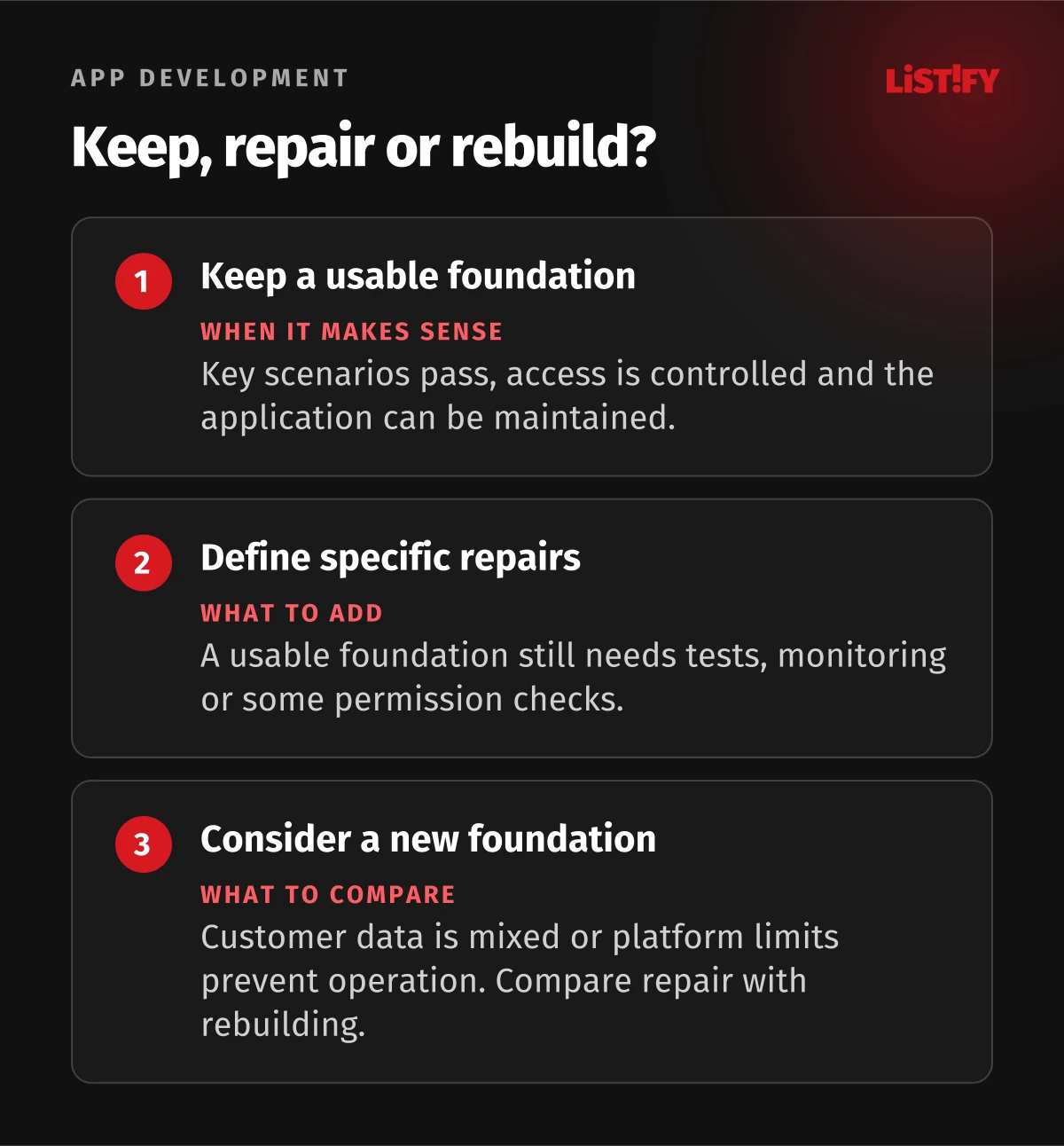
| Critical tasks pass, access is controlled and the application can be maintained. | Prepare a limited launch with a named operator and error monitoring. |
| The foundation is usable, but tests, monitoring or some access checks are missing. | Define the repairs and verify the affected tasks again before release. |
| Customer data is mixed up, or fundamental platform limits prevent the required operation. | Design the necessary foundation changes and compare repair scope with a rebuild. |
Base the decision on the actual findings and the work ahead. Neither the line count nor the time spent generating code tells you which route is better. Include data migration, verification, staff training and ongoing operations in the plan.
08Questions before launch
Does an AI-built application have to be thrown away?
No. A useful prototype can become the basis for further development. Assess its actual condition first. Rewriting without understanding the problems can reproduce the same mistakes.
Is a second AI review enough?
Use it to help find issues. A release decision also needs verified behaviour, checked configuration and a person accountable for the result.
What should the review deliver?
A list of issues with their impact, proposed repairs, results from critical tests and conditions for release. Each issue should say whether it blocks operation, who will resolve it and how the fix will be checked.
Have a working prototype that you want customers to use? Send us a description of its purpose and the services it relies on. A security audit can assess the security aspects, while our project takeover service can review maintenance and further development as well.