Traffic dropped after a redesign: Investigate with Search Console
Your new website is live, but fewer visitors are arriving from Google. Before rewriting titles or restoring the old site, find out where the loss occurred. Here is a practical order for your Search Console checks, with the limits of what each finding can prove.
Start by establishing the scope. Check whether clicks from Google fell, which pages lost them and when the change began. Then investigate the cause. A drop that coincides with a redesign does not, by itself, prove that the new site caused it.
01Confirm what actually fell
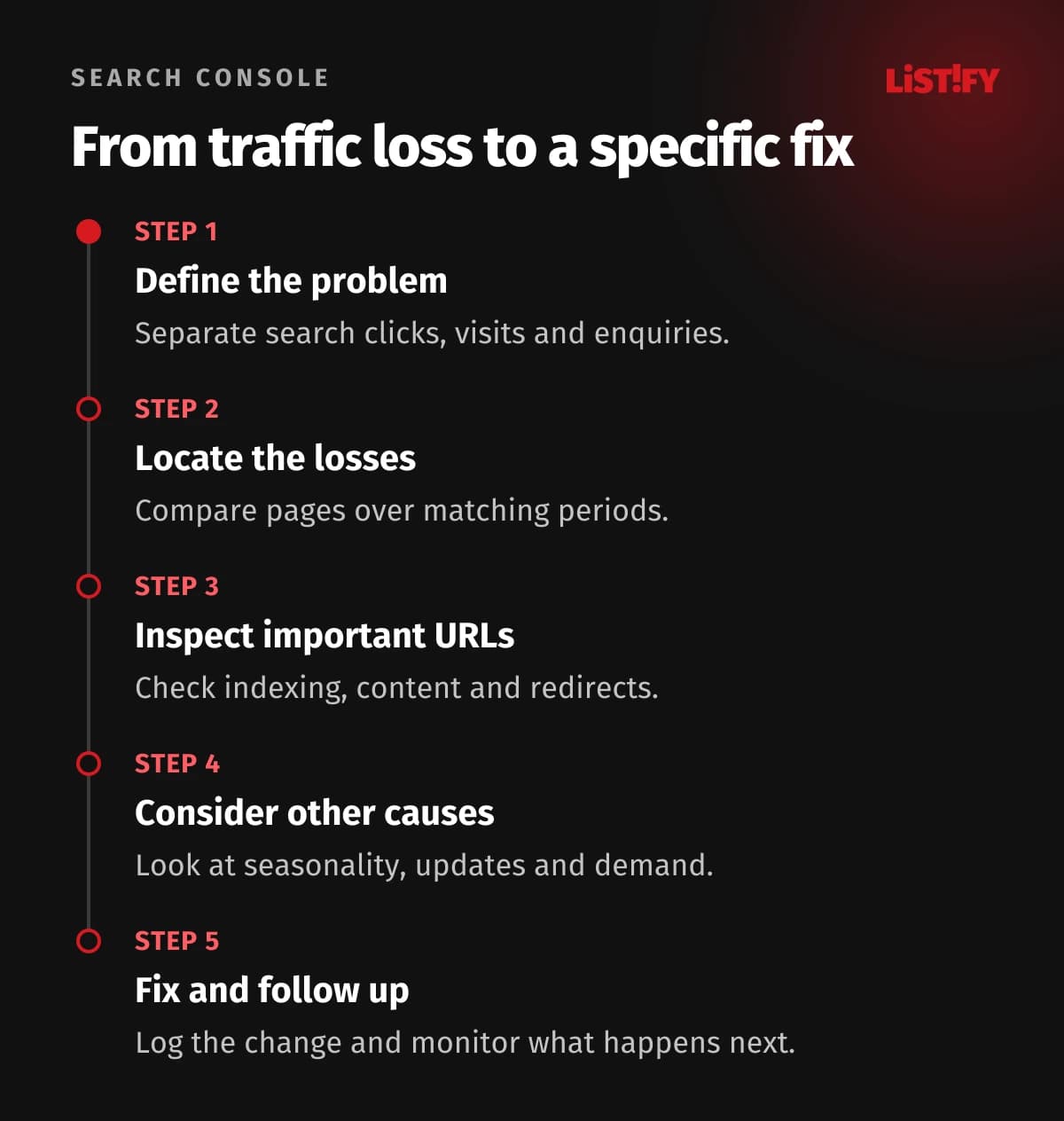
“Traffic is down” might mean fewer visits in analytics, fewer search clicks or fewer enquiries. These are different problems. If only analytics shows a decline while Search Console clicks remain similar, check measurement on the new site first. Changes to tags or consent settings can affect reported data; Search Console and website analytics also measure different things.
In the Search Console Performance report, examine clicks, impressions, CTR and average position. CTR is clicks divided by impressions. Check the property, search type and dates. The latest data can be preliminary, so do not judge a whole week from an incomplete day.
Record the launch date and what actually changed: URLs, copy, navigation, technology or domain. Ask your supplier for a record of subsequent fixes too. Without it, distinguishing the original fault from a later intervention becomes harder.
02Find the pages losing the most clicks
Compare equal periods with the same mix of weekdays. Two weeks before launch and two complete weeks after it can provide an initial view; a smaller site may need longer. Add a year-on-year comparison where historical data is available.
In the Pages tab, sort by the difference in clicks. Prioritise absolute losses rather than the largest percentage. Falling from two clicks to one is different from losing hundreds on an important category. Then separate mobile and desktop, key markets, and searches containing your company name from other queries.
If URLs changed, pair each old address with its replacement. An old page reaching zero clicks may be expected if the new page took over. Assess the topic and the whole site, not just the old addresses.
03Read the signals together
This table suggests the next check, not an automatic diagnosis. One symptom can have several causes.
| What you see | Check first |
|---|---|
| Most of the site drops after launch | Server availability and shared indexing rules. |
| One group of pages declines | Its template, content, links and redirects. |
| Similar impressions, fewer clicks | Queries, positions, result appearance and title changes. |
| Losses mainly on old URLs | Replacement page performance and redirect destinations. |
| Similar clicks, fewer enquiries | Forms and the journey after visitors arrive. |
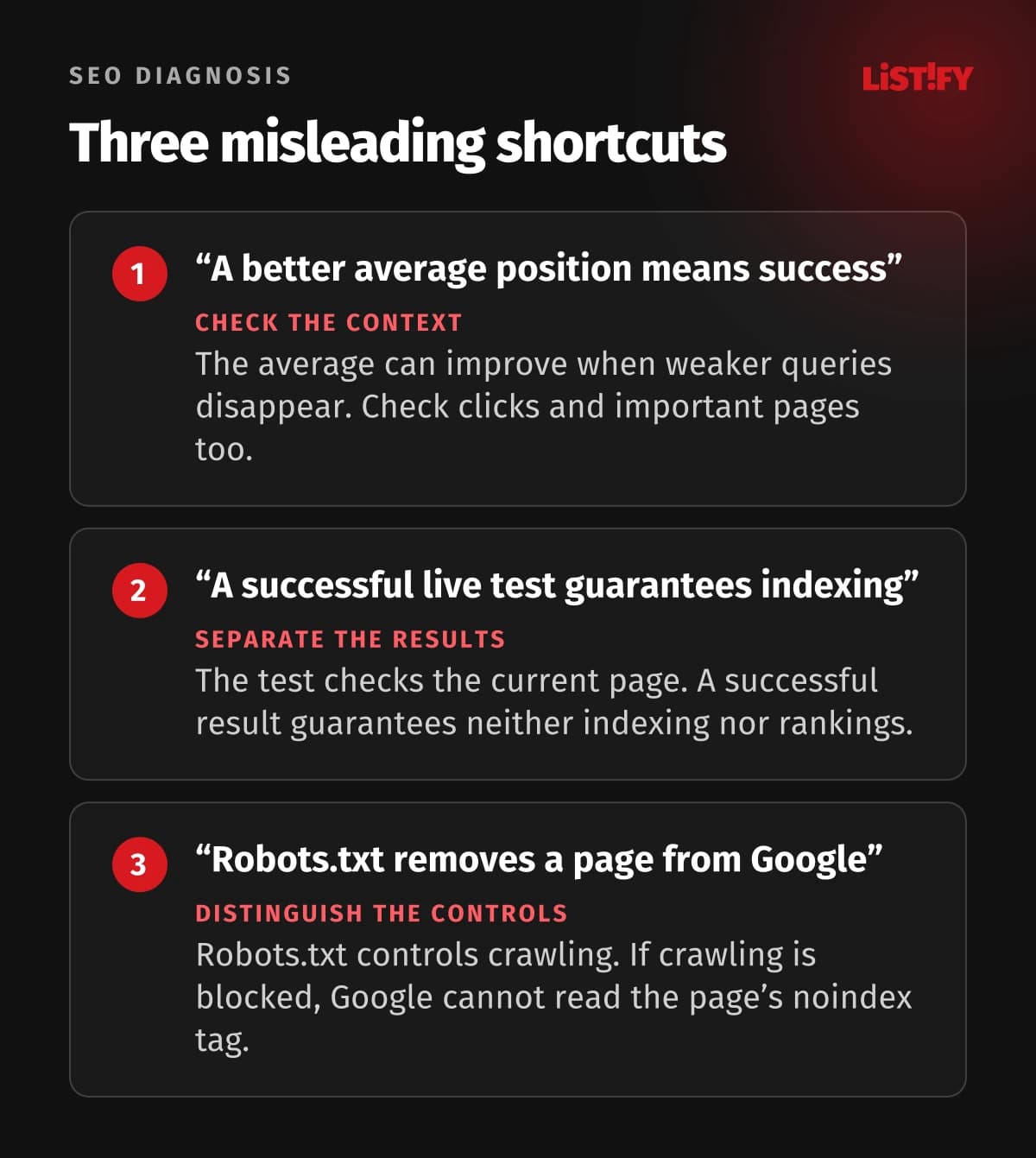
Do not judge an entire redesign by one average position. If some lower-ranking queries disappear from the report, the average can improve while valuable visits are lost. Investigate the pages and queries that matter to the business.
04Check indexing and inspect individual URLs
In the Page indexing report, look for changes in why important pages are not indexed. Not every unindexed URL is a fault: redirected addresses and duplicates do not necessarily need separate search listings. The issue is whether pages you need in search are missing.
Use URL Inspection on a sample of affected and unaffected pages. In the indexed data, check the last crawl and canonical URL: the version Google selected as primary. The live test cannot determine that choice. Use it to check current accessibility, indexing permission and content. A positive result does not guarantee indexing or rankings.
Ask your developer to check response codes, noindex directives, headers and robots.txt rules. Robots.txt controls crawling; it is not a reliable way to remove a URL from results by itself. If it blocks page access, Google cannot read that page's noindex directive. Treat these as different mechanisms when fixing the problem.
05If URLs changed, follow the route from old to new
For priority URLs, follow the old link through to the destination's content. A visitor should reach the same subject. Sending every removed page to the homepage is no substitute for proper mapping. Google's migration documentation recommends relevant destinations, direct redirects, and updated internal links and sitemaps.
Illustrative scenario: an “Industrial pump servicing” category used to bring enquiries, but now redirects to a general services page. Give your supplier the old address, new address and a description of the missing content. If an equivalent page exists, check the redirect destination. If not, decide whether the topic needs its own page again. This is an example, not a LISTIFY client case.
06Consider causes beyond the redesign
Check the Manual Actions and Security Issues reports. Also examine seasonal demand, changes in search results and announced Google updates. These possibilities are covered in Google's traffic-drop investigation guide. Matching dates provide a reason to investigate, not proof.
Keep several hypotheses open if necessary. For each, state what would support it: missing indexed pages, incorrect redirect destinations or declining interest in the same queries across the market. This gives your supplier a specific investigation to carry out.
07Prioritise fixes and keep a change log
Address downtime and widespread blocking first, then important page groups and their content. Record the issue, evidence, owner, fix date and next review. After a fix, verify current behaviour and then monitor the reports. Do not promise a fixed recovery date: crawling, indexing and ranking changes are neither instant nor guaranteed.
08Frequently asked questions
Will repeated indexing requests help?
A request does not fix blocked access, unsuitable content or redirects. Resolve the cause first, then consider requesting indexing for an important URL.
Should we immediately restore the old site?
Establish the scope of the fault first. A rollback may help with a serious operational failure, but it can also introduce another URL change and complicate the investigation.
09Prepare evidence for the fix
For an organic search performance review, share the launch date, most affected pages and a record of changes. If your previous supplier cannot resolve the issue, our project takeover service can include a technical investigation of the specific causes.