From ad click to paid invoice: Connect advertising with your CRM
Your ad account reports enquiries, sales keeps its own records and finance knows which invoices were paid. Which campaigns lead to real business? Here is how to connect the records, agree sales stages and build a report you can trace back to the evidence.
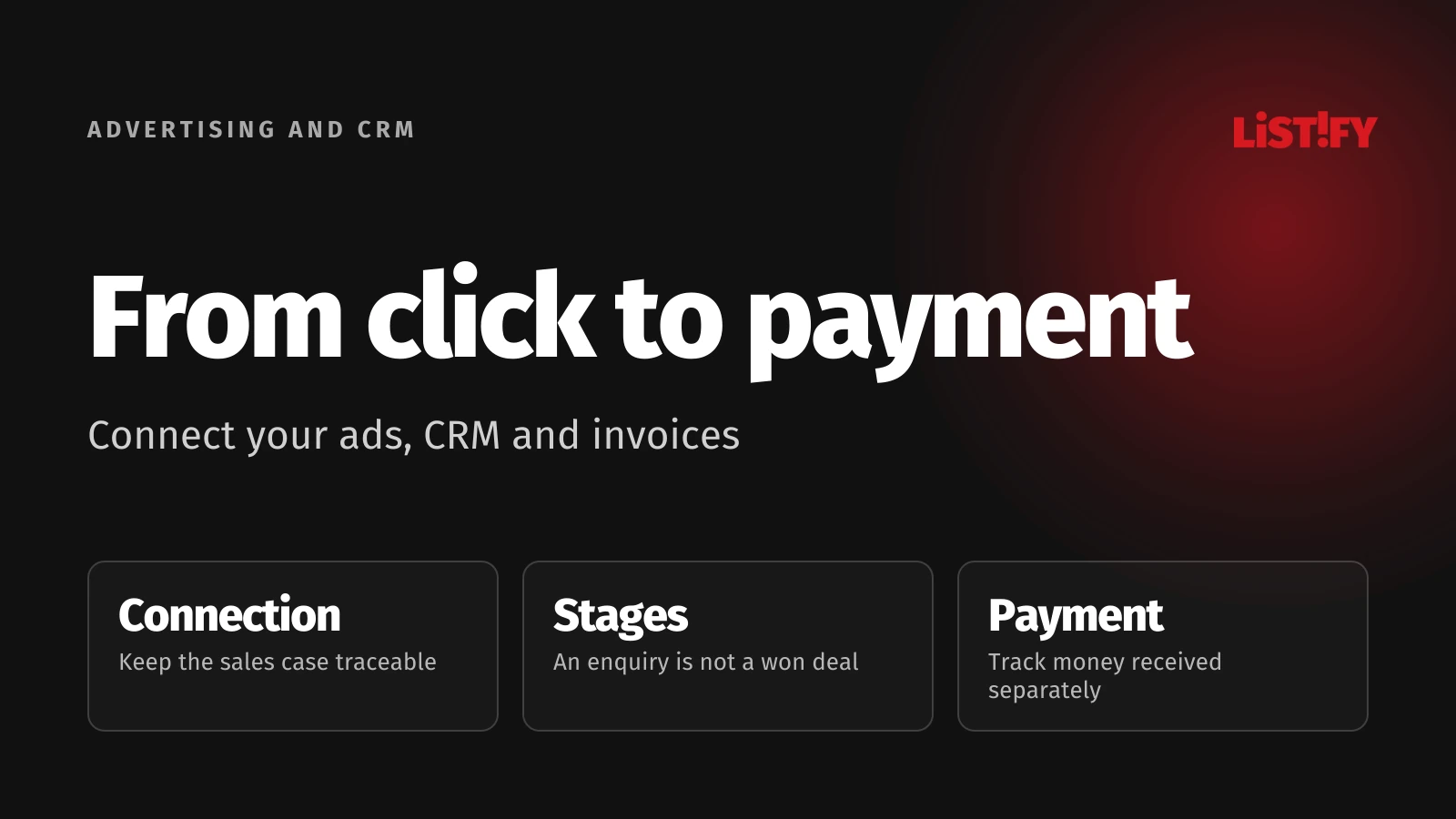
The connection starts with a shared reference. You need to trace an enquiry from its form submission through the sales opportunity to invoices and payments. With that link in place, you can decide how to attribute the result to advertising and which events to send back to an ad platform.
01Be clear about the question you are answering
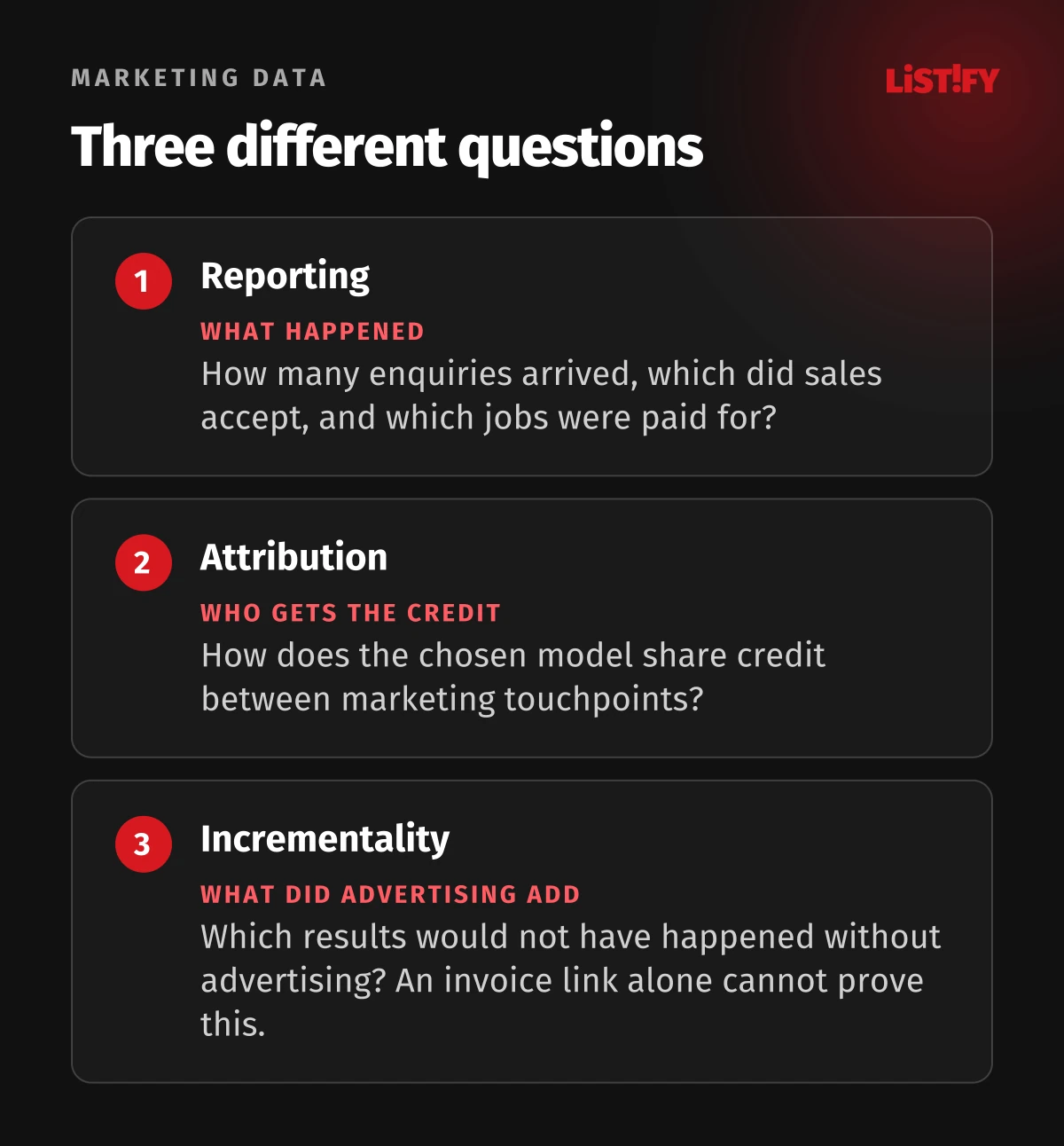
Reporting describes what happened: enquiries received, opportunities accepted by sales and jobs customers paid for. Attribution distributes credit for an outcome across marketing interactions using a chosen model, as explained in Google Analytics documentation. Changing the model can change the credited results without changing the number of actual sales.
Incrementality asks how many outcomes would not have happened without advertising. Google Conversion Lift therefore compares treatment and control groups. Linking an invoice to an ad click does not establish that causal effect. For your regular business report, start with reliable records and make this limitation explicit.
02Agree sales stages before connecting the systems
Marketing may count a form submission as success. Sales wants an enquiry from someone with a real need that the business can serve. Finance knows what has been paid. If everyone means something different by “conversion”, integration will only move the confusion faster.
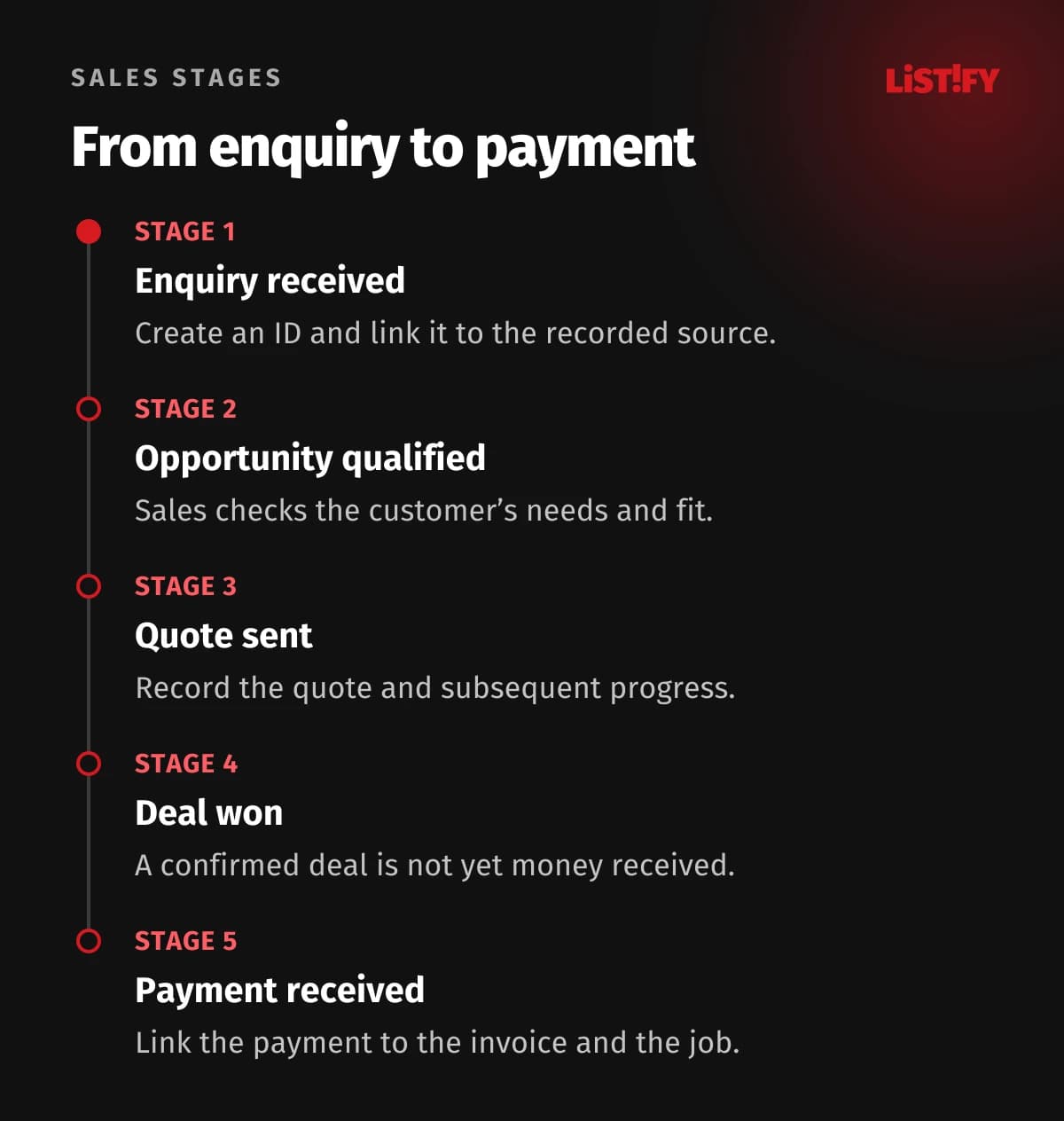
For a first version, we suggest enquiry received, sales-qualified opportunity, quote sent, deal won and paid. Add rejected and lost, with reasons. Give every transition an owner and a verifiable condition. “Won” must not automatically mean “paid”.
For a long sales cycle, do not wait for payment before assessing enquiry quality. Track intermediate stages, but report money separately. Otherwise estimated quote values can become mixed with payments actually received.
03Define the minimum data that preserves the connection
| Record | What it needs |
|---|---|
| Enquiry | Its own ID, receipt time, form and contact reference. |
| Visit source | Source, medium, campaign and capture time; an available ad identifier where applicable. |
| Sales opportunity | Its own ID, enquiry links, owner and stage. |
| Stage change | Event ID, previous and new stage, time and reason. |
| Invoice and settlement | Invoice ID, deal reference, amount, currency, payment and refund events. |
| Ad platform upload | The event sent, acceptance result and any error. |
One customer can make two enquiries and place several orders. One deal can involve a deposit, balance payment and multiple invoices. Do not join everything on email address alone or count the full deal value at every change. Your relationships should reflect how sales actually work.
04Capture the source when the enquiry arrives
UTM parameters label a link's source, medium and campaign. Agree consistent names and distinguish the first recorded interaction from the visit that produced the enquiry. A later visit should not silently overwrite the history.
For Google Ads, auto-tagging can add a GCLID identifier. Check that redirects and forms preserve the required parameters. Store and share them only as permitted by your consent settings and service requirements. Do not assume every visit has an identifier.
If the source is missing, leave it as unknown. Keep a customer's answer such as “a colleague recommended you” in a separate self-reported source field. It is valuable but different from an observed visit. Do not put names, email addresses or details of customer projects in public UTM parameters.
05Send a defined outcome back to advertising
Google Ads offline conversion imports can connect later sales events with advertising; enhanced conversions for leads can also use permitted customer data. Check current documentation and Data Manager options for the transfer method. Storing data in your CRM and sharing it with an ad platform are separate decisions.
Decide whether you are sending a qualified opportunity, won deal or payment. Give these events distinct names and do not add all their values together as revenue. Before using them for campaign optimisation, check completeness, delay and frequency.
Give each upload a unique identity. Retrying a failed request must not create another reported sale. For cancellations and changes in value, check the rules for the chosen import. Google documents conversion restatements and retractions, but support varies by conversion type and transfer method. Changing an amount in your CRM alone does not correct the ad report.
06Compare matching groups over matching periods
Illustrative example: an October campaign produces 60 enquiries. Sales accepts 12 opportunities and 3 deals are paid by the end of October. Another 2 deals from that group close in November. The October campaign therefore does not have a final result after one month. This is a fictional scenario, not a LISTIFY result.
Create two views: outcomes from enquiries acquired during a given period, and money received during a given period. State when the report was last updated. When assessing a campaign, compare groups that have had the same time to mature and include the corresponding campaign costs. Define the currency and treatment of tax, partial payments and refunds. Revenue attributed to advertising is not profit; delivering the work still costs money.
07Test these cases before the first live report
- The same customer submits a form twice, then enquires about a different service.
- An enquiry has no ad identifier or permission for further use of it.
- A deal is partly paid, cancelled or refunded.
- A failed upload is retried without creating a second sale in the report.
- A sample of reported deals is reconciled against CRM records and invoices, not just another dashboard.
08Frequently asked questions
Why do the ad platform and CRM show different totals?
Check event definitions, periods, attribution rules, missing links and delays. A discrepancy alone does not identify which system is wrong.
Can we add conversions from all our ad accounts together?
Not as a count of unique deals. Multiple platforms can claim the same sale. Build the company total from unique sales records.
09Start with one route from enquiry to payment
Tell us which CRM, ad channels and invoicing process you use. We can design the data connection and, alongside your digital marketing work, define the outcomes worth including in the first report.